 BeFit Tracker Help
iPhone
Turn a food photo into a food you can use
Photograph a dish on iPhone, explore likely recipe matches, and save the one that fits your meal.
On an eligible iPhone, photograph a dish and use Apple Intelligence to turn what it recognizes into useful recipe choices. You stay in control from the first match to the food you save.
This Beta workflow is shown only when Apple Intelligence is available. Apple Vision assists with image classification inside the workflow, and Apple Intelligence helps form the food description. BeFit Tracker then searches public recipe websites and brings back likely matches for you to compare.
Recognition can be incomplete or wrong, and recipe websites can contain mistakes. The feature is optional and cannot guarantee dish, ingredient, serving, or nutrition accuracy. Review every result before importing it.
From picture to promising matches
- Open User Library, choose Add Food, then select Take a Picture.
- Center the dish in clear light and take the photo.
- Review the recognized dish description. You can refine the wording before searching if it needs a little help.
- Choose Find Recipe to explore likely matches from public recipe websites.
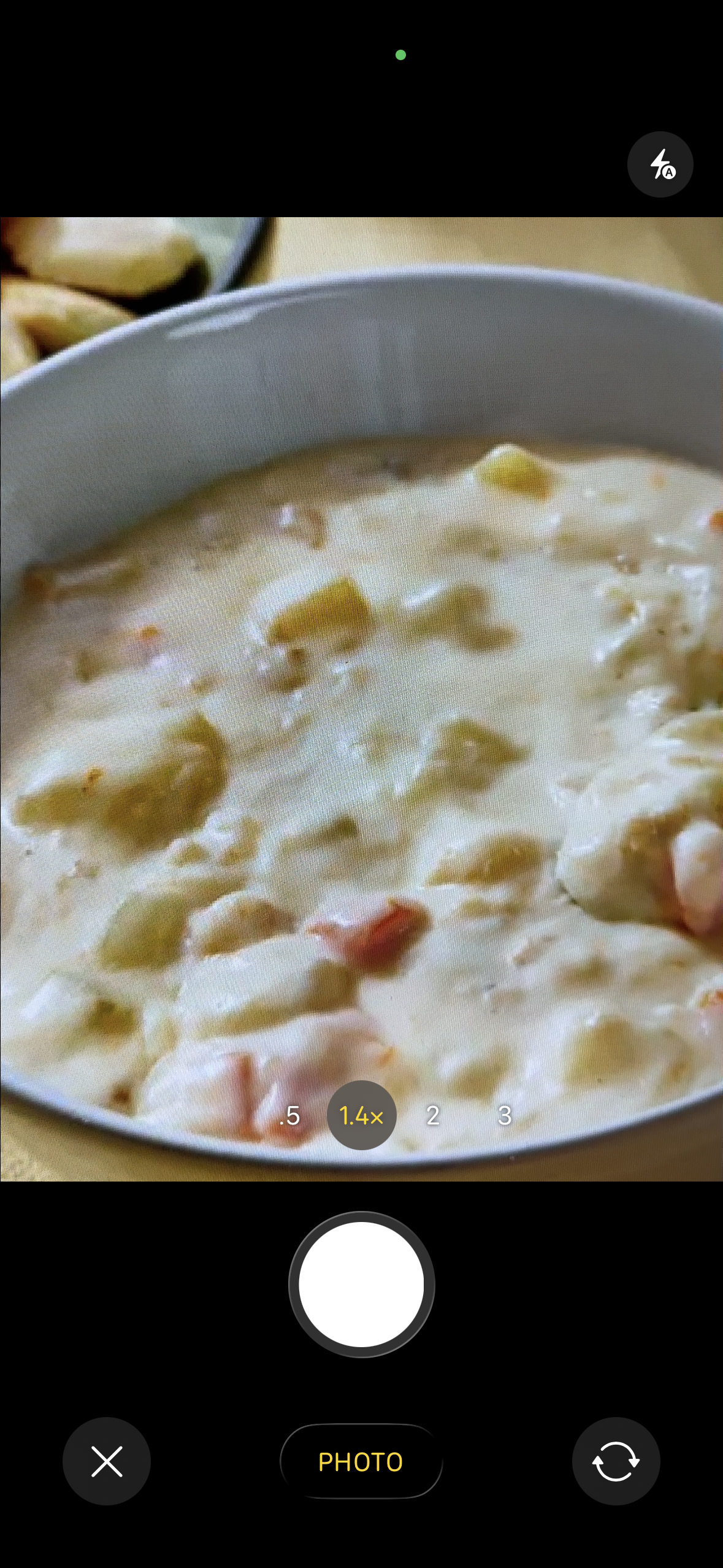 Check the captured image
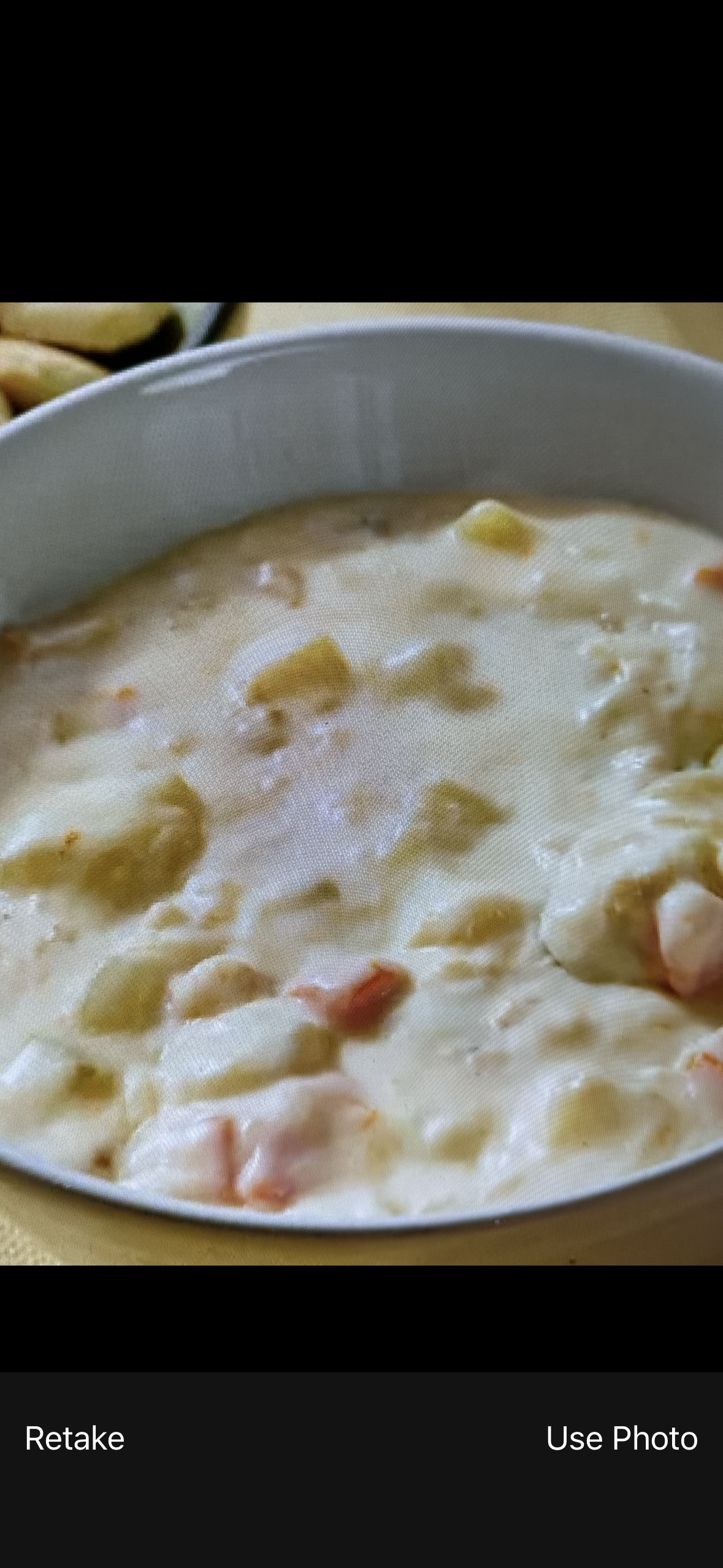 Confirm only a clear photo
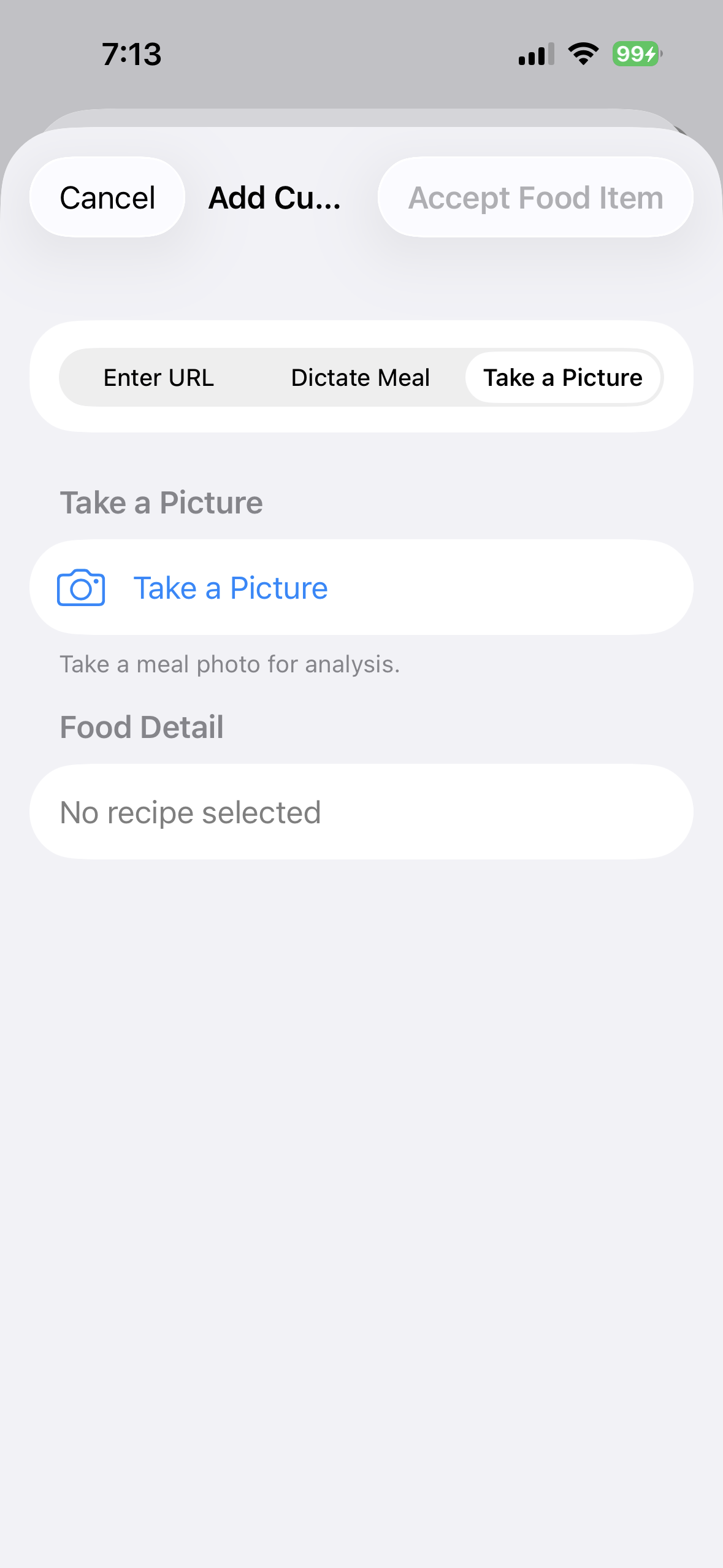 1. Start with Take a Picture
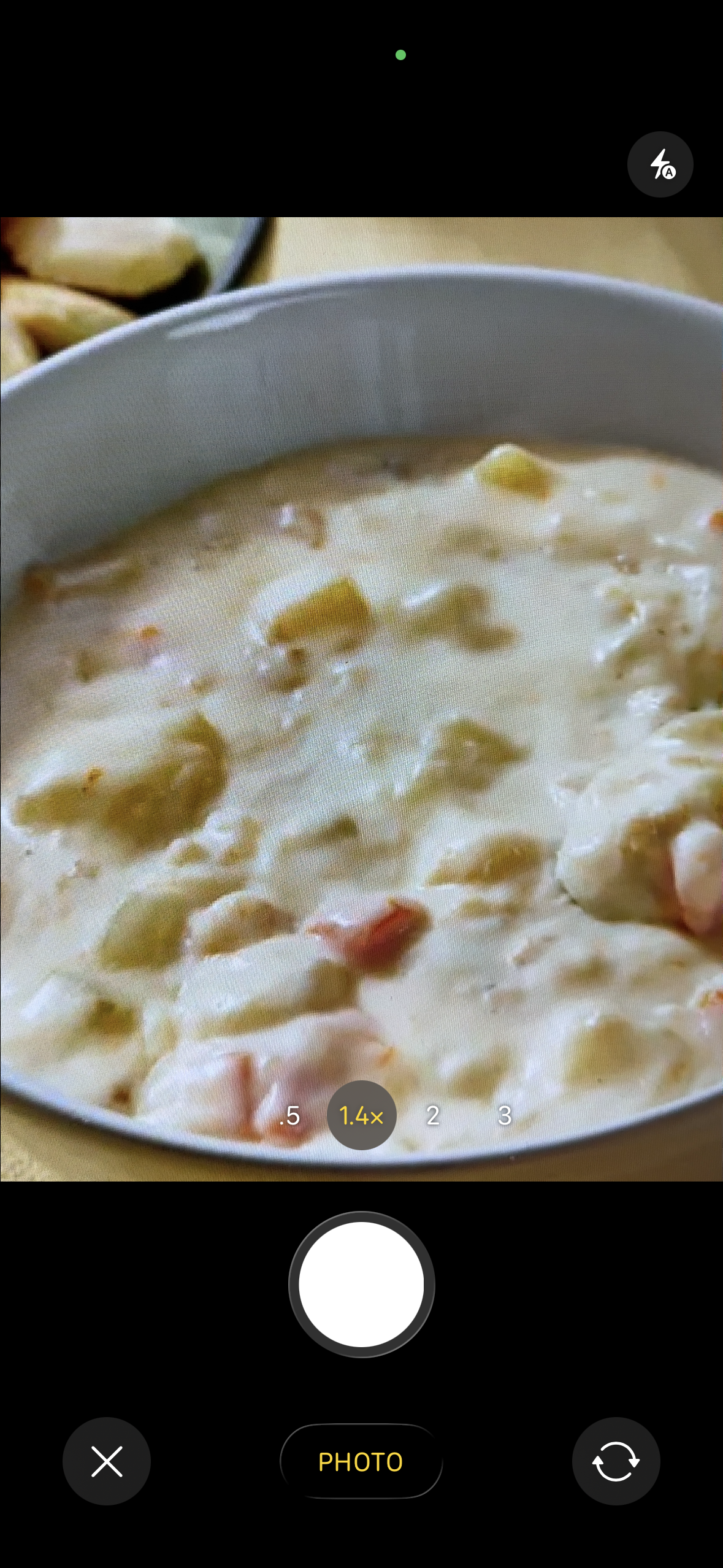 2. Put the dish in focus
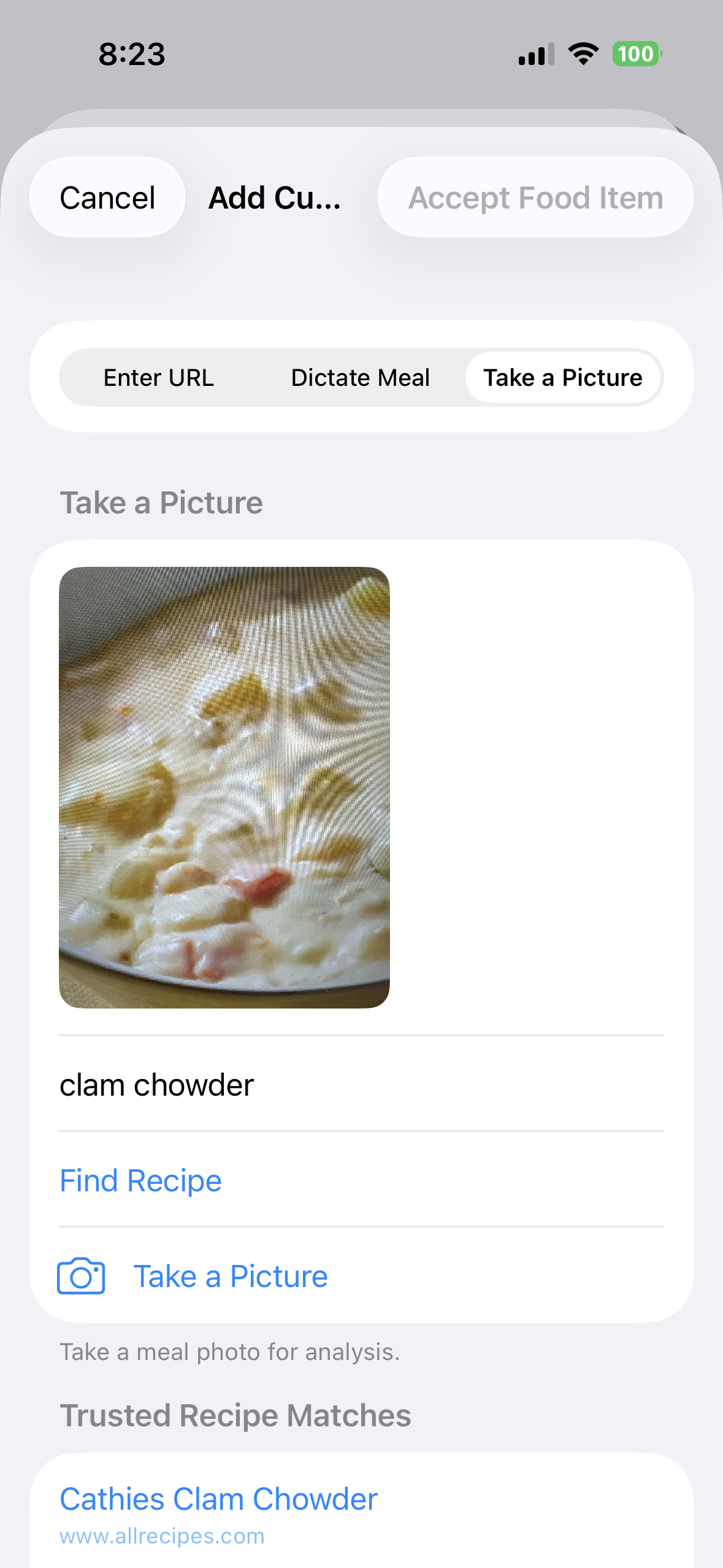 3. Check the recognized dish
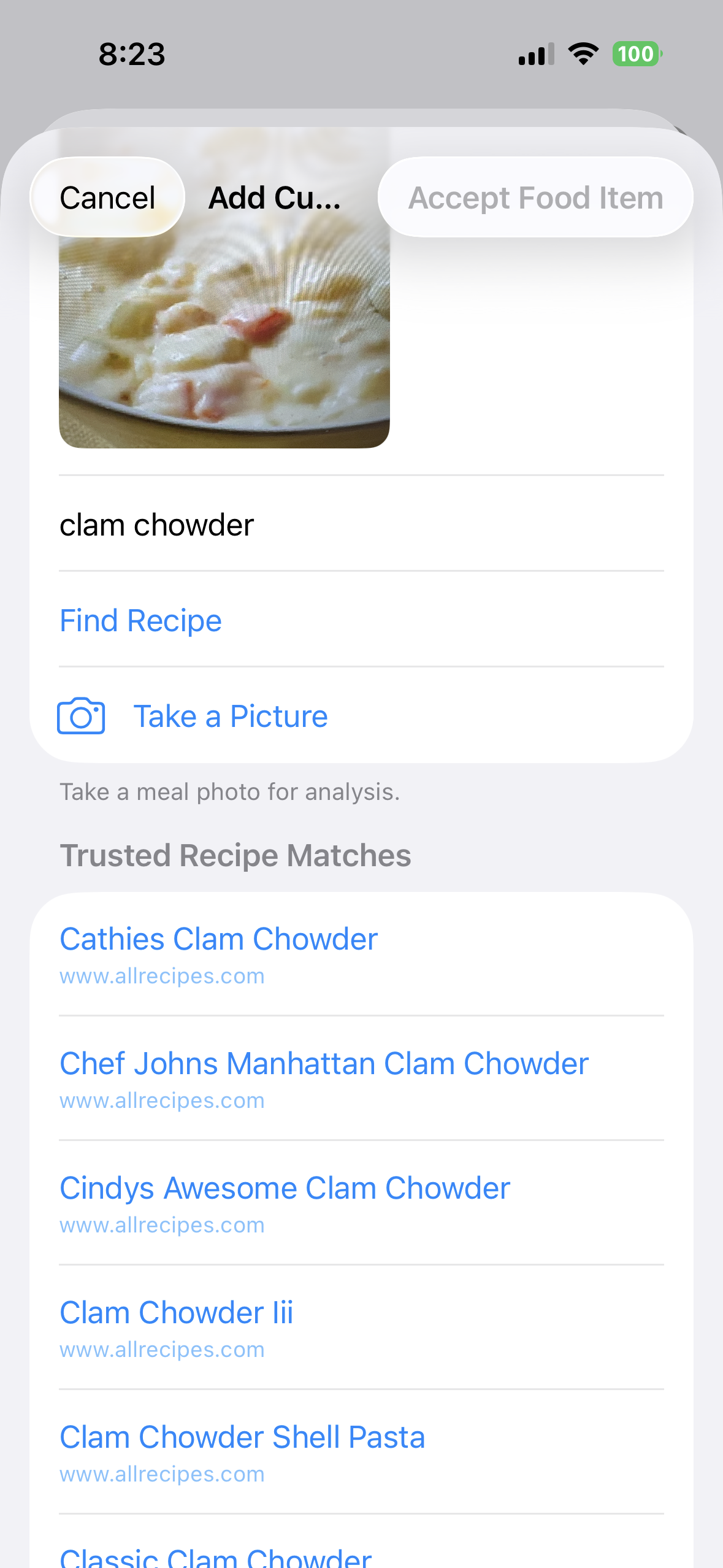 4. Explore likely recipes
Choose the recipe that looks right
Open the closest match and check its calories, macros, ingredients, and source. The first result does not have to be the right one. Move back to the candidate list whenever another recipe better reflects what is on your plate.
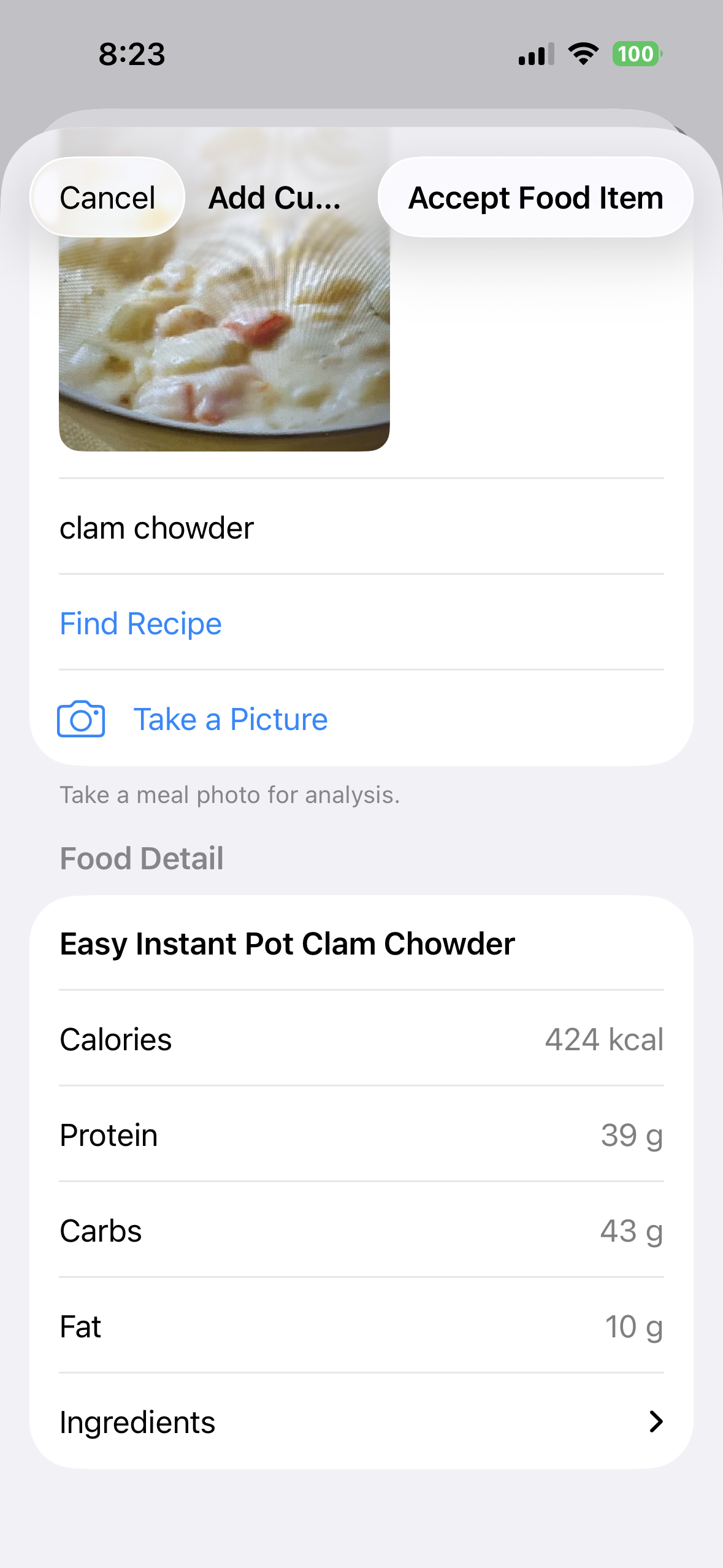 5. Preview the strongest match
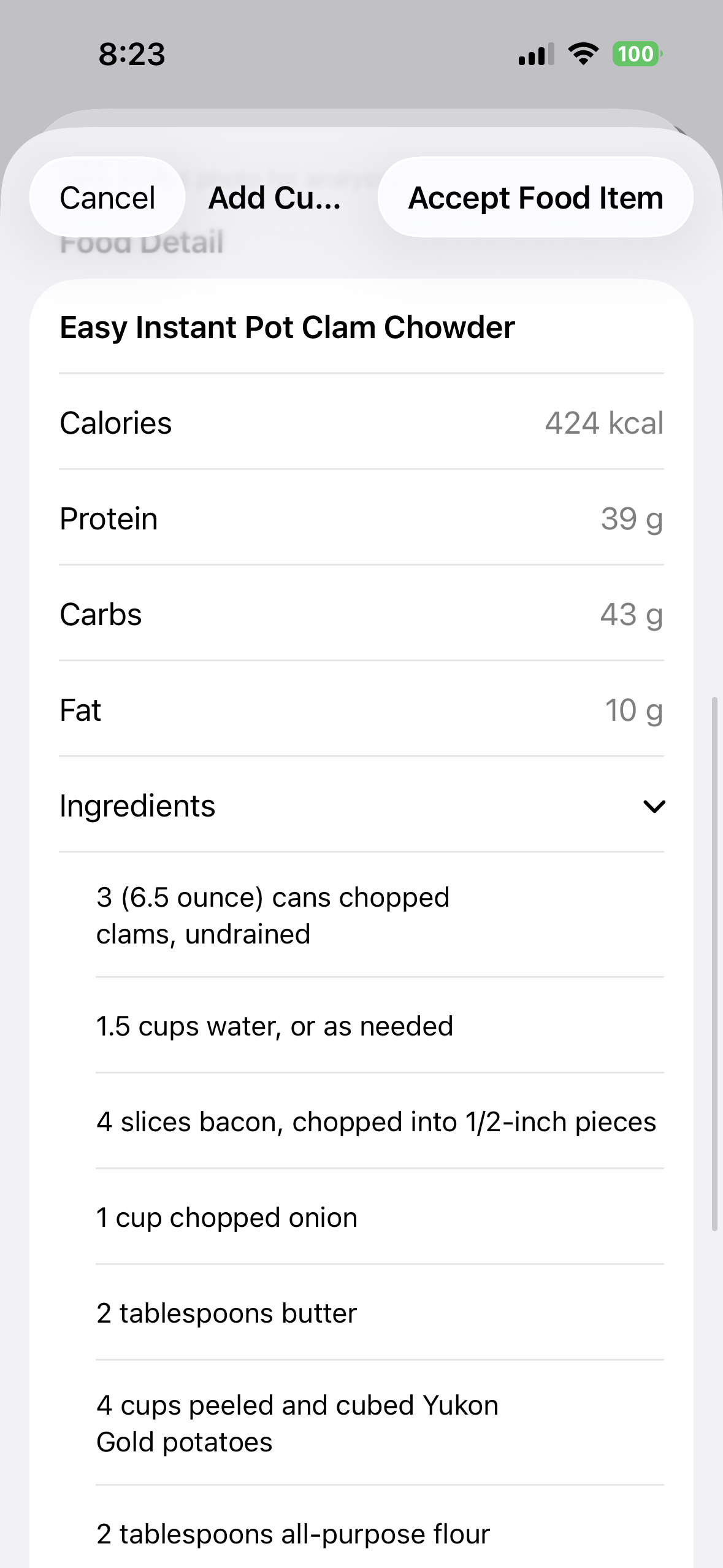 6. Review what is actually in it
Save it for today and next time
When the recipe is a useful match, accept it, choose the quantity, meal, and date, then add it. The reviewed result becomes a reusable food in your User Library, ready to favorite, organize into a Collection, or log again later.
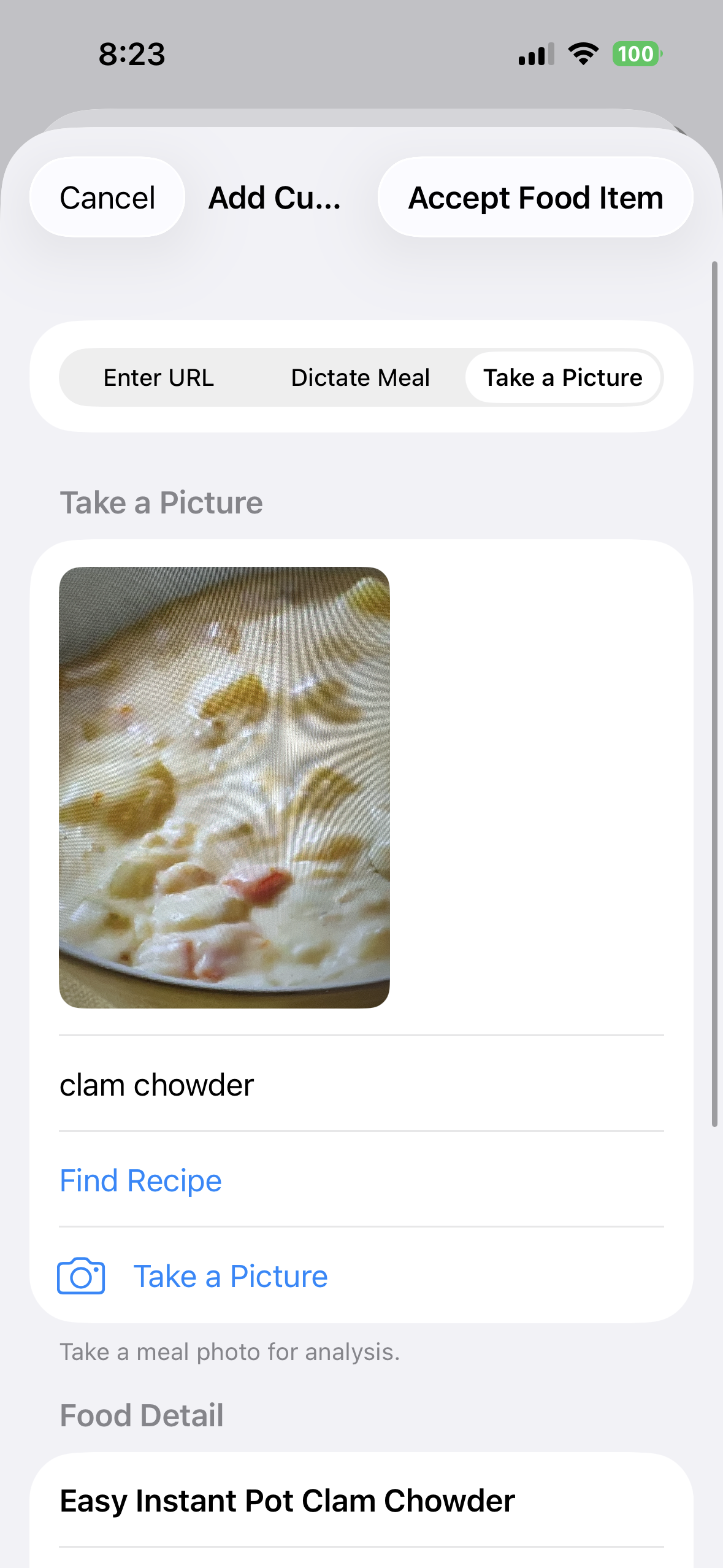 7. Accept the reviewed match
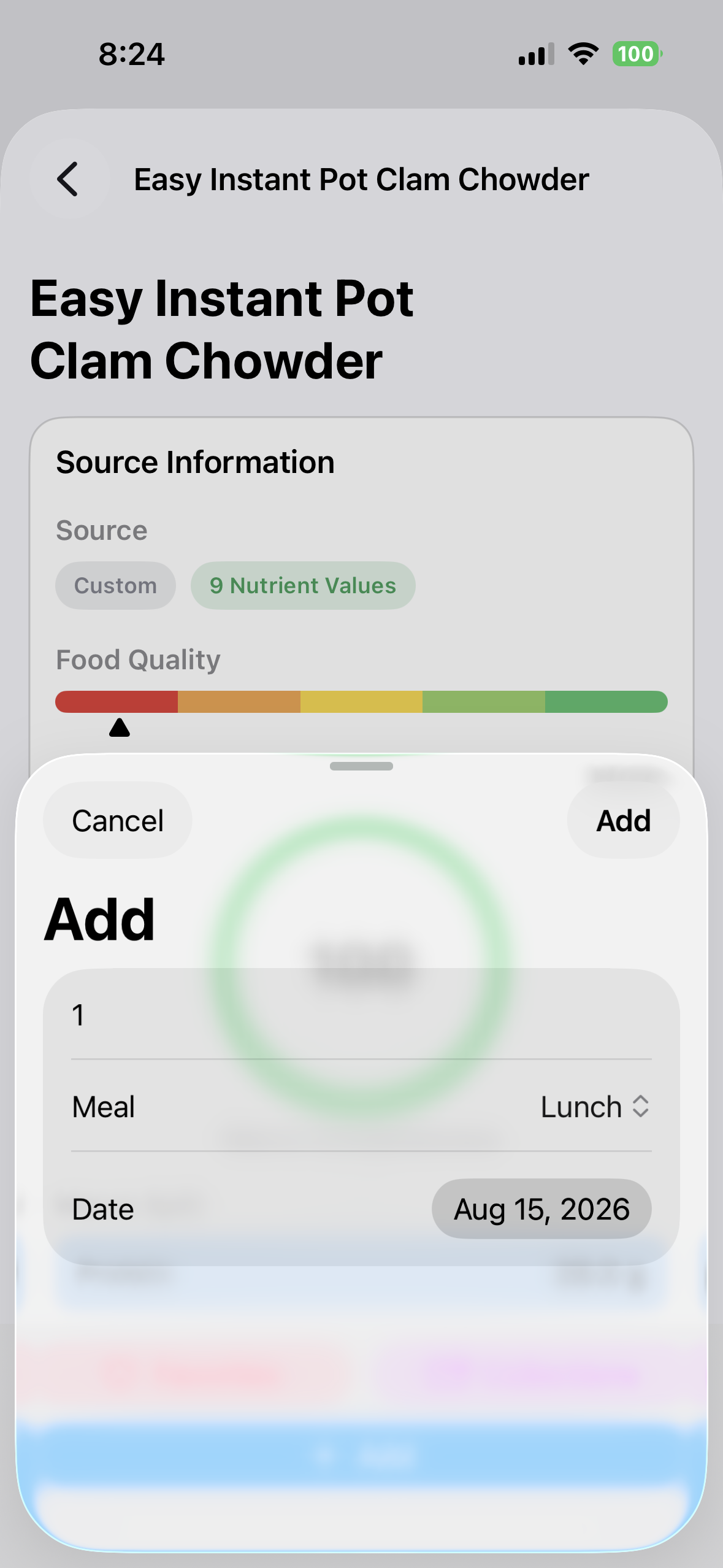 8. Choose when and how much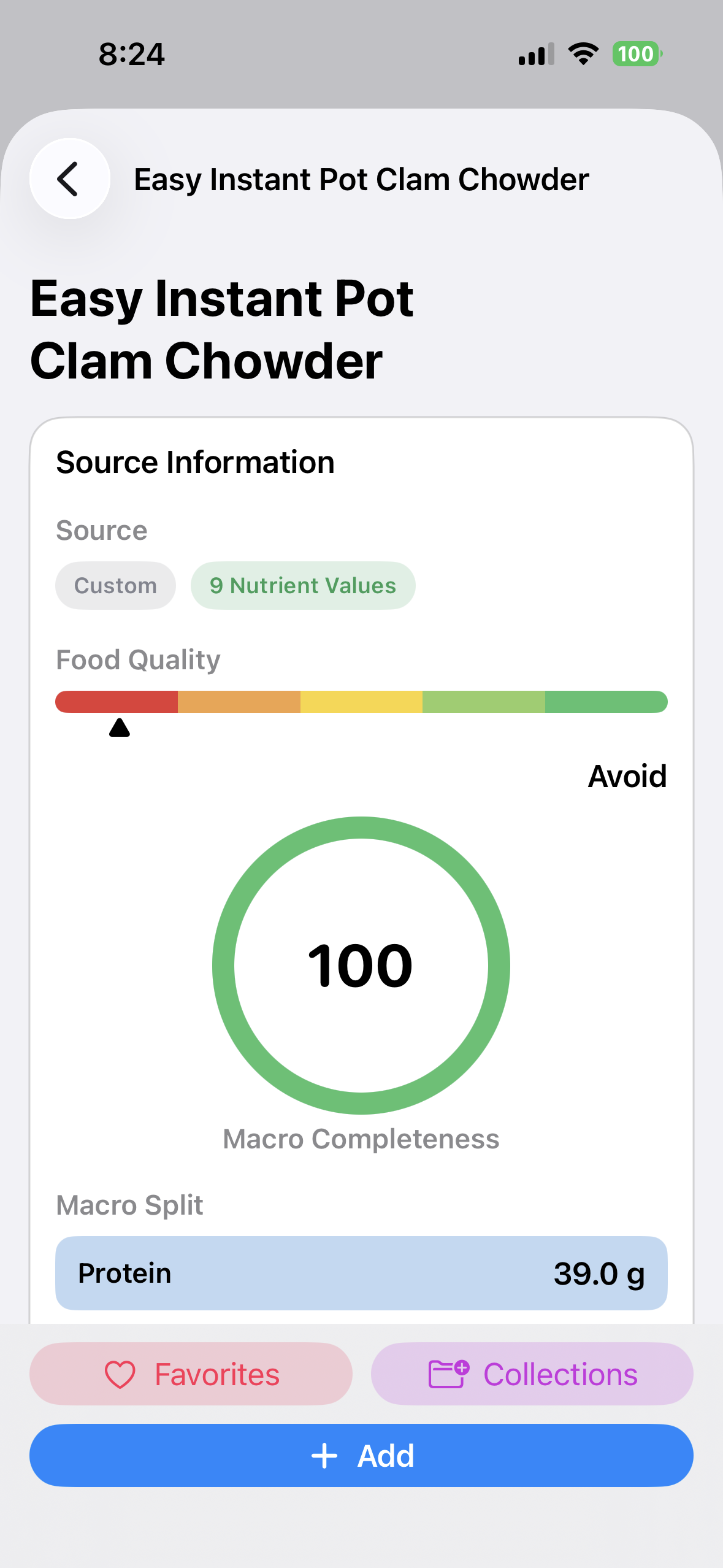
The picture helps identify what to search for. Nutrition comes from the recipe you select, and BeFit Tracker gives you the chance to review it before anything is saved.
When the picture needs another try
If no trusted recipe matches appear, try a brighter photo with one dish centered in the frame. You can also refine the recognized description, dictate the dish, paste a recipe URL, search by name, or add the food manually. Network access is required for recipe discovery. On an iPhone where Apple Intelligence is unavailable, Take a Picture is hidden and the other food-creation choices remain available.
No match? That is useful information too.
BeFit Tracker leaves the selection open when it cannot find a trustworthy candidate instead of inventing nutrition.
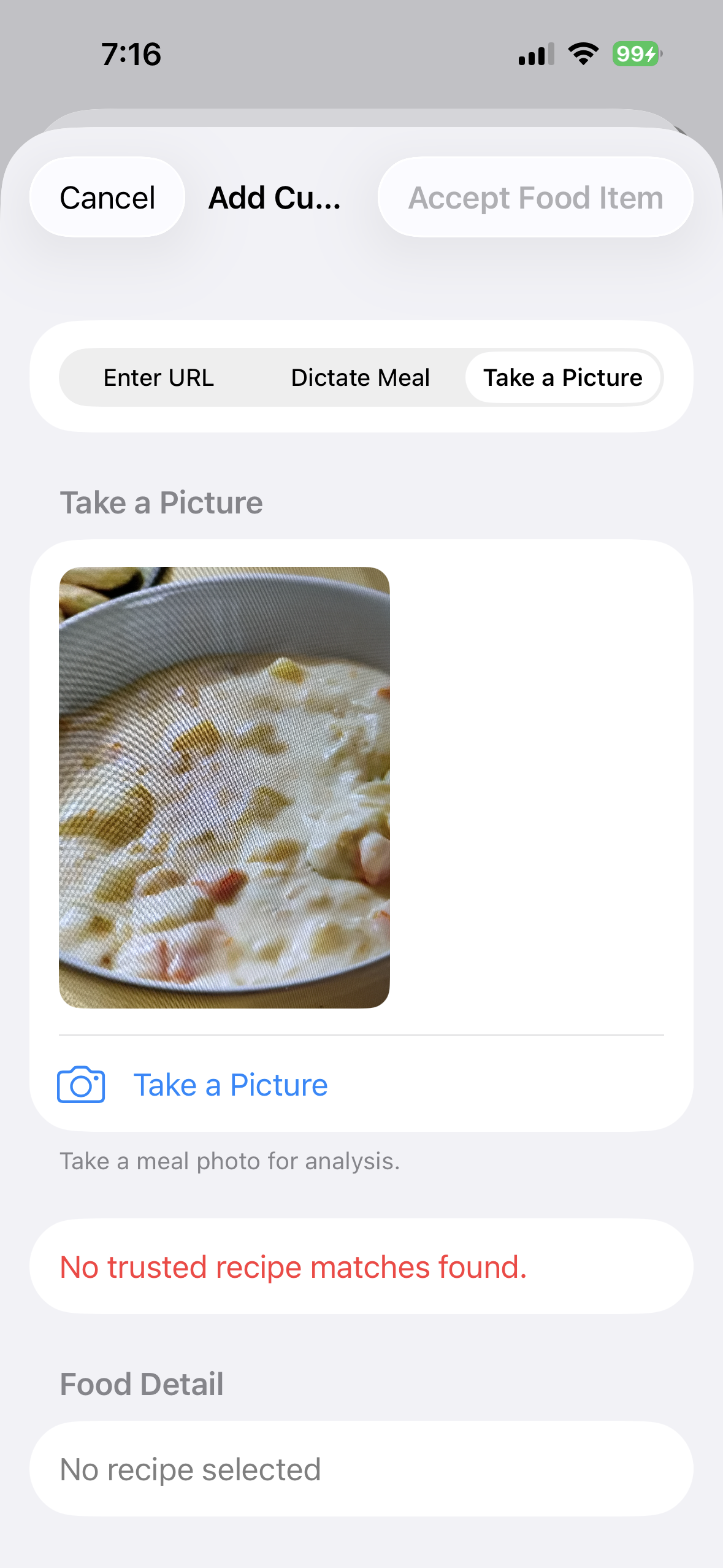
What a photo cannot measure
A picture cannot weigh the meal, calculate calories directly from pixels, verify every ingredient, or guarantee that a recipe matches your preparation. Recipe websites can also contain incomplete or incorrect information. Review the source and adjust the food when your dish differs.