 BeFit Tracker Help
Get started
Getting started with BeFit Tracker
Learn how Today, Trends, Trackers, and Profile work together on iPhone, iPad, and Mac.
All devices
BeFit Tracker brings daily status, personal records, goals, and longer-term context into four main areas: Today, Trends, Trackers, and Profile.
Start with Today
The Today hub combines daily status, activity, weight, goals, quick logging, recent food and activity records, mini trends, and the latest earned achievement. When information is missing, BeFit Tracker shows it as unavailable instead of filling the space with demonstration values.
Set up your first records
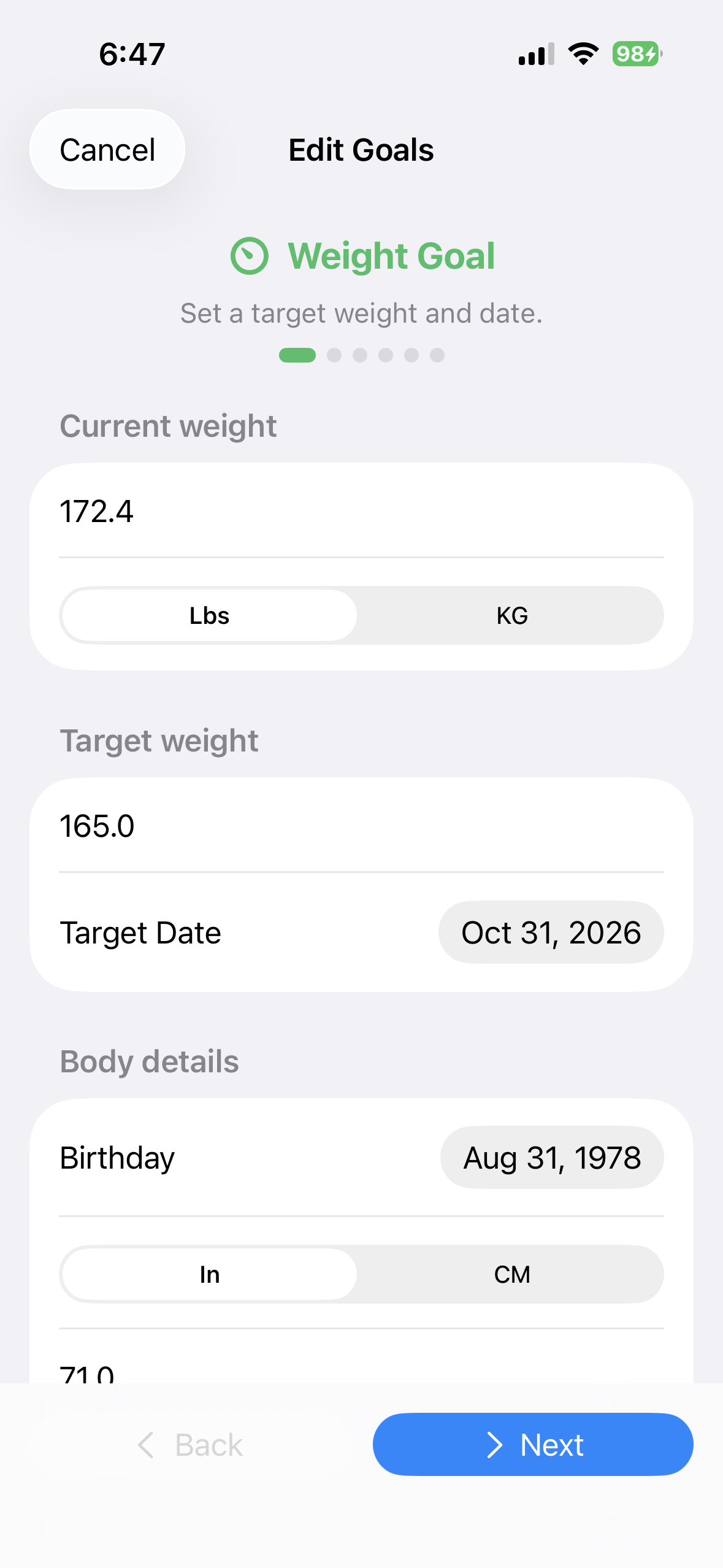
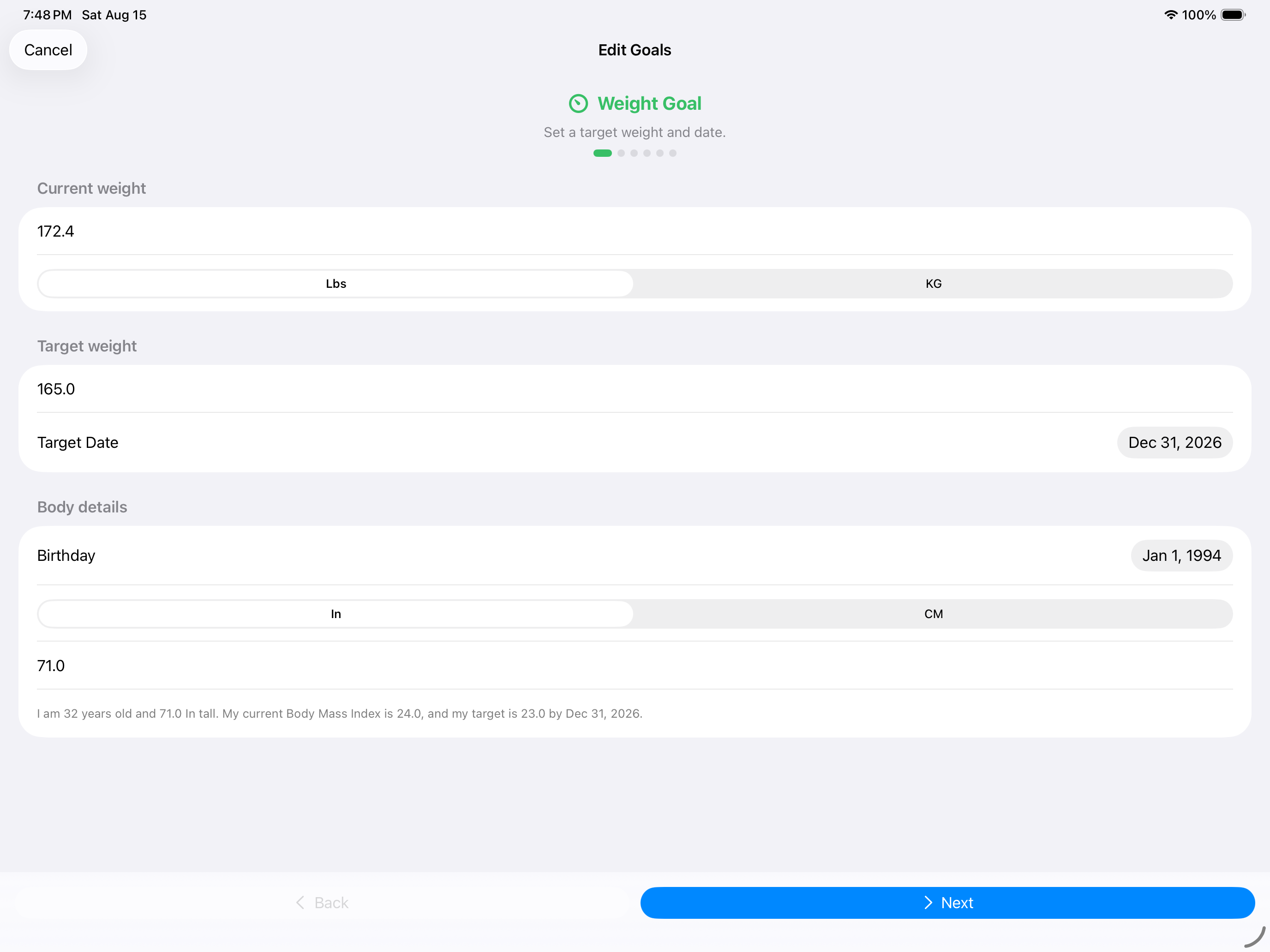
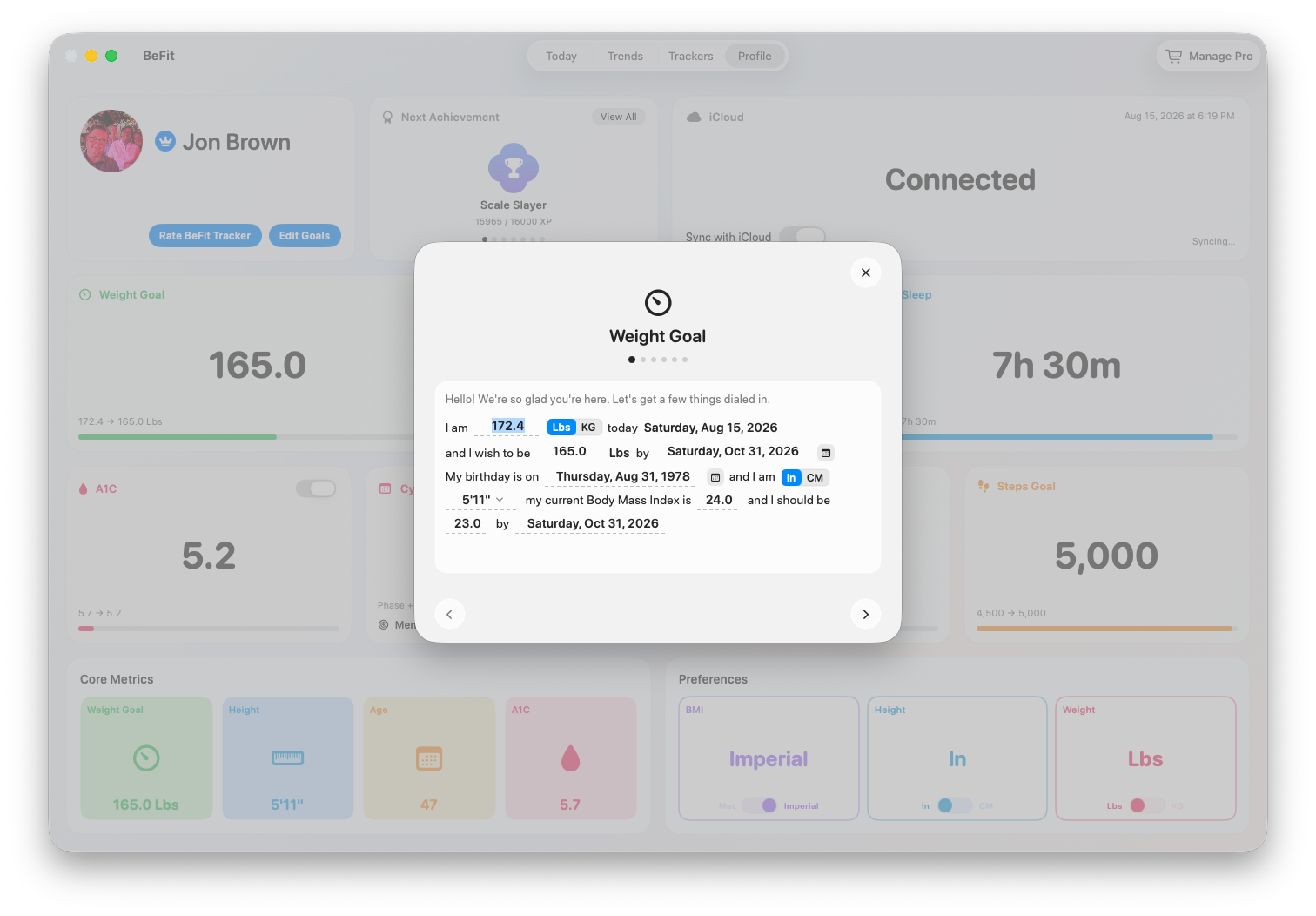
- Open Profile and review your personal details, unit preference, tracking preferences, and goals.
- Return to Today and log a first meal, weight, hydration, or supported activity record.
- Use Trackers to open an enabled tracking area and review its dated history.
- Visit Trends after you have saved enough records inside the selected date range.
A1C, Sleep, Fasting, Cycle, and Mindfulness can be enabled when relevant. They organize records and app calculations; they are not medical devices.
iPhone
iPad
Mac
iPhone and iPad
iPhone and iPad share the Apple mobile app and add touch-focused entry, supported Health app import, scanning, and voice workflows. iPhone also supports picture-based food discovery. The release-ready layouts support both iPhone and iPad.
Mac
Mac uses a persistent workspace for Today, Trends, Trackers, and Profile, with more dashboard and history context visible at once.