 BeFit Tracker Help
Beta tracker
Review Mindfulness sessions
Keep session duration and history visible across BeFit Tracker on every device.
What Mindfulness tracking helps you see
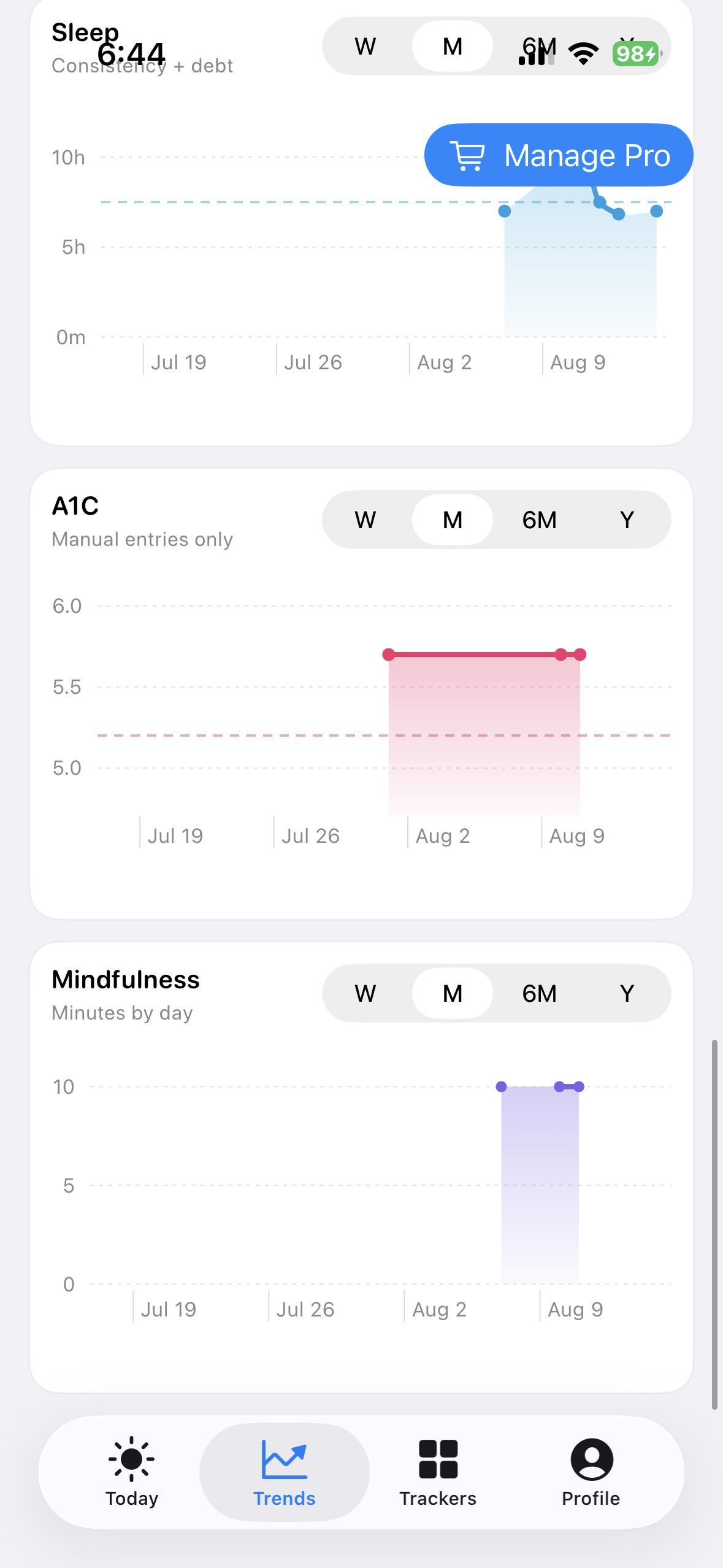
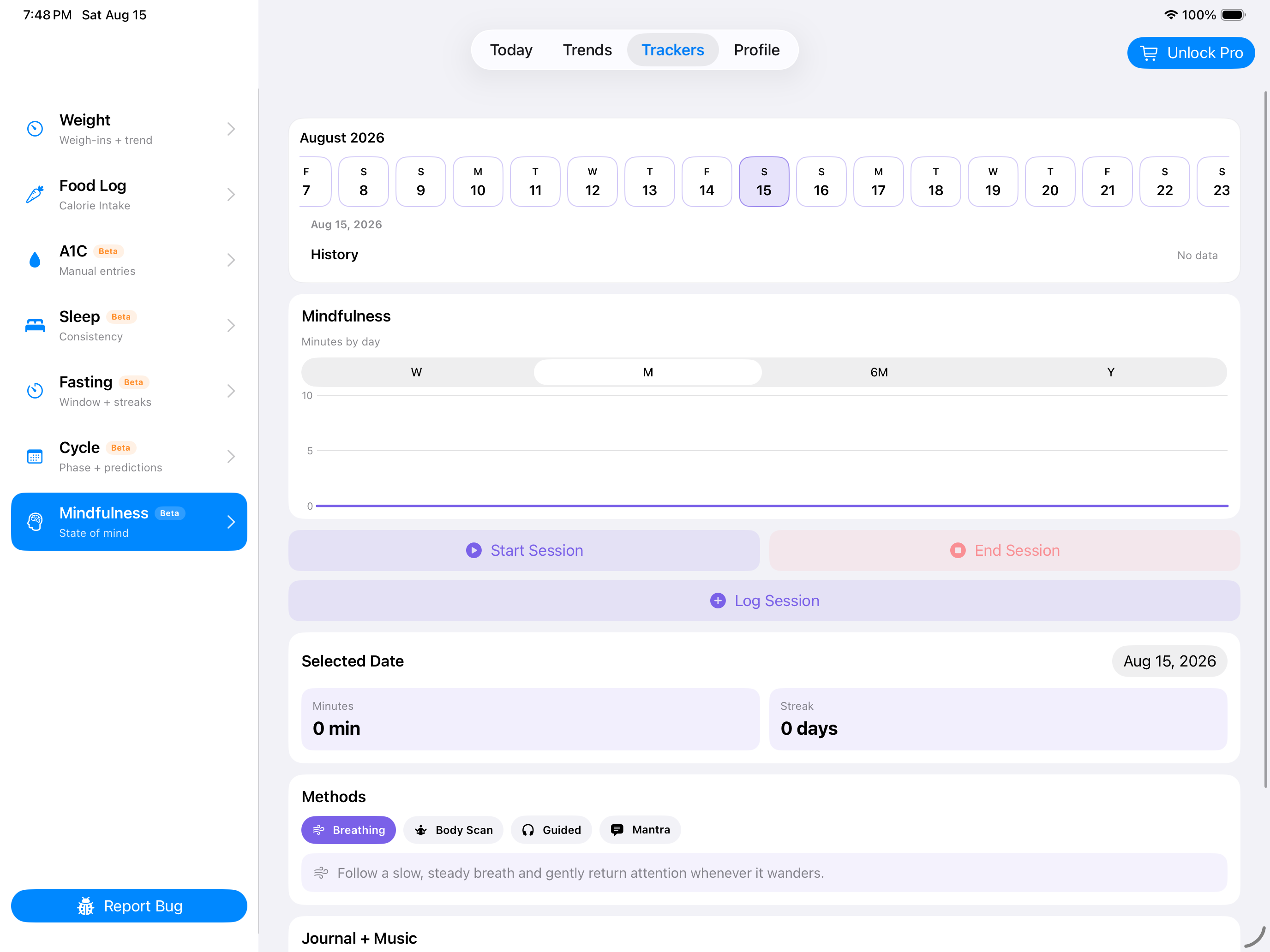
Mindfulness history brings session time, methods, reflections, streak context, and saved records together. It helps you remember what you practiced and what supported the session without turning quiet time into a competition.
iPhone
iPad
Mac
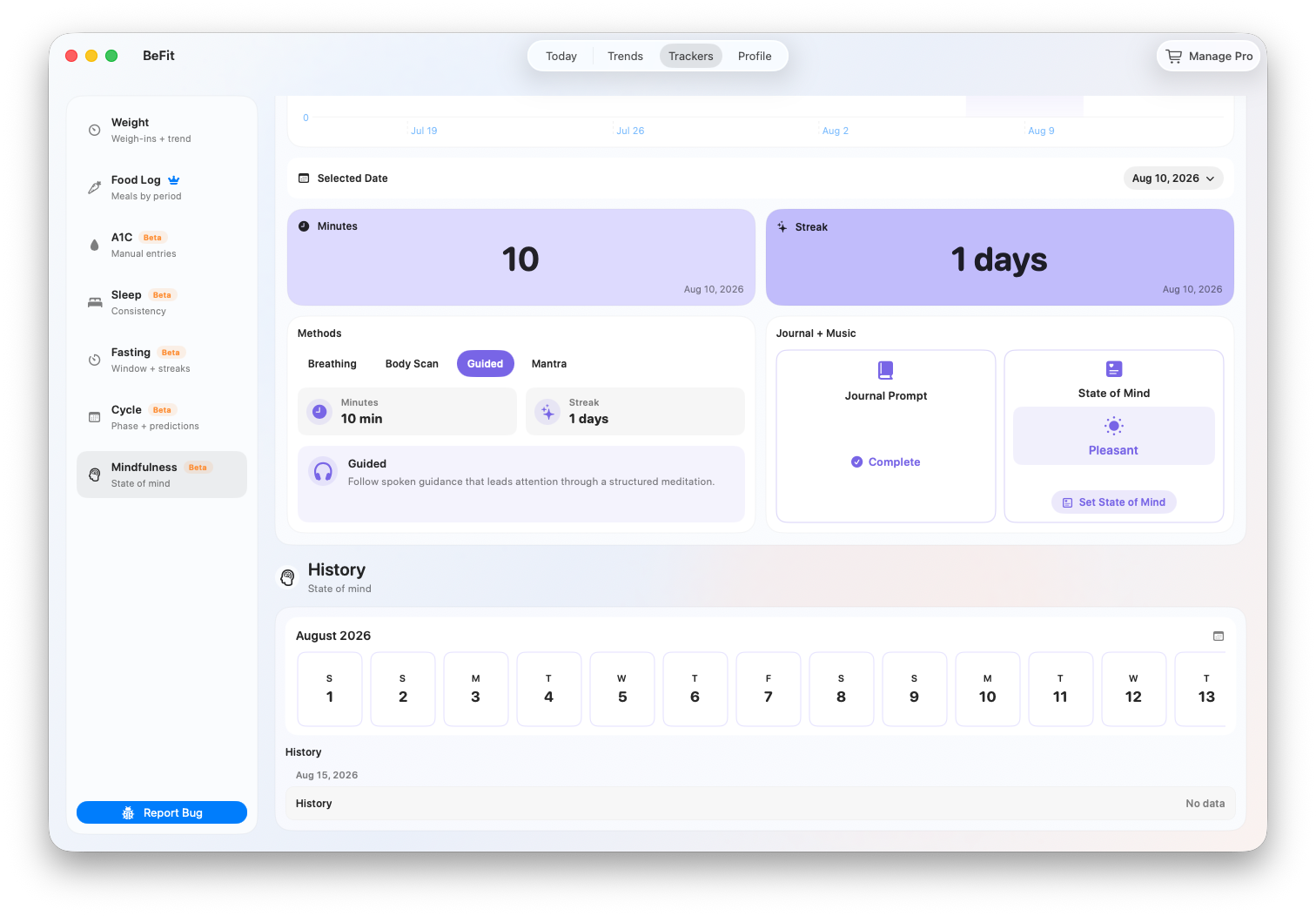
Understand the workspace
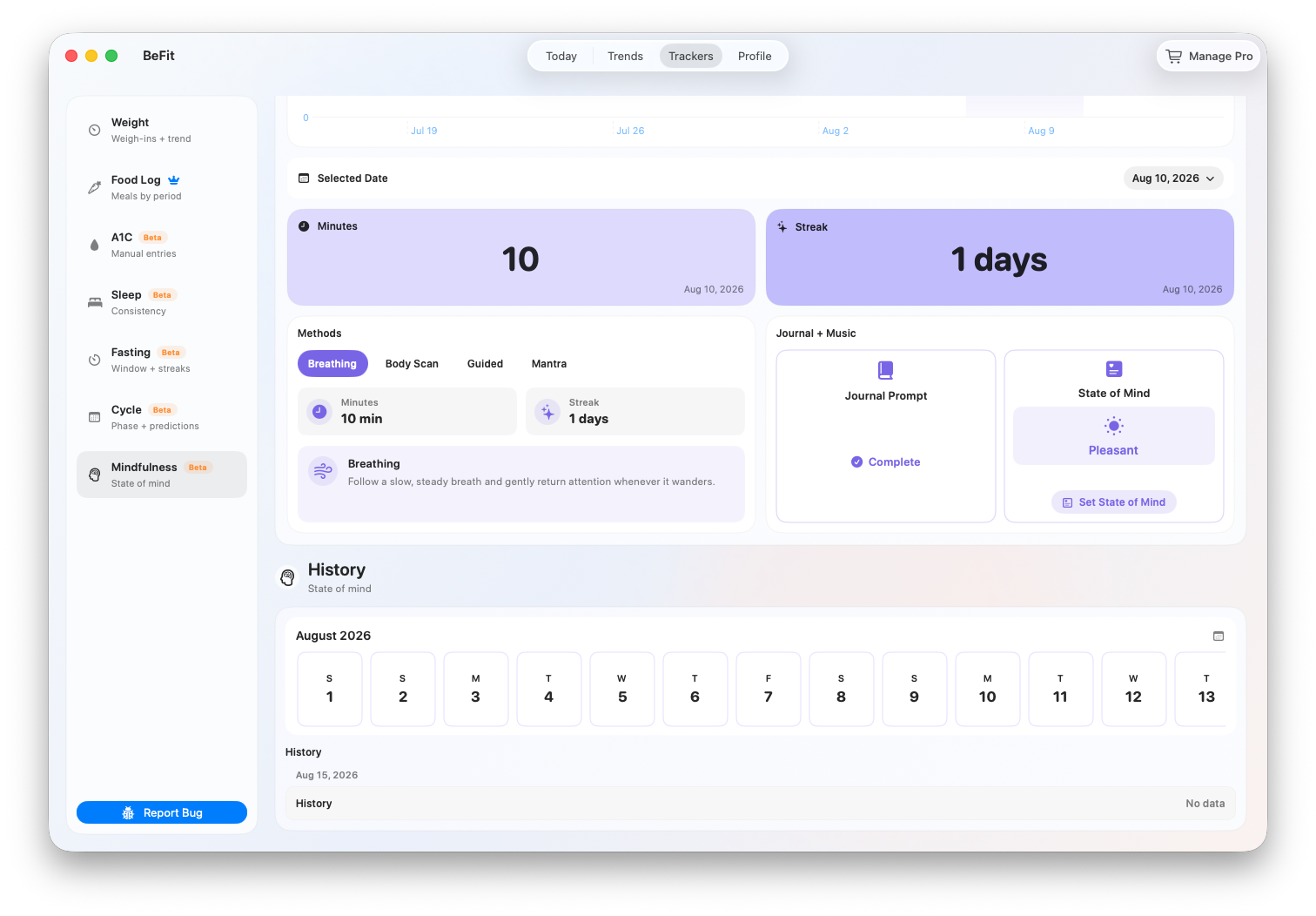
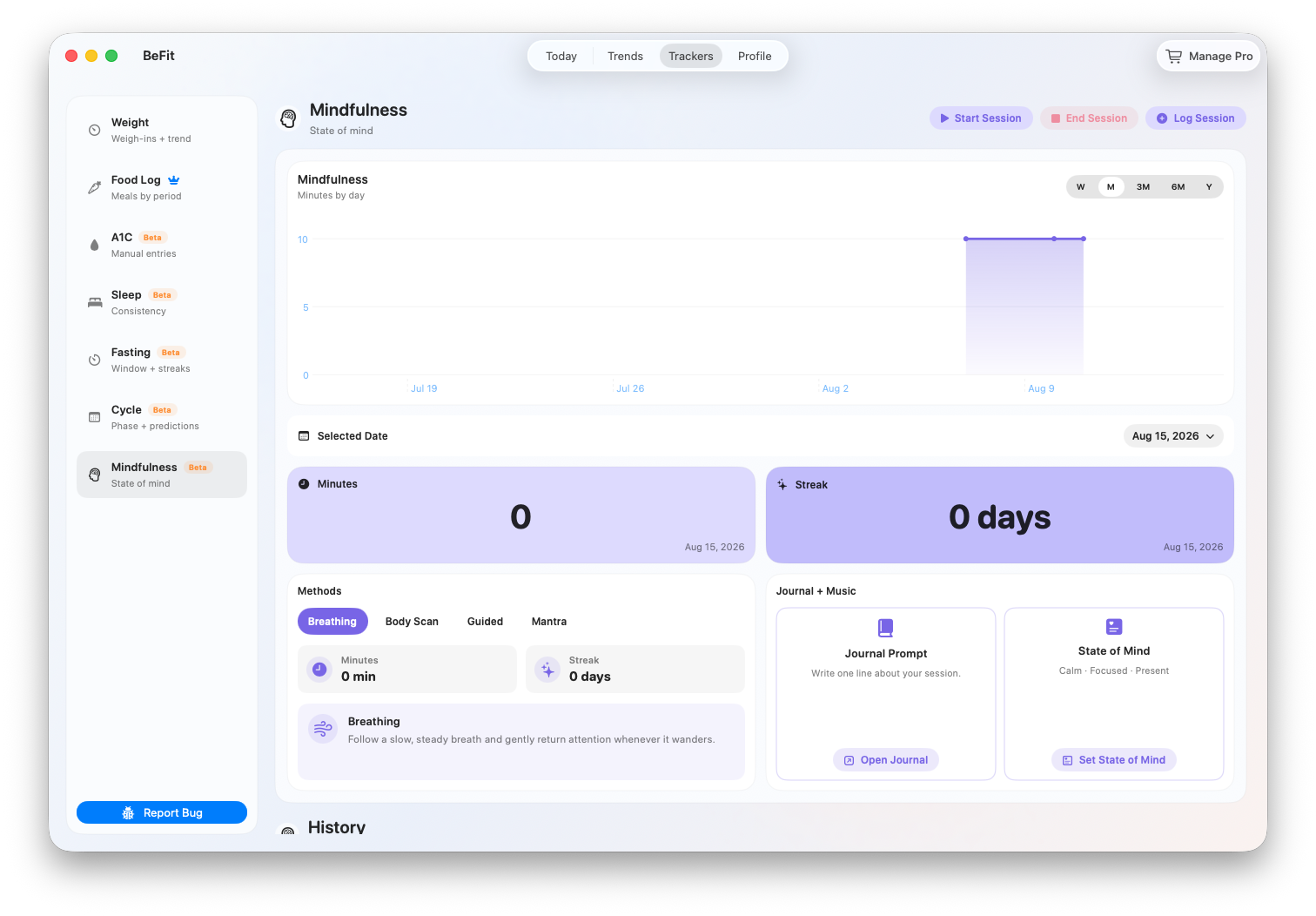
Minutes and streak
The summary shows recorded mindfulness time and continuity across available sessions. A streak reflects the dates in BeFit Tracker; it is encouragement, not a judgment about the quality of a practice.
Trend
Change the period to compare recent sessions with longer history. A chart summarizes saved durations; open History when you need the exact date and length behind a point.
Methods
Methods help distinguish how a session was practiced. Choose the closest supported method when entering a session so later summaries remain meaningful.
Reflection, journal, and music
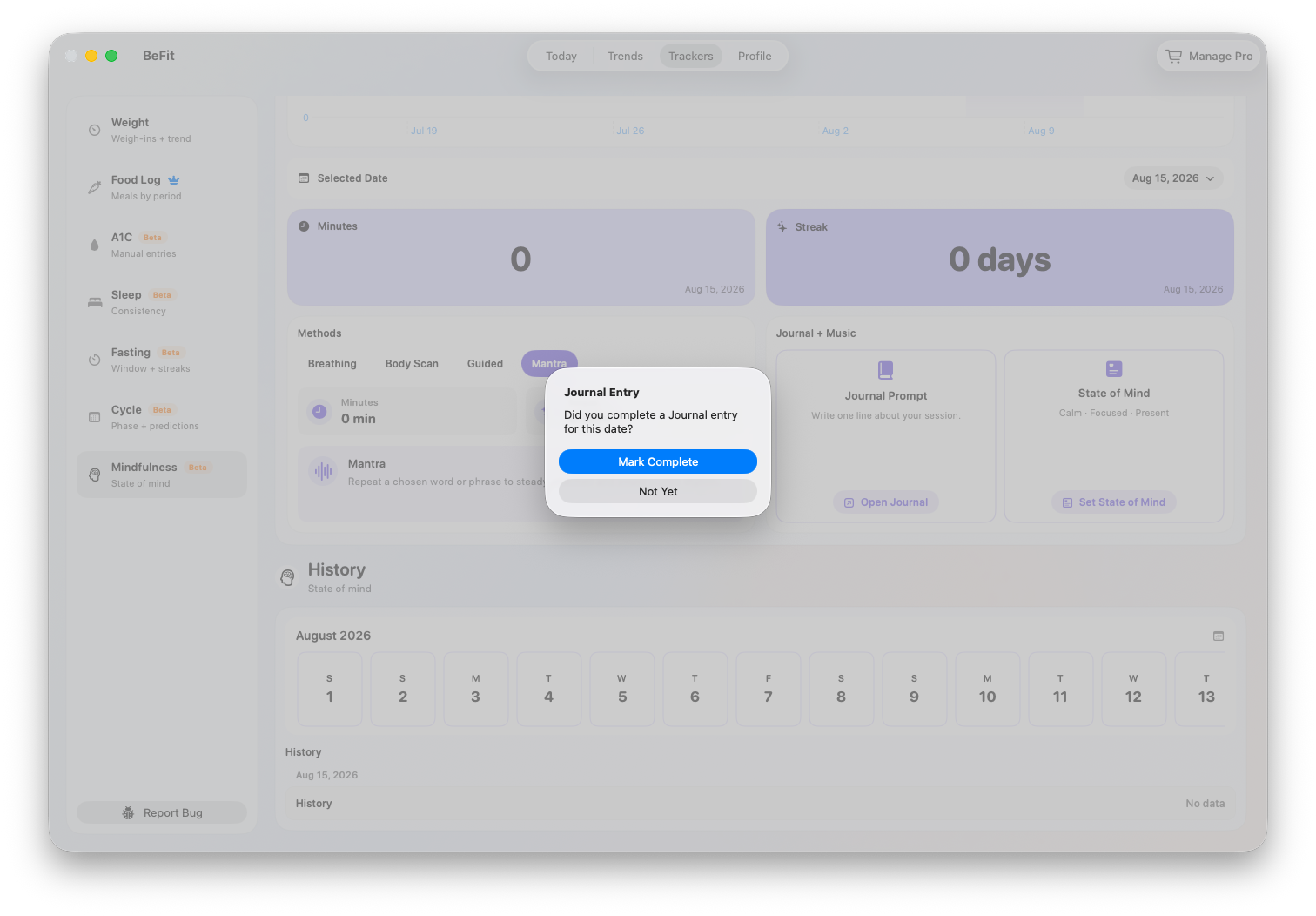
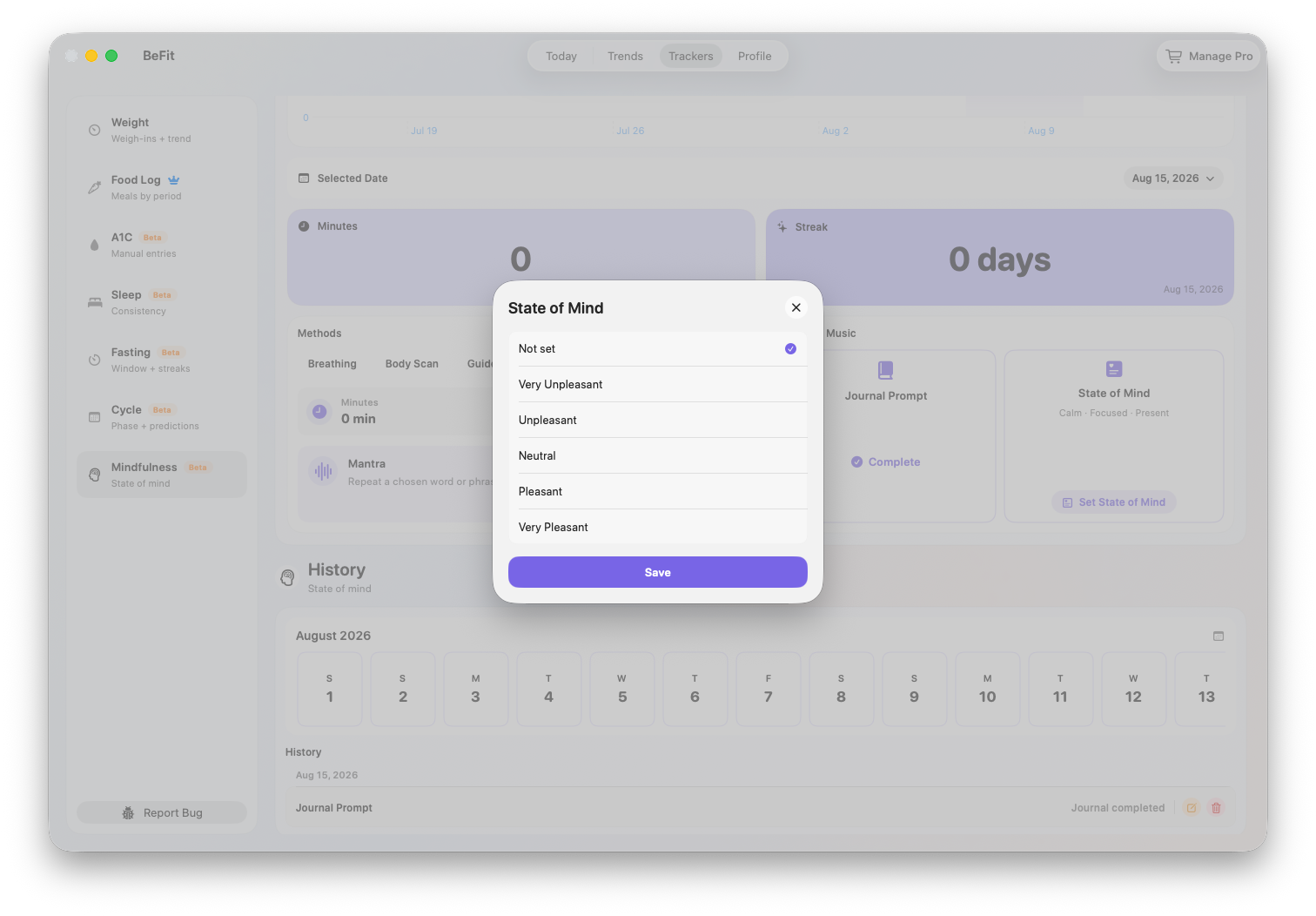
These areas preserve optional context around a practice. A reflection records your own note, journal content adds personal context, and music controls support the session experience when available. They do not change the recorded duration.
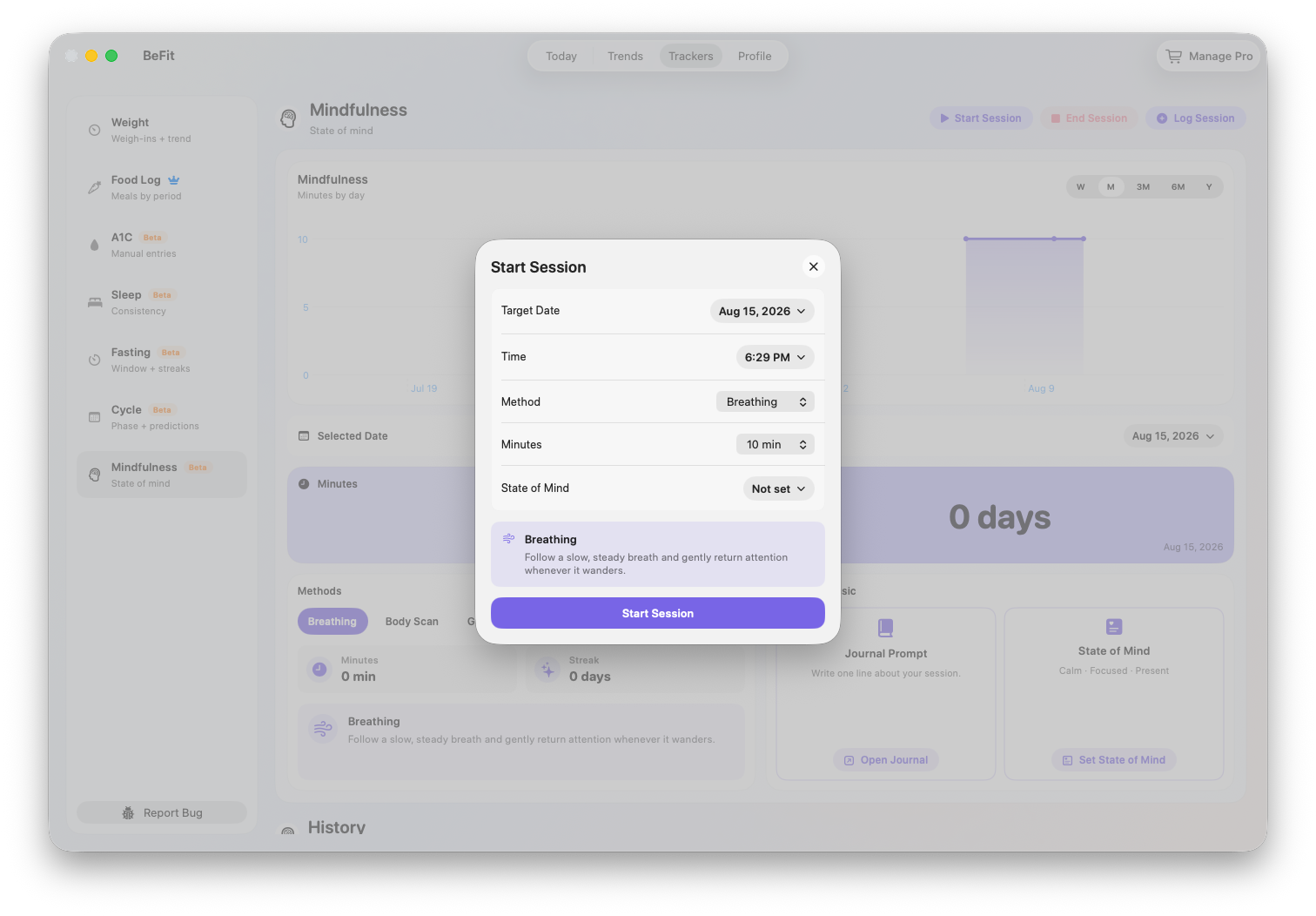
Start and complete a live session
- Open Trackers and choose Mindfulness.
- Select a supported method and start the session.
- Use the active-session view while practicing, then end the session once.
- Review the duration and any optional reflection before saving.
A completed live session becomes a dated History record. If the session already happened, use manual entry instead of starting and immediately ending a timer.
Log a session that already happened
- Open Trackers, choose Mindfulness, and select Log Session.
- Choose the method that best matches the practice: Breathing, Body Scan, Guided, or Mantra.
- Enter the actual session date, start time, and duration. Use the time you practiced, not the time when you are entering the record.
- Save once, then confirm the session in History. The saved duration contributes to total minutes, streak context, and the trend.
Use this completed-session path when a timer was not running. Do not start and immediately stop a live session to recreate older history.
Correct a session or daily check-in
- Open History and select the exact dated item that needs attention.
- For a session, edit its method, start time, end time, or target duration, then save and recheck the calculated minutes and trend.
- Delete a session only when it is a duplicate or should not have been recorded. Deleting it removes its time from summaries.
- Edit State of Mind, journal completion, and music as separate check-ins. Changing one of these does not alter session duration.
Imported Apple Health records may contain mindful minutes without a BeFit Tracker method or reflection. That missing context is a limit of the source record, not a reason to create a duplicate session.
iPhone and iPad
The shared mobile app can read supported Mindful Minutes records from Apple Health after authorization. Imported detail is limited to the information supplied by the original Health source, so a method or reflection may not be available. Manual sessions and imported sessions should be reviewed before assuming a missing record needs to be entered again.
Mac
Mac shows manual Mindfulness records and supported records reconciled through iCloud. It does not connect directly to HealthKit. The larger workspace provides more room for the trend, methods, session context, and history.
Mindfulness is a Beta informational tracker. It does not evaluate mental health, the effectiveness of a practice, or the quality of a session. Apple Health import depends on authorization and available source data.