 BeFit Tracker Help
Branded food lookup
Import foods from Open Food Facts
Search Open Food Facts and selectively save compatible branded products to the Classic User Food Library.
Open Food Facts gives Classic an optional way to find branded products. Search results come from the provider only when you request them, and selected compatible products become local records in your User Food Library.
Search and import
- Select User Food Library.
- Choose Add Food, then select Search Open Food Facts.
- Enter a specific product query and submit it.
- Review the returned products and select the ones you want.
- Import the compatible results. Classic resolves their details and saves accepted fields into local personal records.
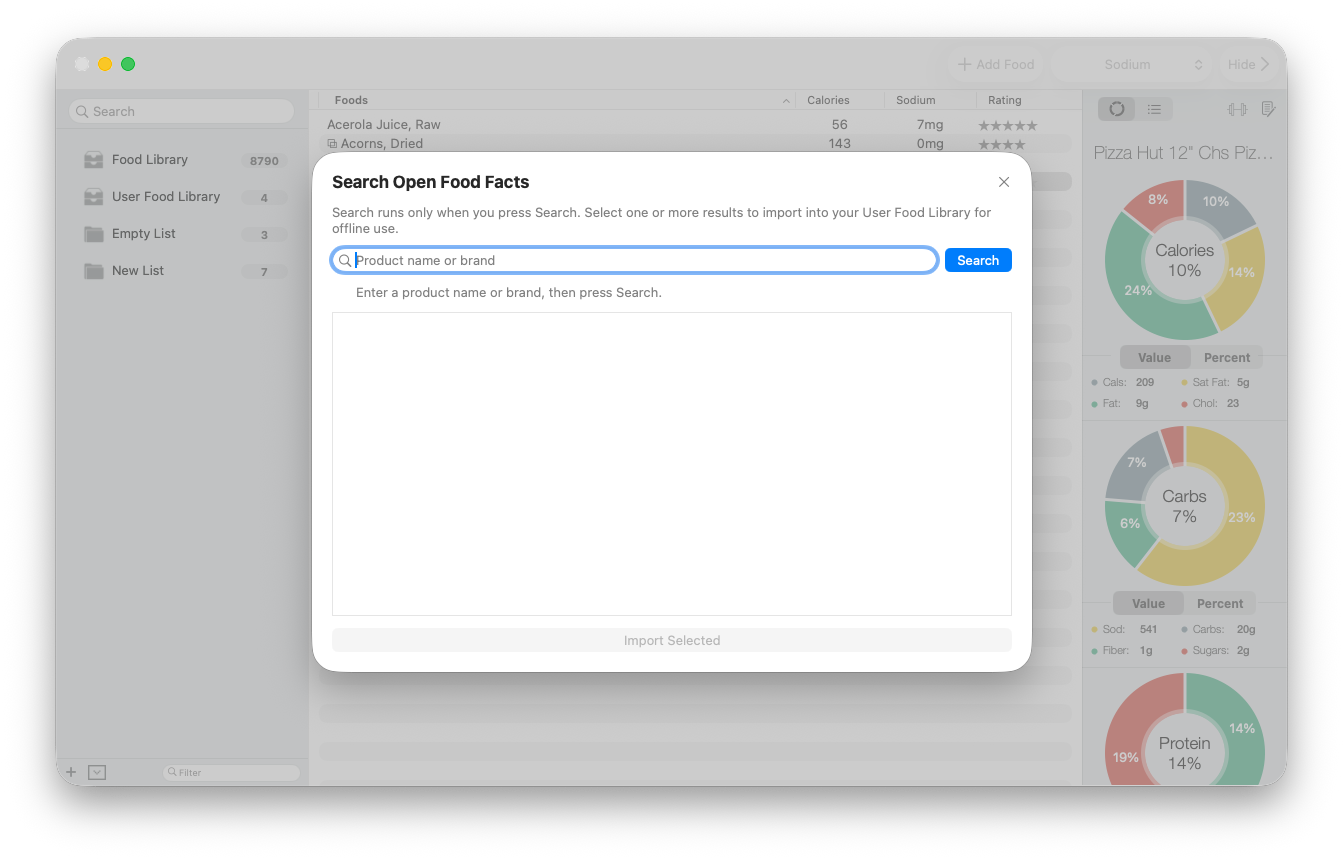
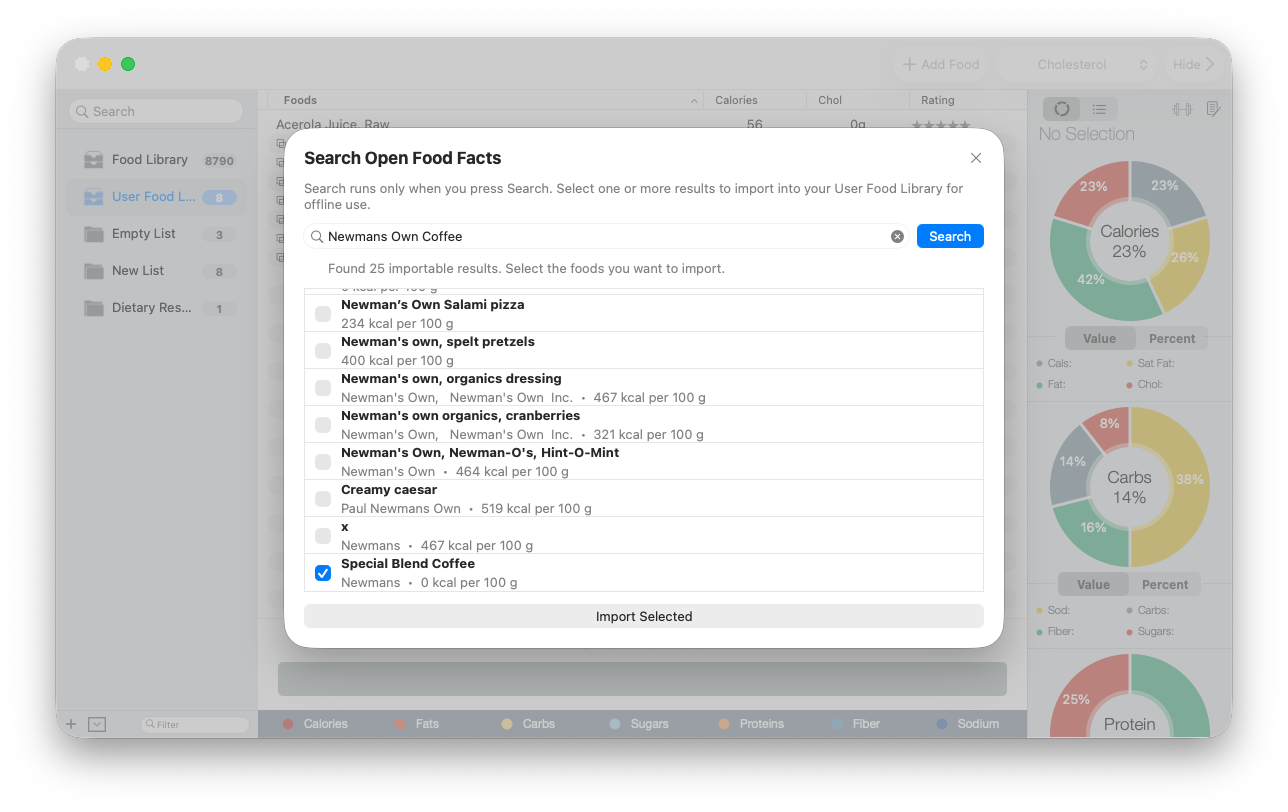
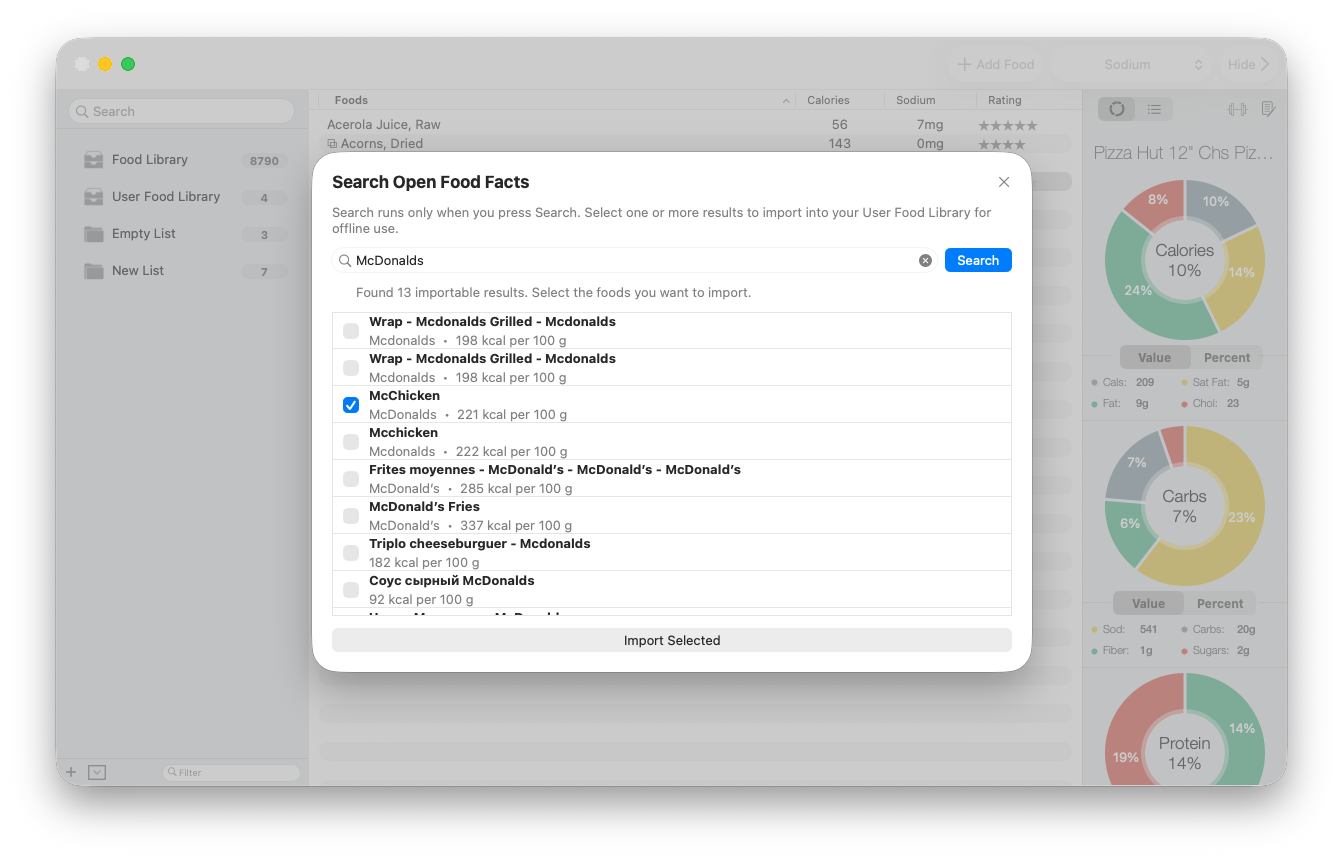
The result count describes products Classic can present as import candidates, not a guarantee that every result is complete or the right match. Selecting more than one product lets you bring several reviewed candidates into the User Food Library in one import. Leave uncertain matches unchecked.
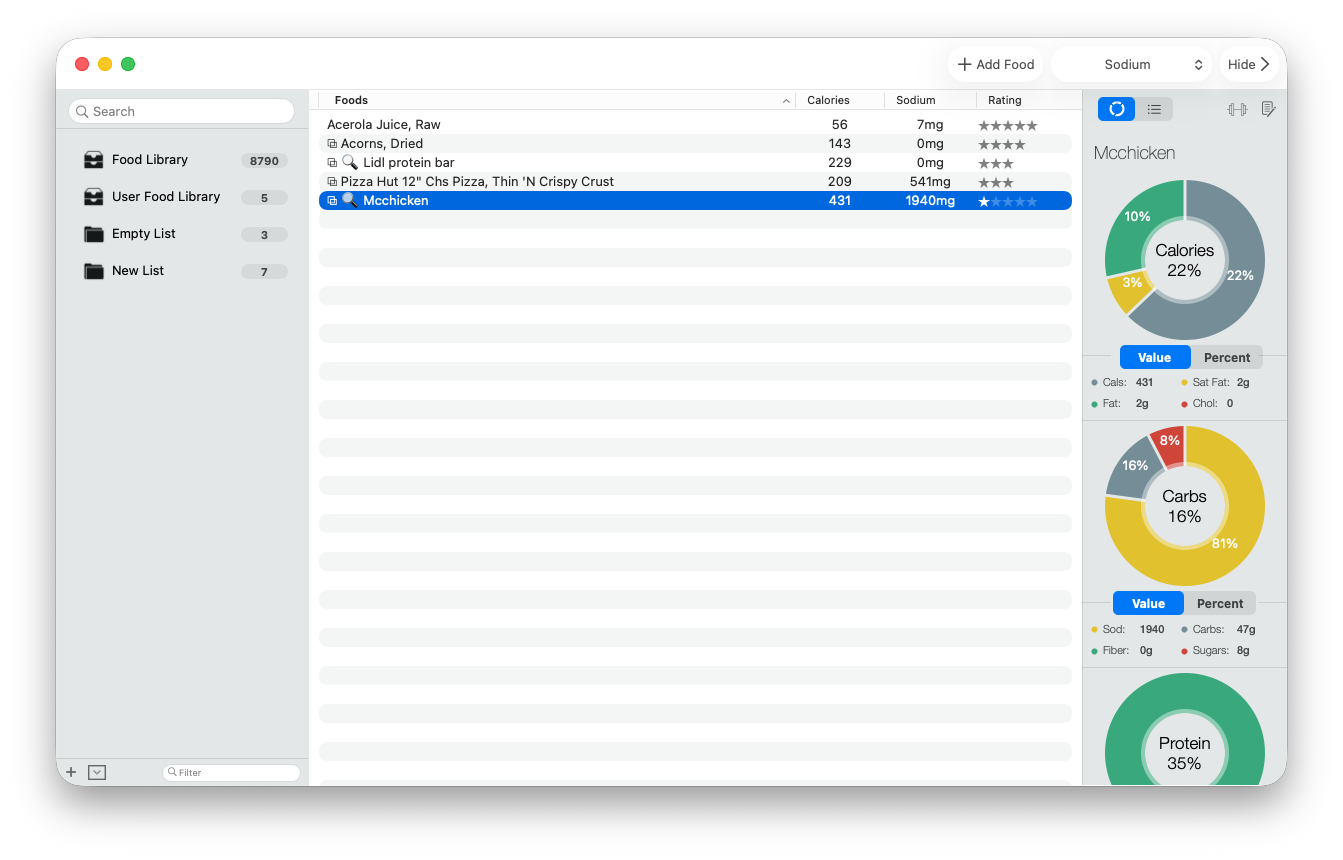
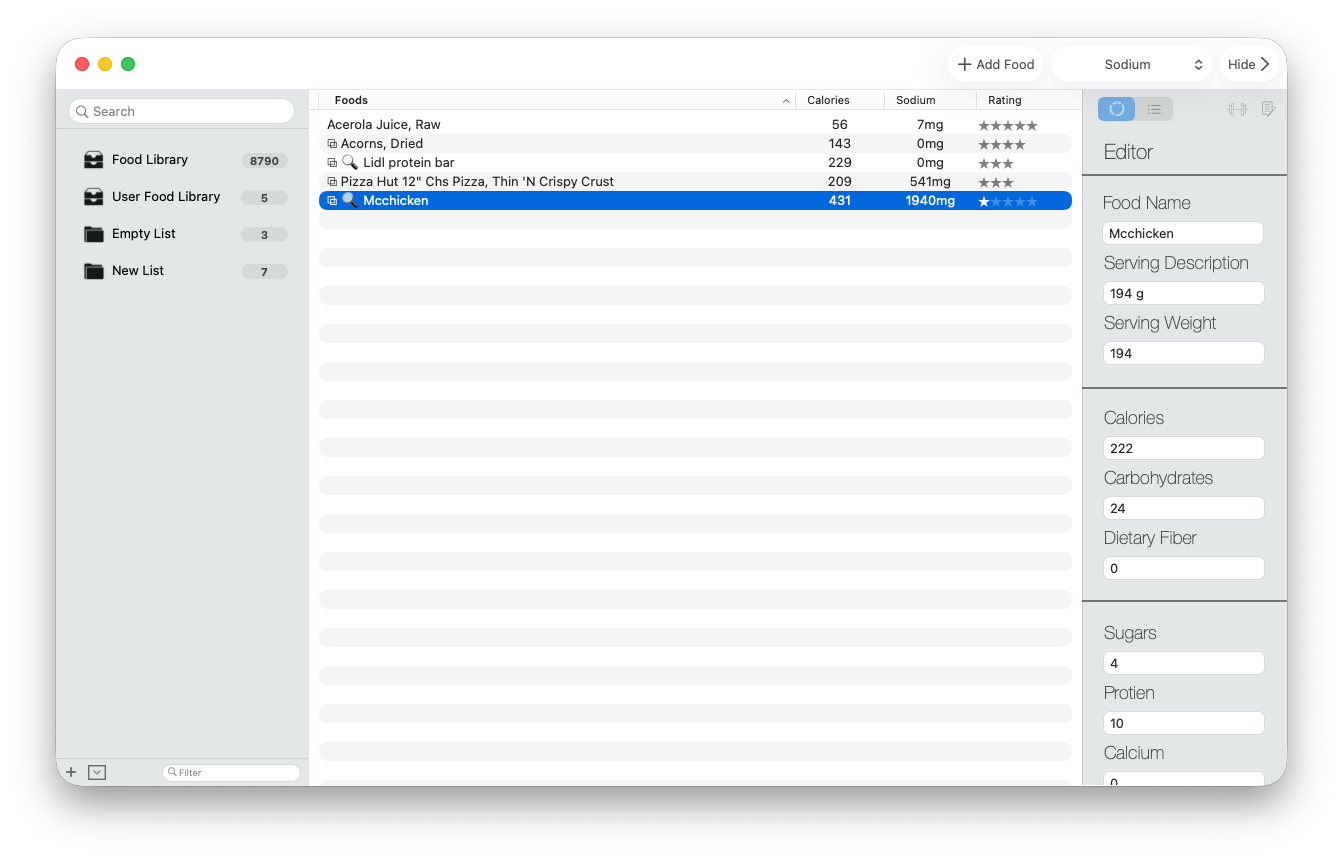
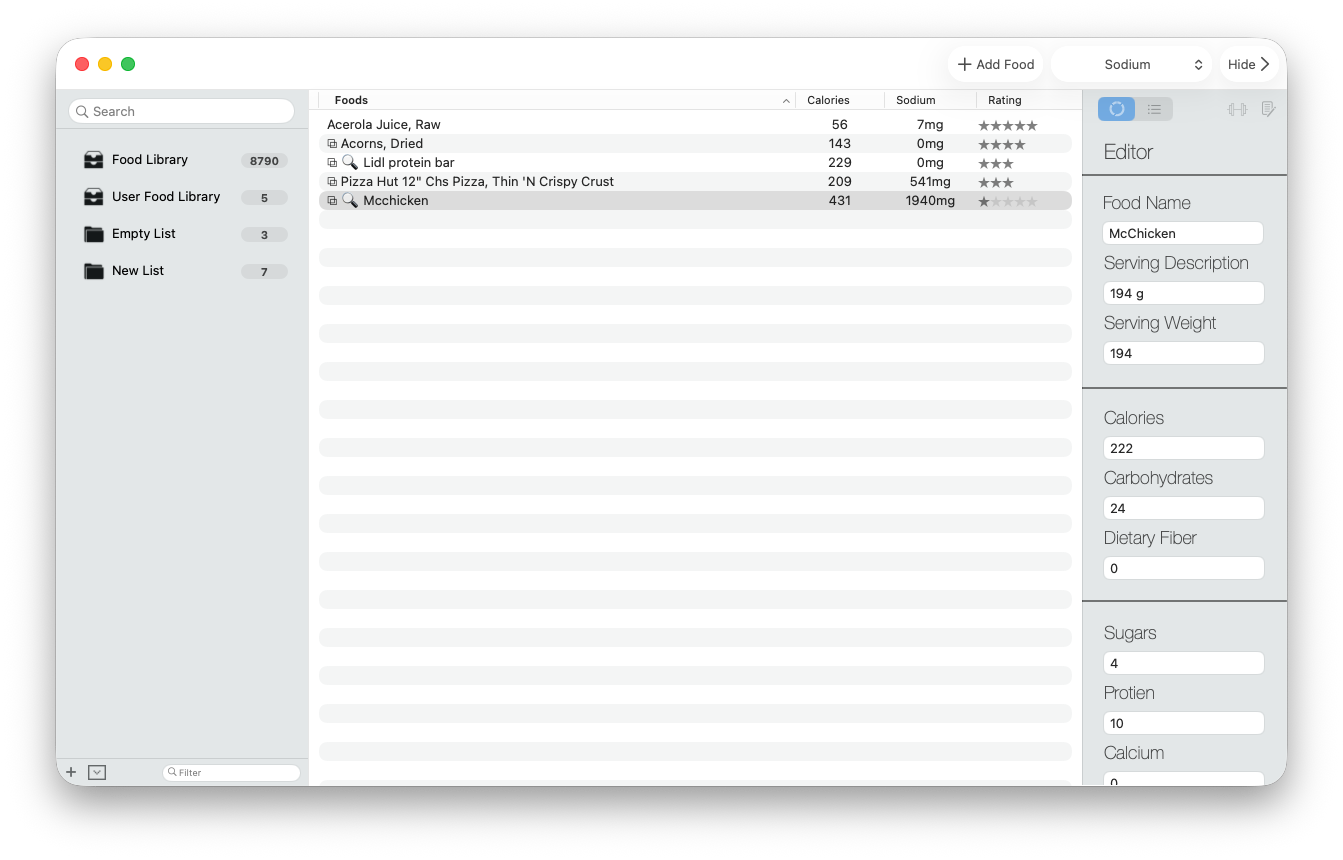
After import, the product appears in the local User Food Library. Select it and review the saved serving and nutrient fields before using it in a folder.
What Classic requires
A product needs an importable name, calories per 100 g, and values compatible with Classic’s required food model. Gram-based serving information is used only when it can be supported by the provider record; 100 g remains the baseline otherwise.
If search fails
- Confirm that the Mac is online.
- Retry with a specific product or brand name instead of a broad phrase.
- Try again later if the provider is unavailable or limiting requests.
- Create the food manually if you have a reliable label and the product cannot be imported.
Open Food Facts controls service availability, regional coverage, and source records. An import is not an independent verification of the product’s nutrition.