 BeFit Tracker Help
Food tracker manual
Review food and nutrition history
Trace daily totals back to meals and servings, correct entries, and compare food patterns over time on every device.
What Food Log helps you understand
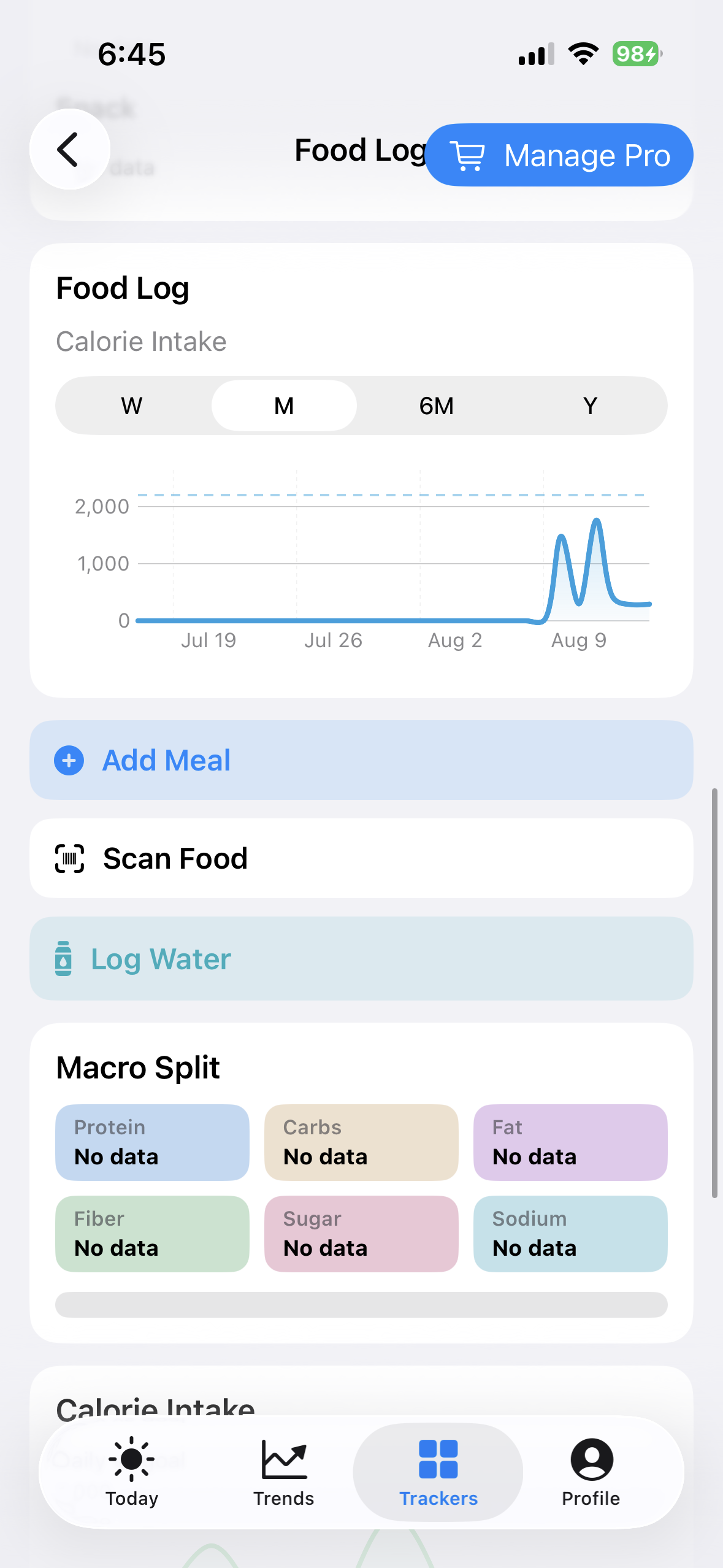
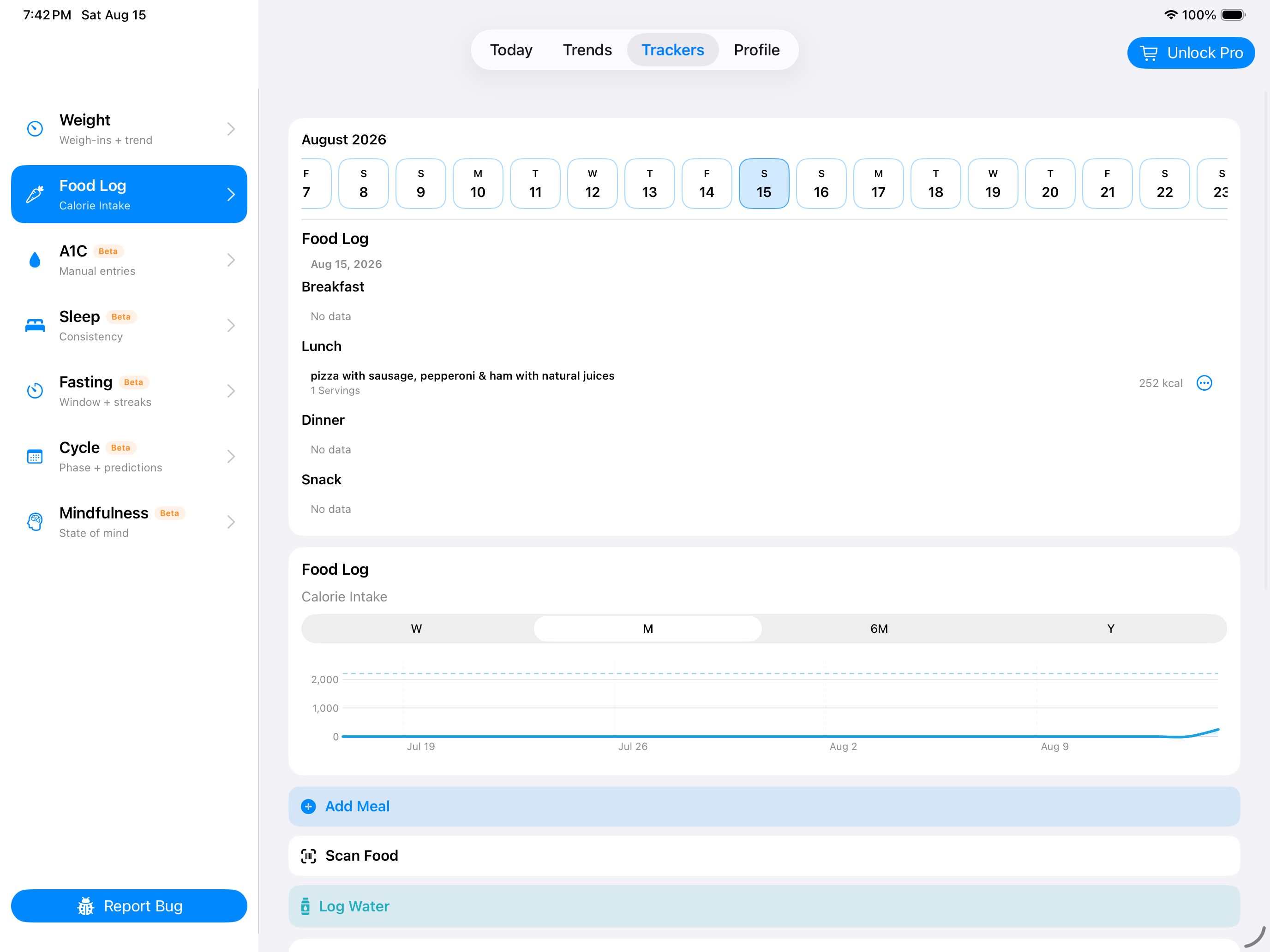
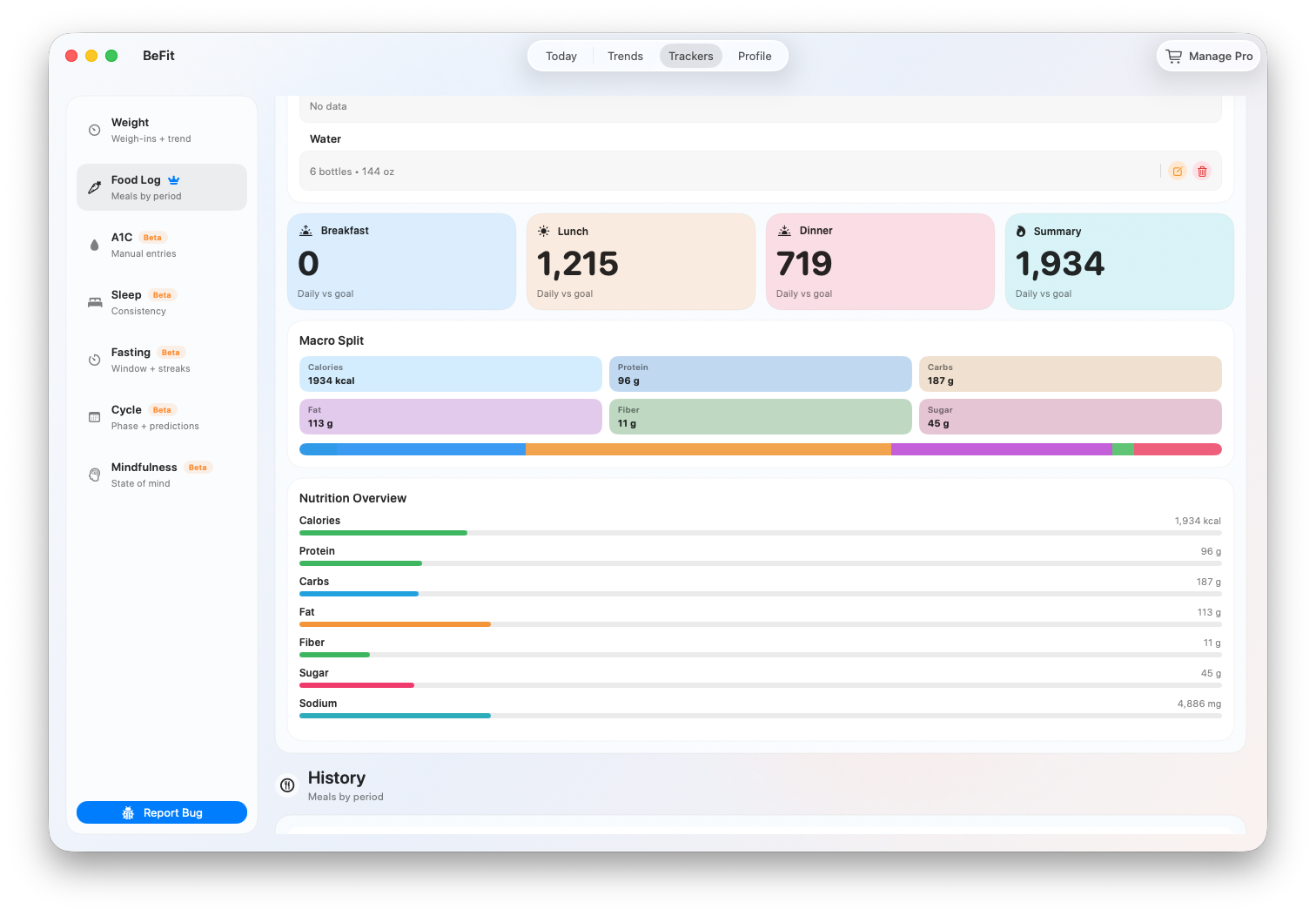
Food Log turns individual meal entries into daily calorie and macro summaries. Every total depends on the date, meal, food, serving count, and portion saved in its underlying rows, so History is both a review tool and the correction path.
iPhone
iPad
Mac
Review one day
- Open Trackers → Food Log.
- Select the date from the calendar or history controls.
- Read the calorie and macro summary, then move through Breakfast, Lunch, Dinner, and Snack.
- Open an individual row to verify the food, source, portion, and serving count.
- Compare the summary only after confirming the rows that contribute to it.
Understand what the totals mean
- Calories adds the calories represented by every logged serving on the selected date and compares them with the personal goal in Profile.
- Protein, carbohydrates, and fat add the available macro values from those same servings.
- Meal groups organize entries; moving a food between meals changes its group, not its nutrition.
- Missing nutrition stays missing. A total may therefore be incomplete when a source food lacks a field.
- Water is a separate dated hydration record and does not contribute food nutrition.
Correct a serving
- Open the date and meal containing the entry.
- Select the food row and choose Edit.
- Change the logged serving count and save.
- Review the meal and daily totals again.
This changes only the historical serving amount. It does not alter nutrition in the read-only bundled catalog or rewrite other uses of the food.
Delete a mistaken entry
- Confirm the date, meal, and food row.
- Choose Delete and read the confirmation.
- Confirm only when that one log entry should be removed.
- Check the recalculated calorie and macro summaries.
Use longer history well
Food history can help you notice repeated meal patterns, common foods, changes in serving choices, and how consistently you logged. Aligning dates with weight, activity, sleep, or another tracker can provide context for reflection, but food records depend on source completeness and your portion choices and cannot establish why another metric changed.
When a daily total seems wrong
- Confirm the selected date and look for duplicate entries.
- Check that each food belongs to the intended meal.
- Inspect serving count and portion for likely rows.
- Review the food source and compare community-maintained data with a package label when relevant.
- Create a personal food when the source record does not represent what you consumed.
iPhone and iPad
Tap a row to reach its focused edit or delete action. Today also provides quick access to the current day’s meal groups. Barcode and Open Food Facts tools can add reviewed products to User Library before they are logged.
Mac
Use the larger tracker view to compare summary cards with several meal groups and dated history at once. The same principle applies: correct the persisted row and let the chart recalculate.
Use the total to find a question and the foods, portions, and serving rows to answer it. BeFit Tracker does not claim medical-grade nutrition accuracy.