 BeFit Tracker Help
Compatibility
System and feature requirements
Check operating systems, permissions, connectivity, and provider requirements for BeFit Tracker.
BeFit Tracker 8.0.2 requires iOS 26.2 or later on iPhone and iPadOS 26.2 or later on iPad. BeFit Tracker 8.0.1 remains current on Mac and requires macOS 26.2 or later.
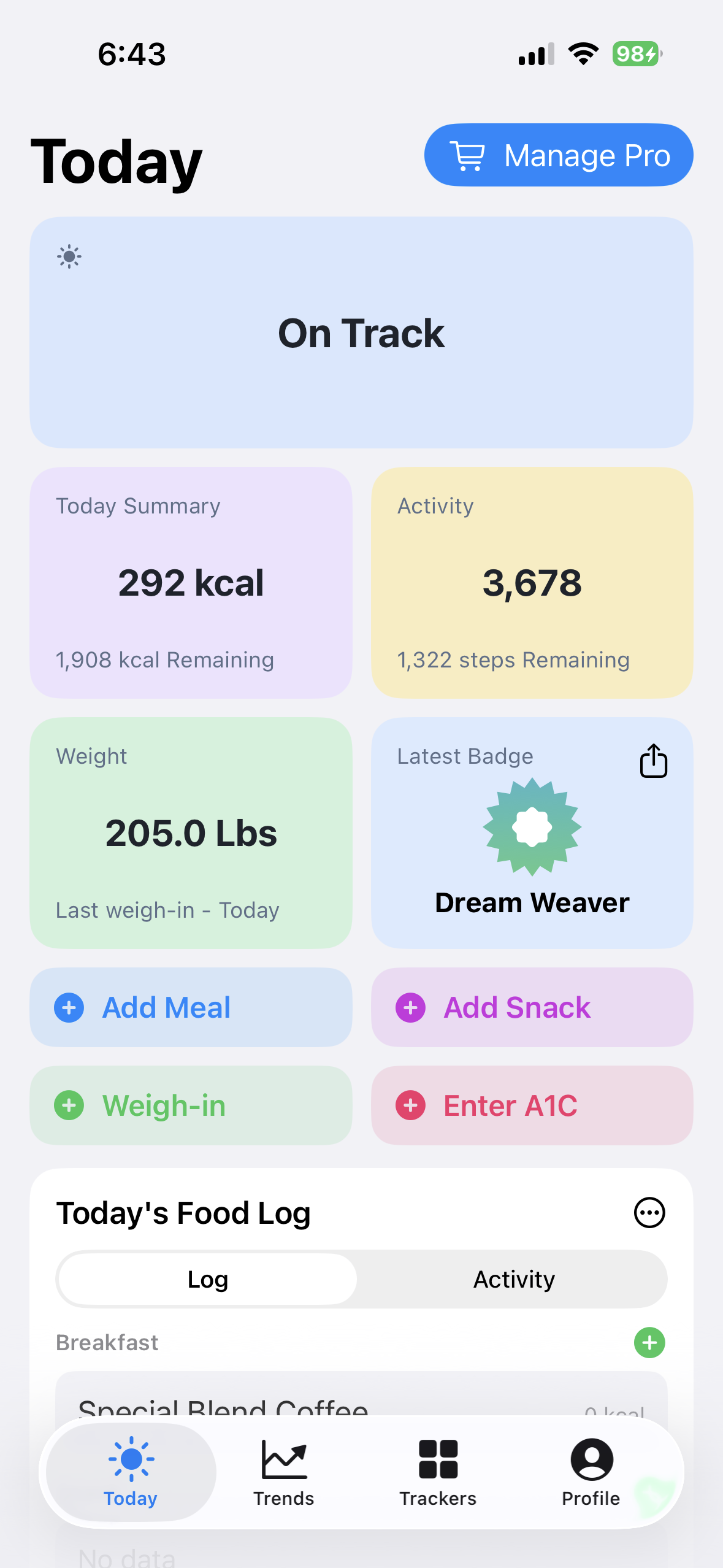
iPhone
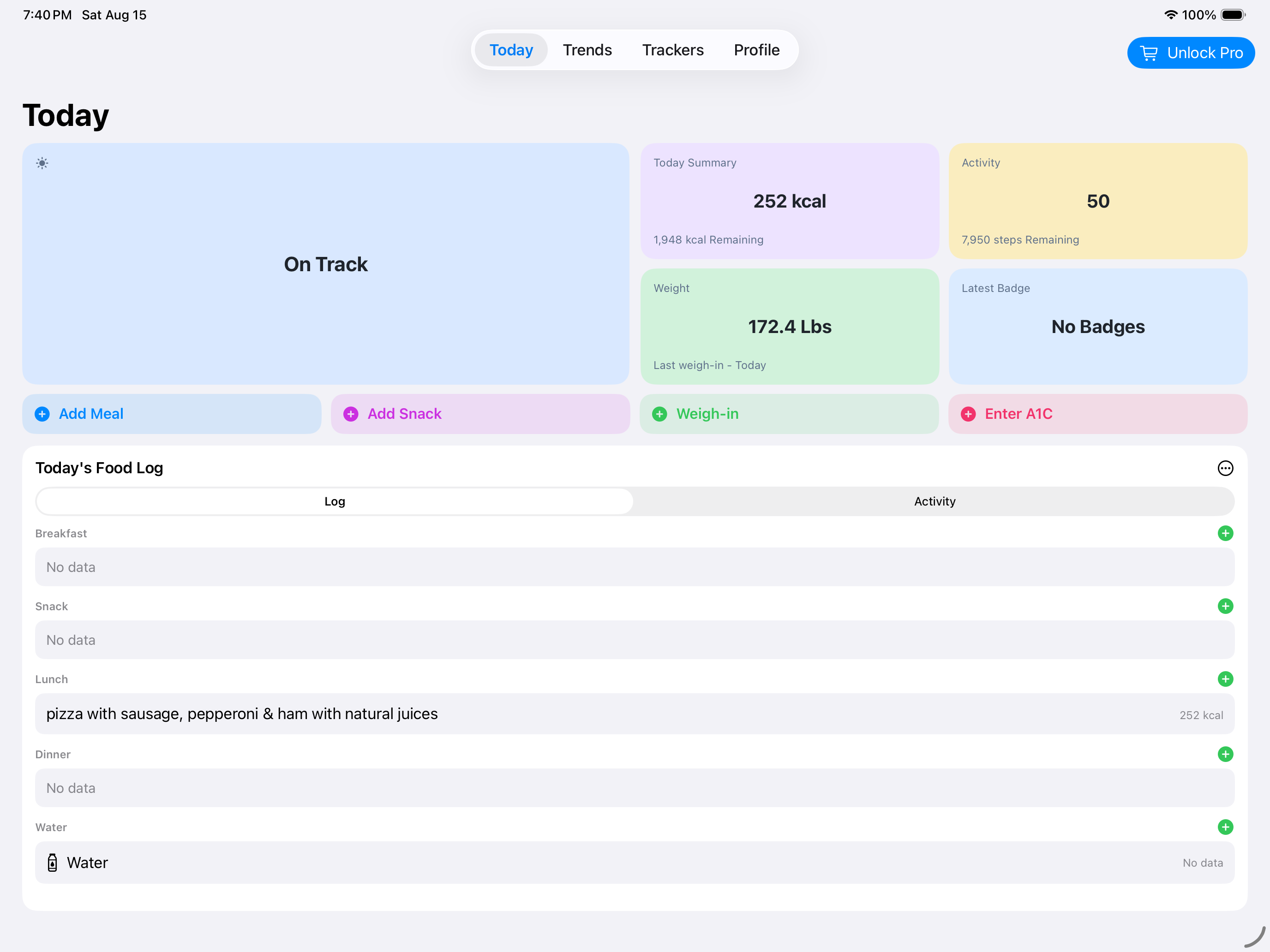
iPad
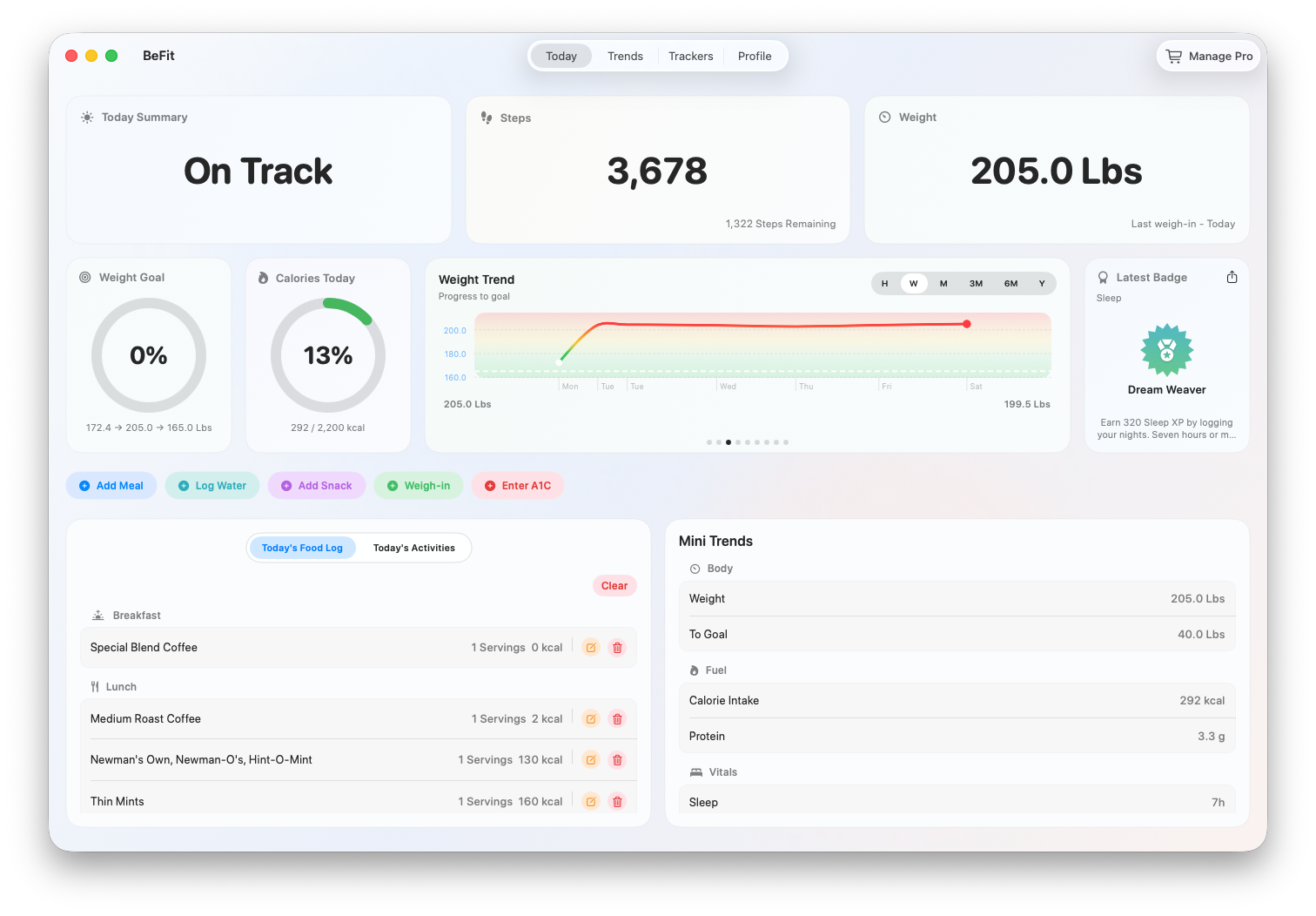
Mac
All devices
Core Today, food search, manual logging, goals, trends, weight, hydration, and manual tracker workflows use local app data and do not require every optional permission.
- iCloud Sync needs an available iCloud account, network access, and sync enabled.
- The Full Food Database purchase or restoration needs StoreKit, an Apple account, network access, and regional availability.
- Recipe pages, support links, ratings, and provider-backed workflows can require internet access.
iPhone and iPad
BeFit Tracker 8.0.2 is current on both iPhone and iPad. It requires iOS or iPadOS 26.2 or later and uses one shared app with layouts for both devices. Exact device models depend on Apple’s OS compatibility.
- Health app import needs HealthKit read permission.
- Scanning needs Camera permission; manual barcode entry does not.
- Dictation needs Microphone and Speech Recognition permissions.
- Picture-based custom-food discovery is available on iPhone only when Apple Intelligence is available. Apple Vision assists with classification inside the workflow; searching recipe websites still requires network access.
Mac
BeFit Tracker Classic 7.5.1 requires macOS 12.4 or later. The current BeFit Tracker 8.0.1 release requires macOS 26.2 or later and is designed around a 1400 × 888-point minimum main window.
- OpenAI and Claude require customer-supplied provider credentials, account or billing, and internet access.
- Ollama requires a customer-run local service and compatible model; later recipe fetching can still use the network.
- Customer-facing CloudKit log viewing, export, and reset tools are available on Mac.
Download BeFit Tracker
Get BeFit Tracker from its combined App Store listing. iPhone, iPad, and Mac availability is managed through this single product listing as each platform version is published.