 BeFit Tracker Help
Purchases
Unlock or restore the Full Food Database
Learn what the one-time Full Food Database purchase adds and how restoration works.
The Full Food Database is a restorable one-time in-app purchase that expands BeFit Tracker’s bundled food catalog.
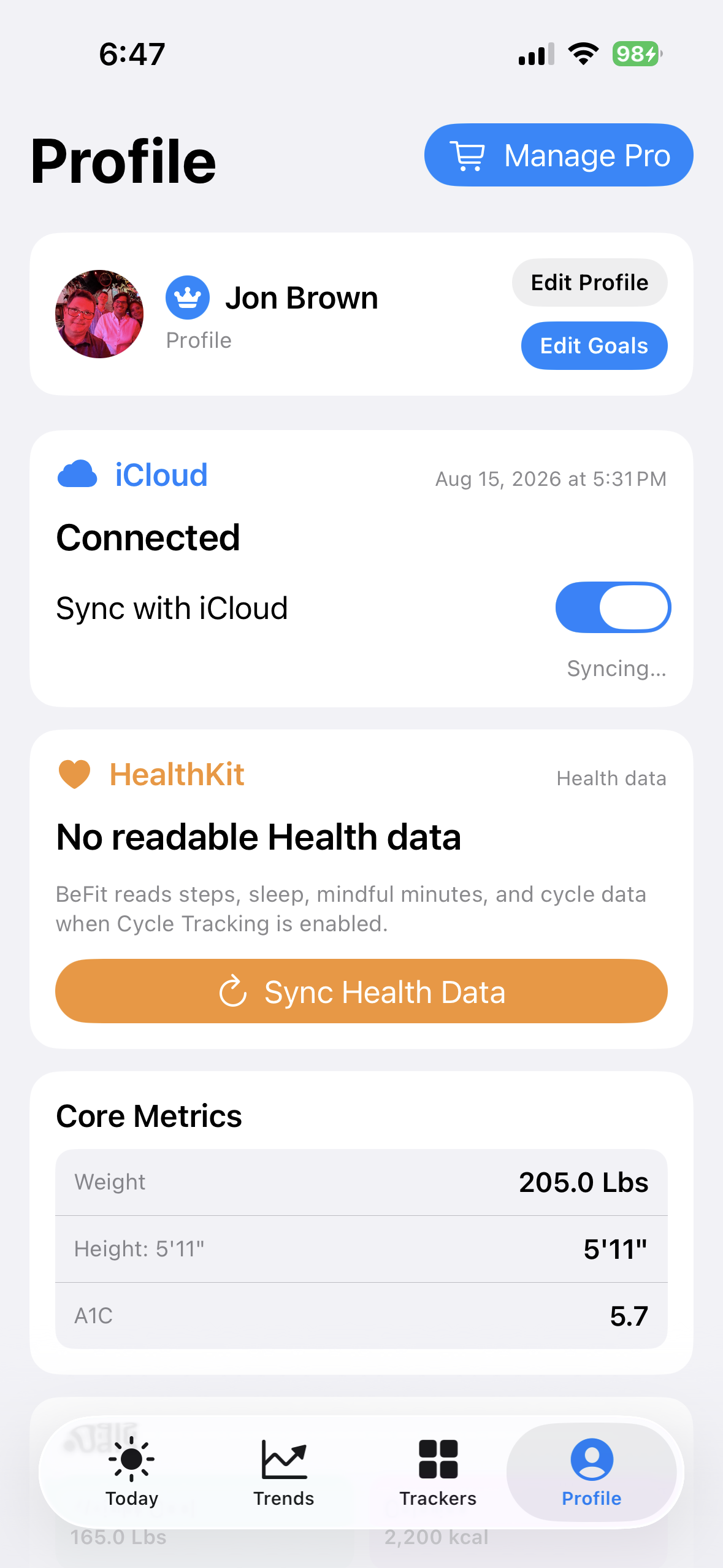
iPhone
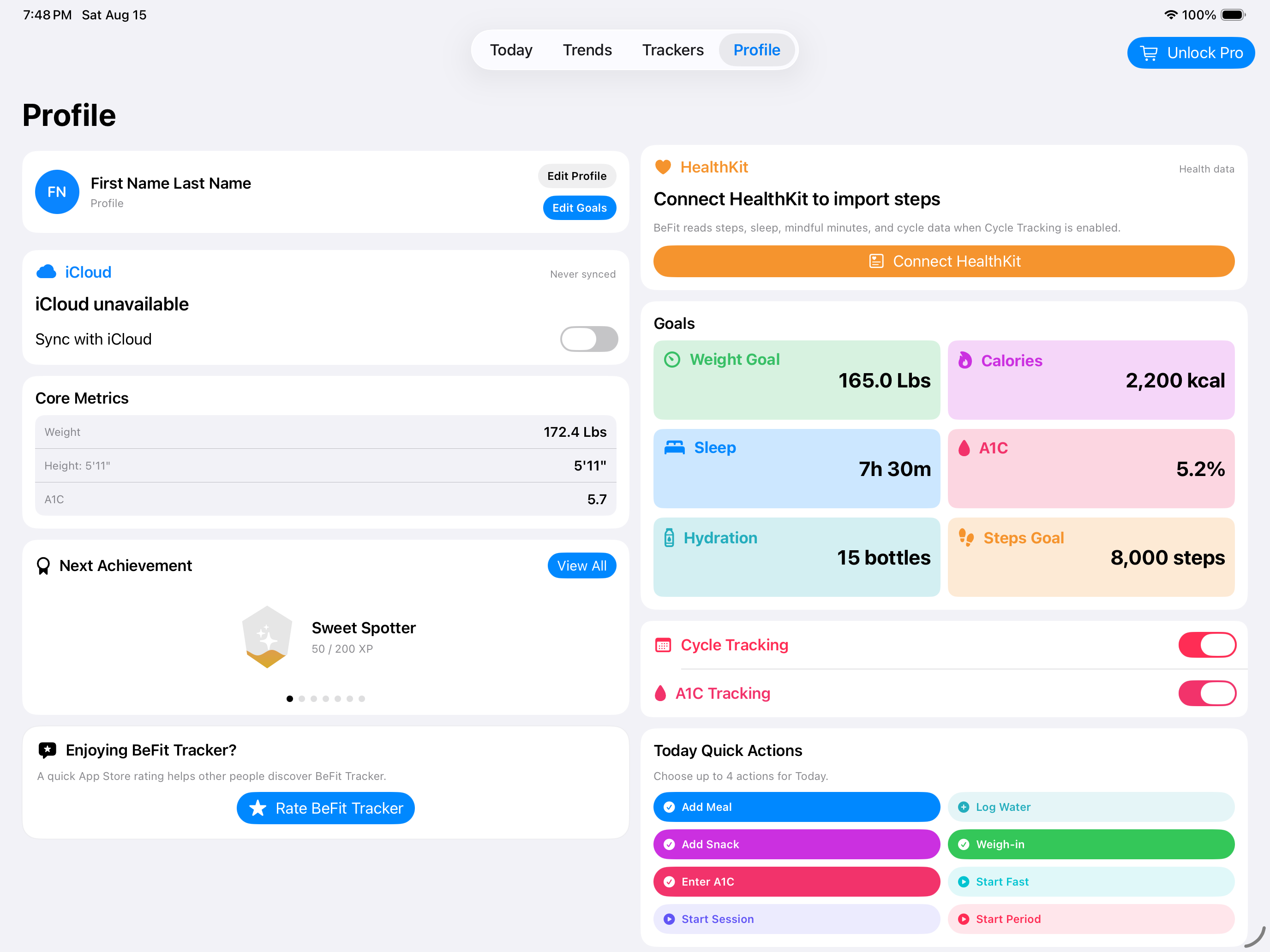
iPad
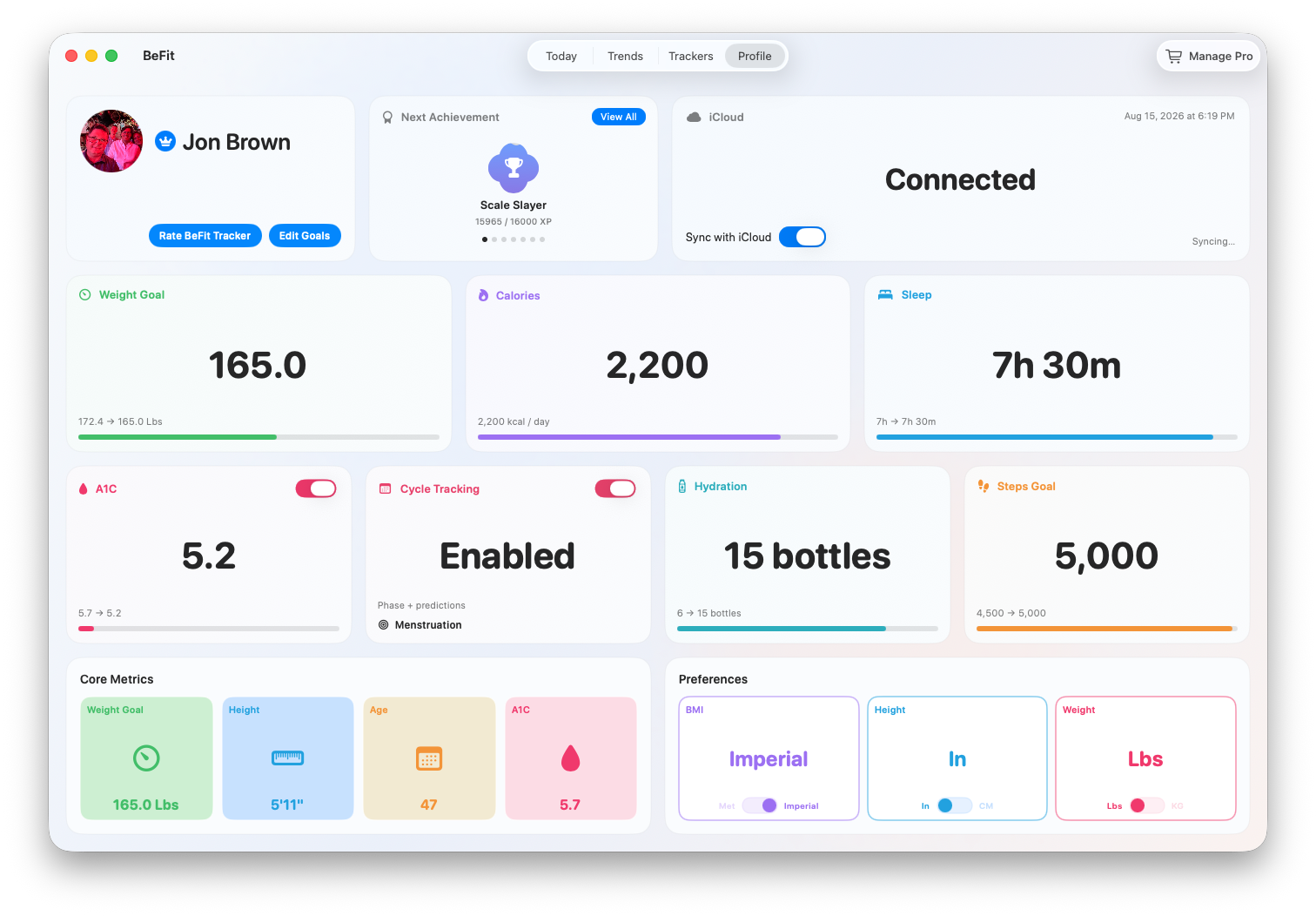
Mac
What Full adds
The August 2026 Lite catalog includes 100,000 foods. Full expands the catalog to more than 1.9 million foods, including substantially broader branded-food coverage. Counts are reverified whenever the catalog changes.
Apple displays the authoritative localized price through StoreKit at purchase time. Catalog counts must be reverified after an update.
If Apple shows Full as shareable for your storefront, eligible family members can restore it through their Apple Family Sharing group. Family Sharing shares purchase eligibility, never anyone’s records.
Purchase or manage Full
Open Manage Pro or Manage Purchases in BeFit Tracker and follow Apple’s StoreKit purchase flow. On Mac, purchase management is also available from the application menu.
Restore a previous purchase
- Confirm the device uses the Apple account that owns the purchase.
- Confirm the device has network access and can reach the App Store.
- Open the purchase interface and choose Restore Purchases.
- Allow time for the entitlement state to refresh.
A family member may also need to use Restore Purchases to receive a shared non-consumable purchase. See Share BeFit Tracker purchases with your family for setup and troubleshooting.
Do not delete the app as a first troubleshooting step because doing so can remove local user data.