 BeFit Tracker Help
iPhone & iPad
iPhone and iPad permissions
Manage Apple Health, camera, microphone, and photo-library access used by supported BeFit Tracker mobile workflows.
BeFit Tracker’s shared Apple mobile app supports iPhone and iPad. Some mobile capabilities depend on permissions you control.
Import supported records from Apple Health
Open BeFit Tracker’s connectivity or Health section, request authorization, and choose the supported categories you want to share in Apple’s Health privacy controls. BeFit Tracker can import authorized Steps, Sleep, Cycle, Mindfulness, and other supported records on iPhone and iPad. BeFit Tracker cannot override a denied permission.
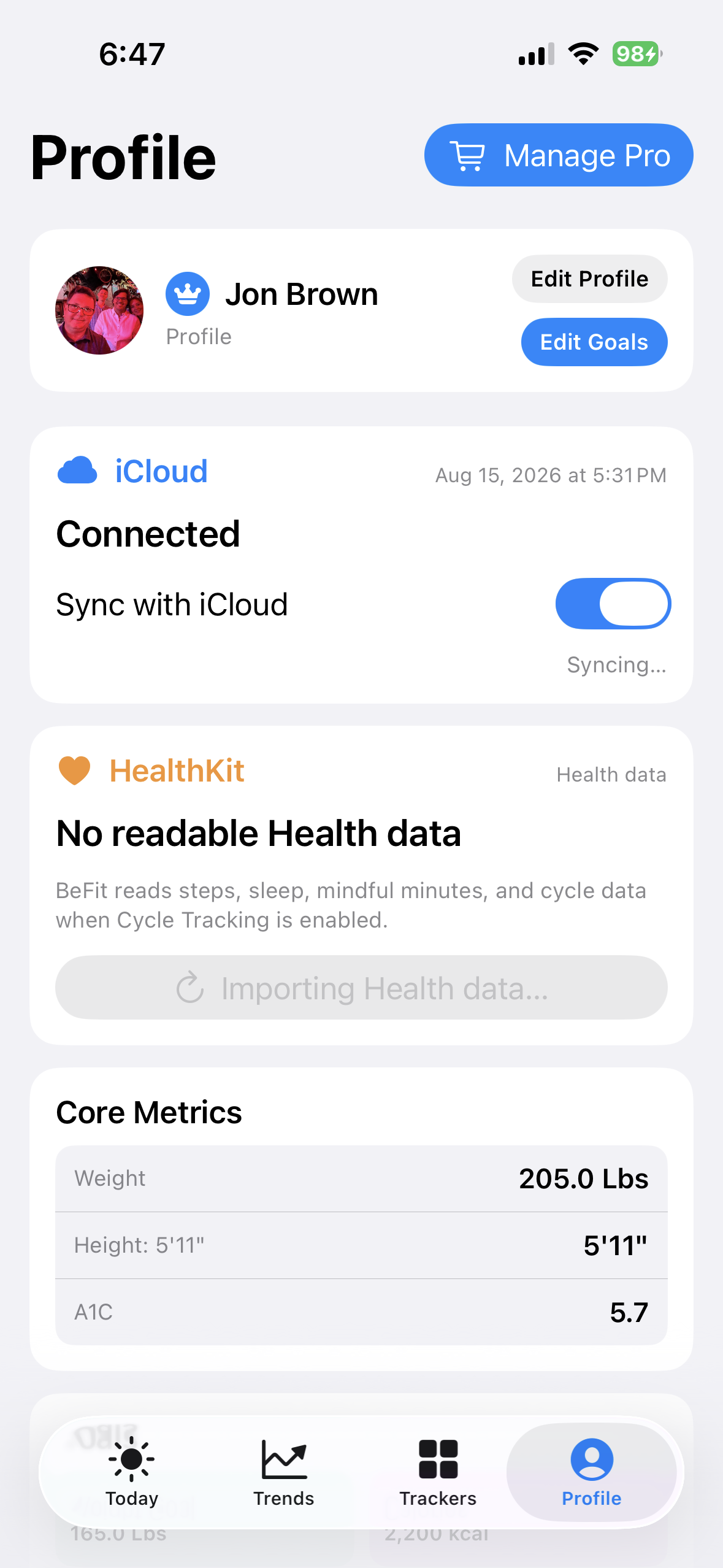 Open the mobile settings area
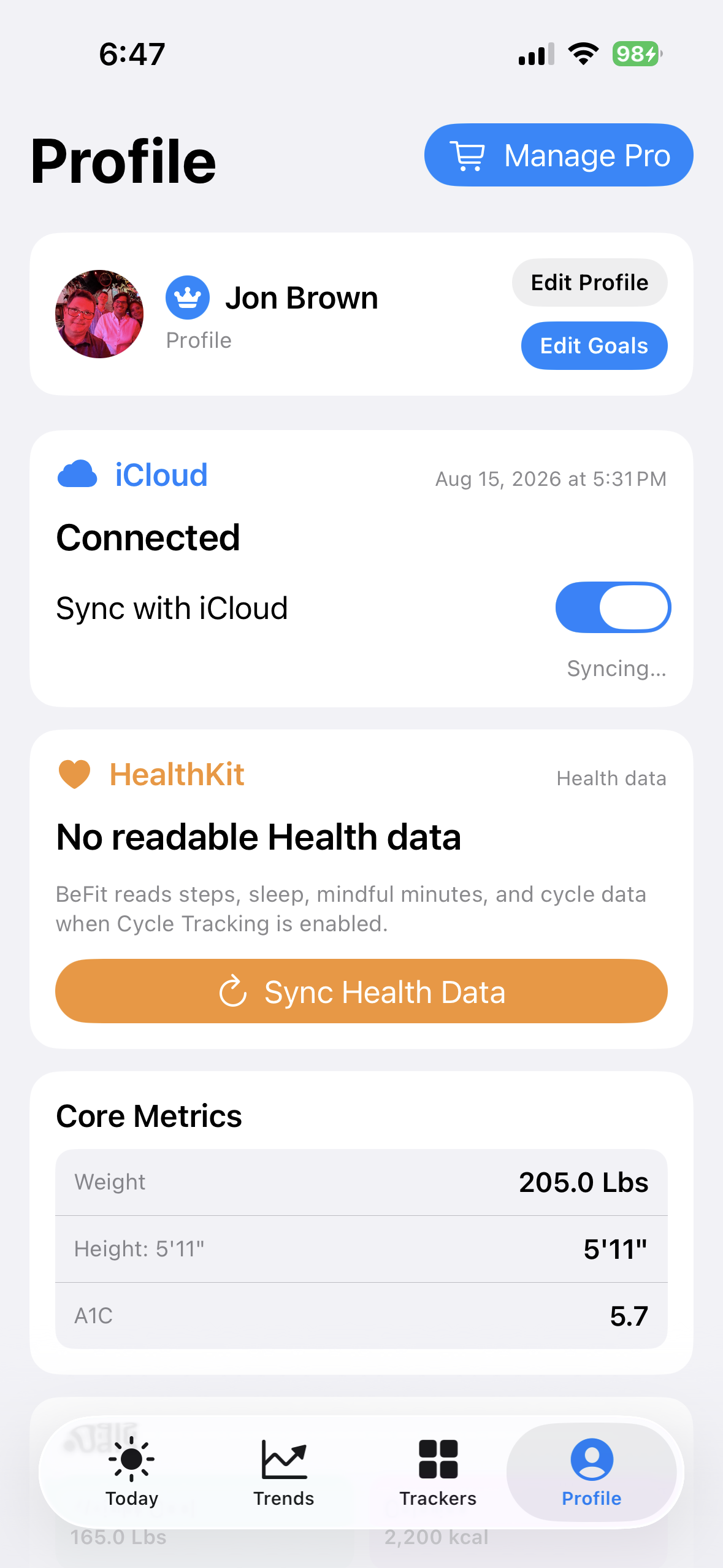 Choose the Health connection
Allow camera or photo access
Camera and photo-library access support profile images and user-food creation. Barcode/product lookup can also use the camera. Use the in-app permission route or Apple Settings to allow the appropriate access. With limited Photos access, add the desired image to the permitted selection.
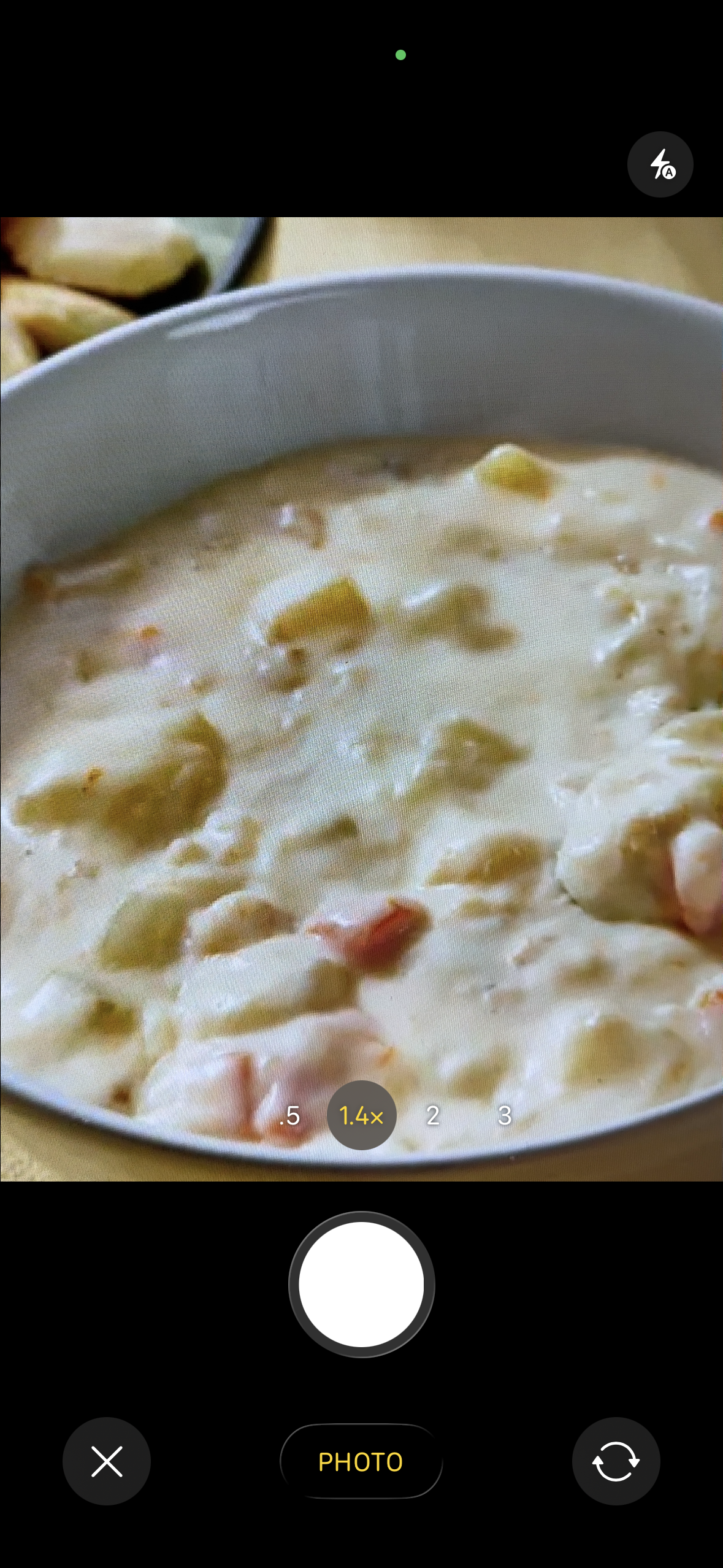 Allow the camera when using photo workflows
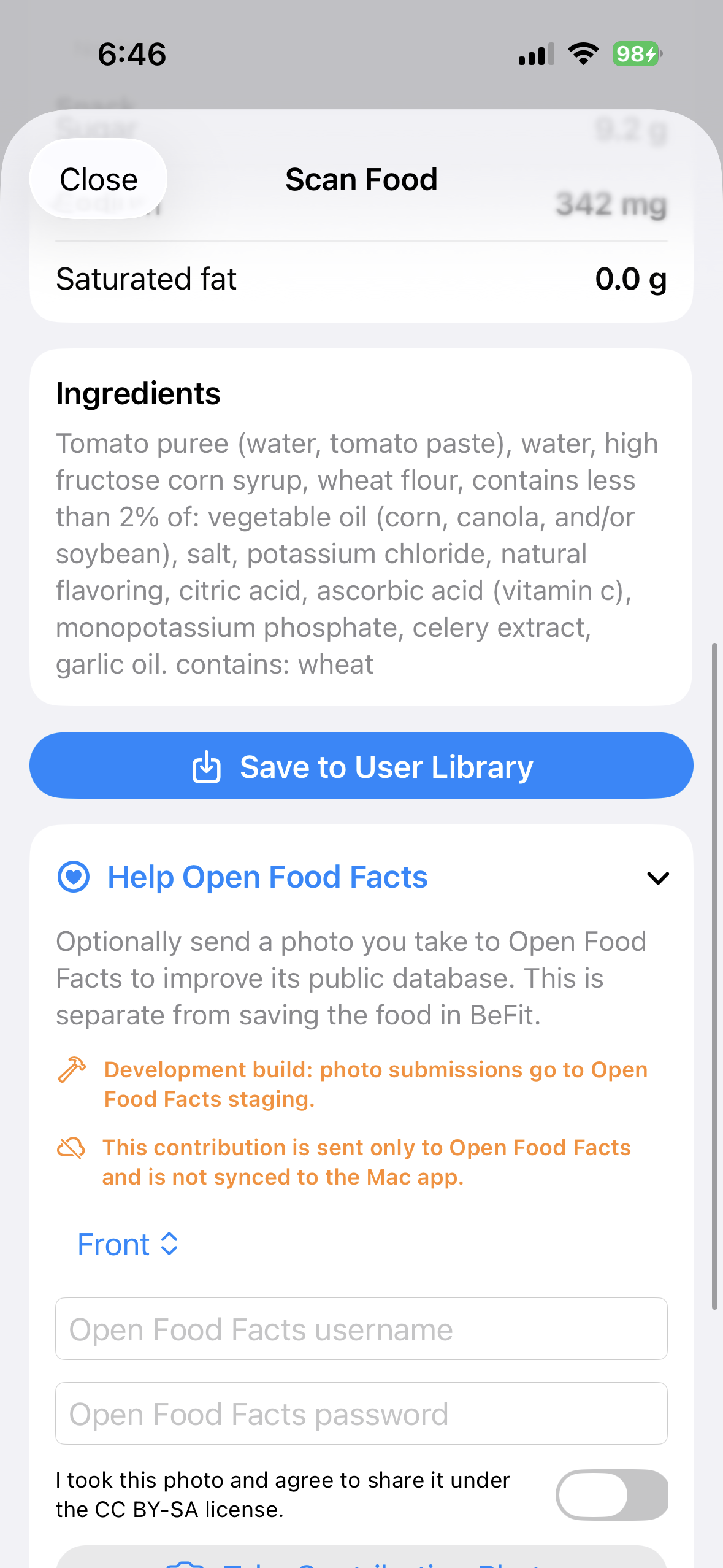 Allow Camera for barcode lookup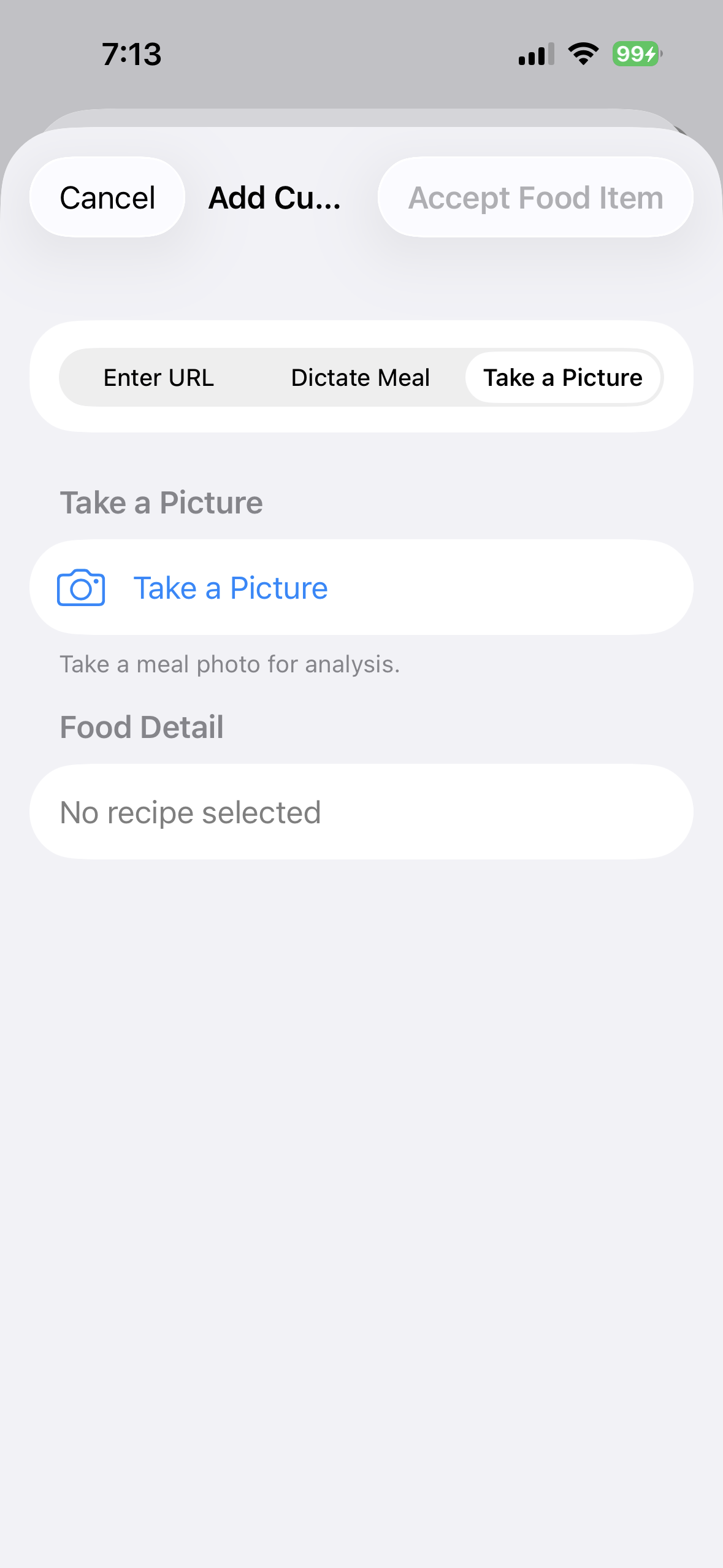
The same permission principles apply on iPhone and iPad, while individual capabilities still depend on hardware, system availability, and the permission you grant.
Create a custom food with AI
On an eligible iPhone, a food picture can be classified with Apple Vision inside an Apple Intelligence workflow. The resulting description is used to search recipe websites for candidates that you review before importing. Take a Picture is hidden when Apple Intelligence is unavailable. Camera access is required to take the picture; network access is required for the recipe search.
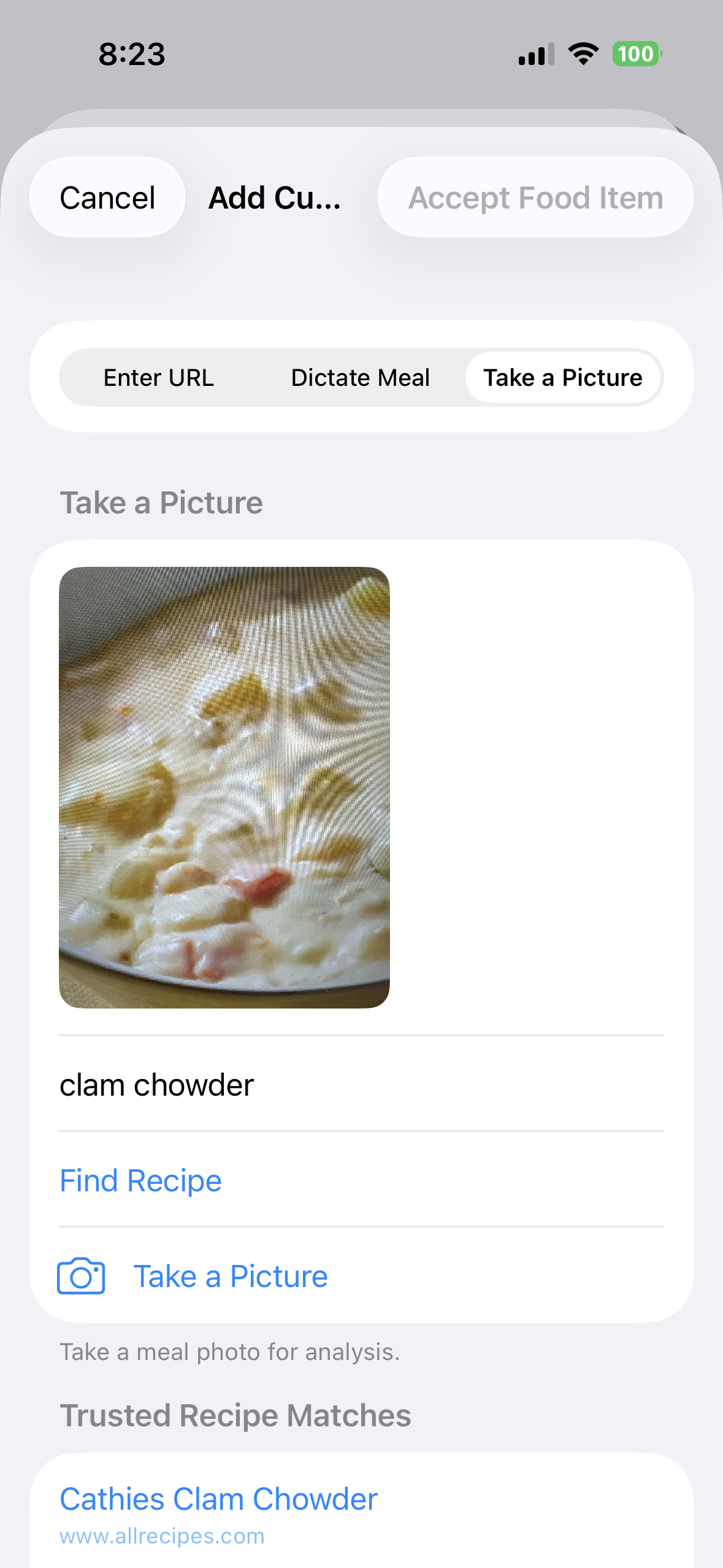 Review the recognized dish
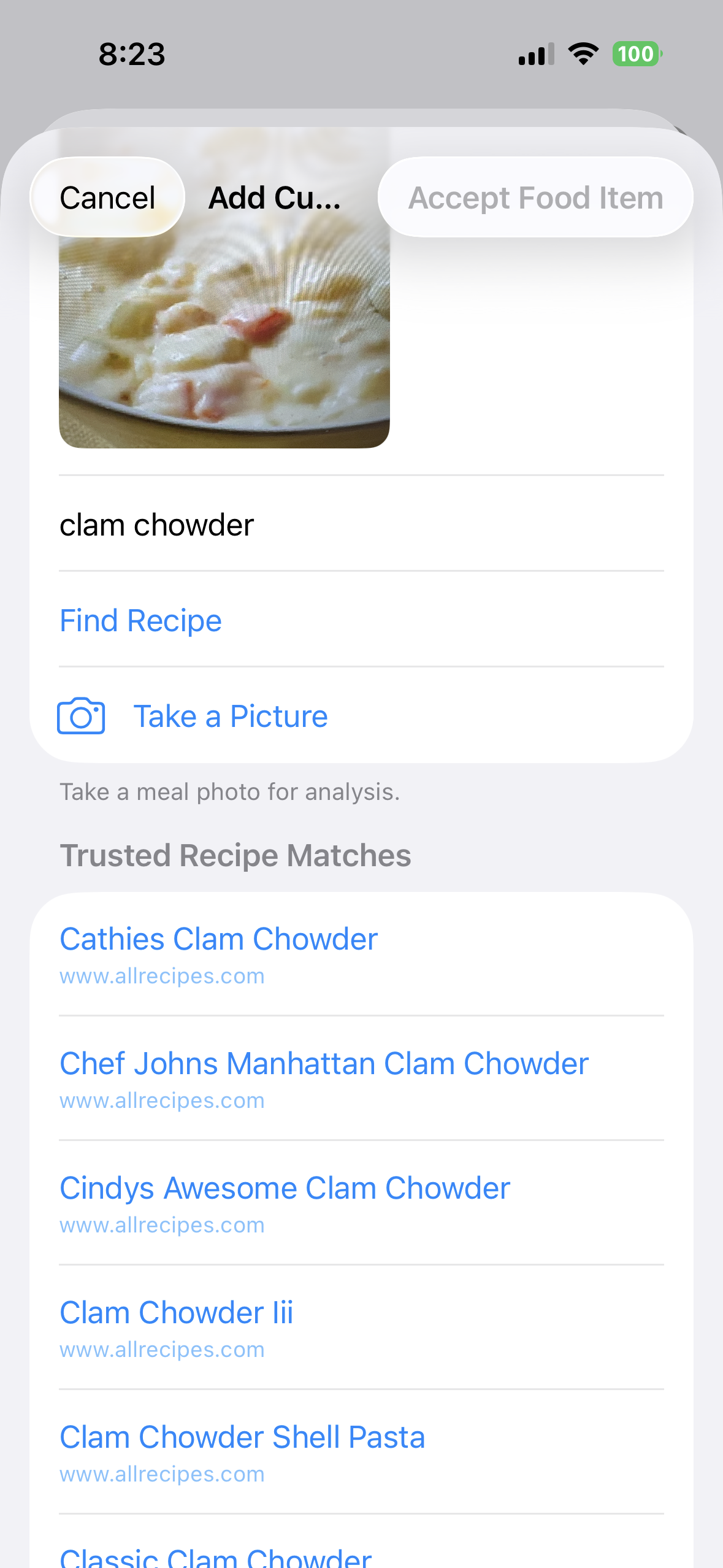 Choose from the recipe candidates
Barcode lookup lives elsewhere
If your task is specifically scanning a package barcode, use Look up food by barcode. That guide covers the Open Food Facts scan and review workflow in detail so this page can stay focused on permissions.