 BeFit Tracker Help
iCloud & devices
Synchronize supported records with iCloud
Enable iCloud synchronization, understand what moves between devices, and troubleshoot records that differ.
BeFit Tracker uses iCloud to reconcile supported personal records between configured Apple devices. It synchronizes mutable information such as logs, goals, settings, and tracker history; each device continues to read the bundled food catalog from its own local, read-only copy.
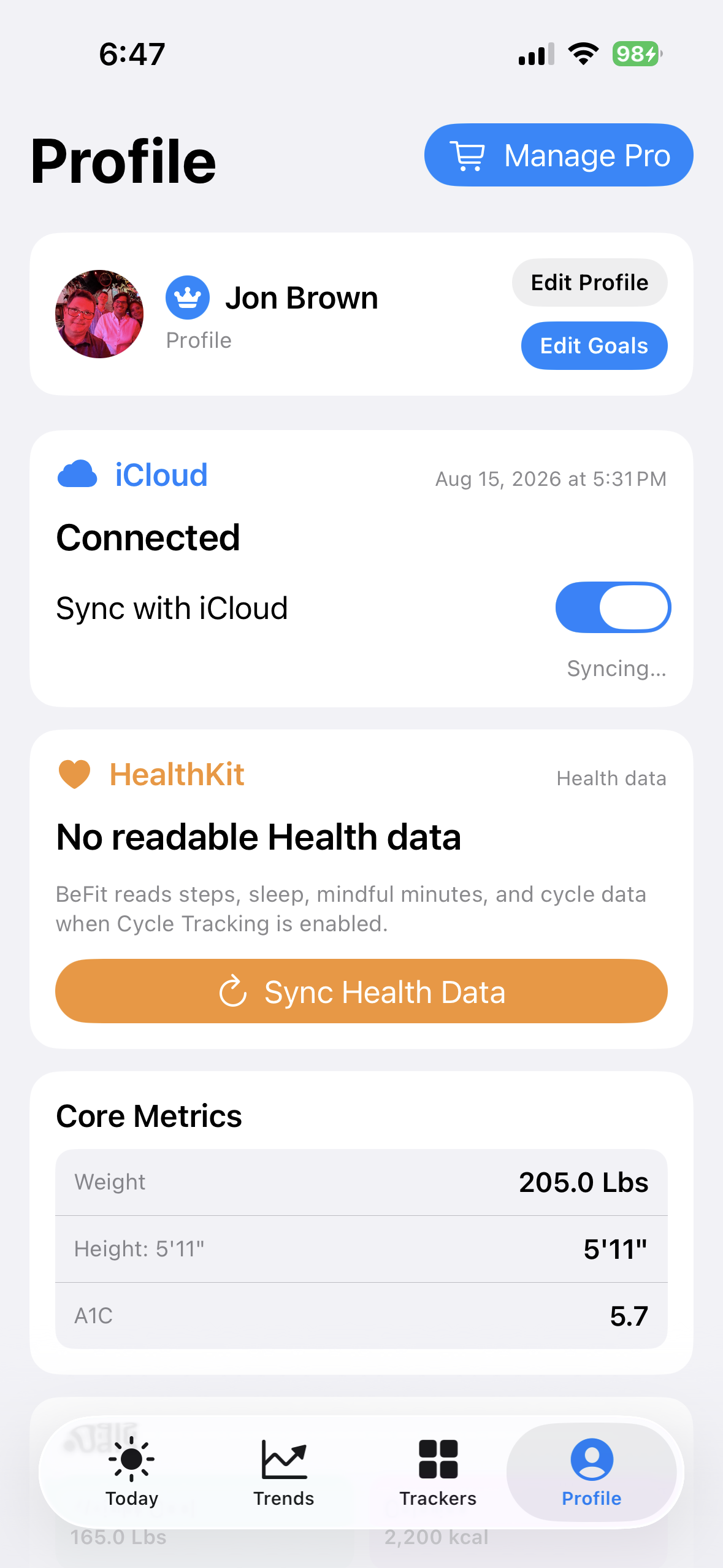
iPhone
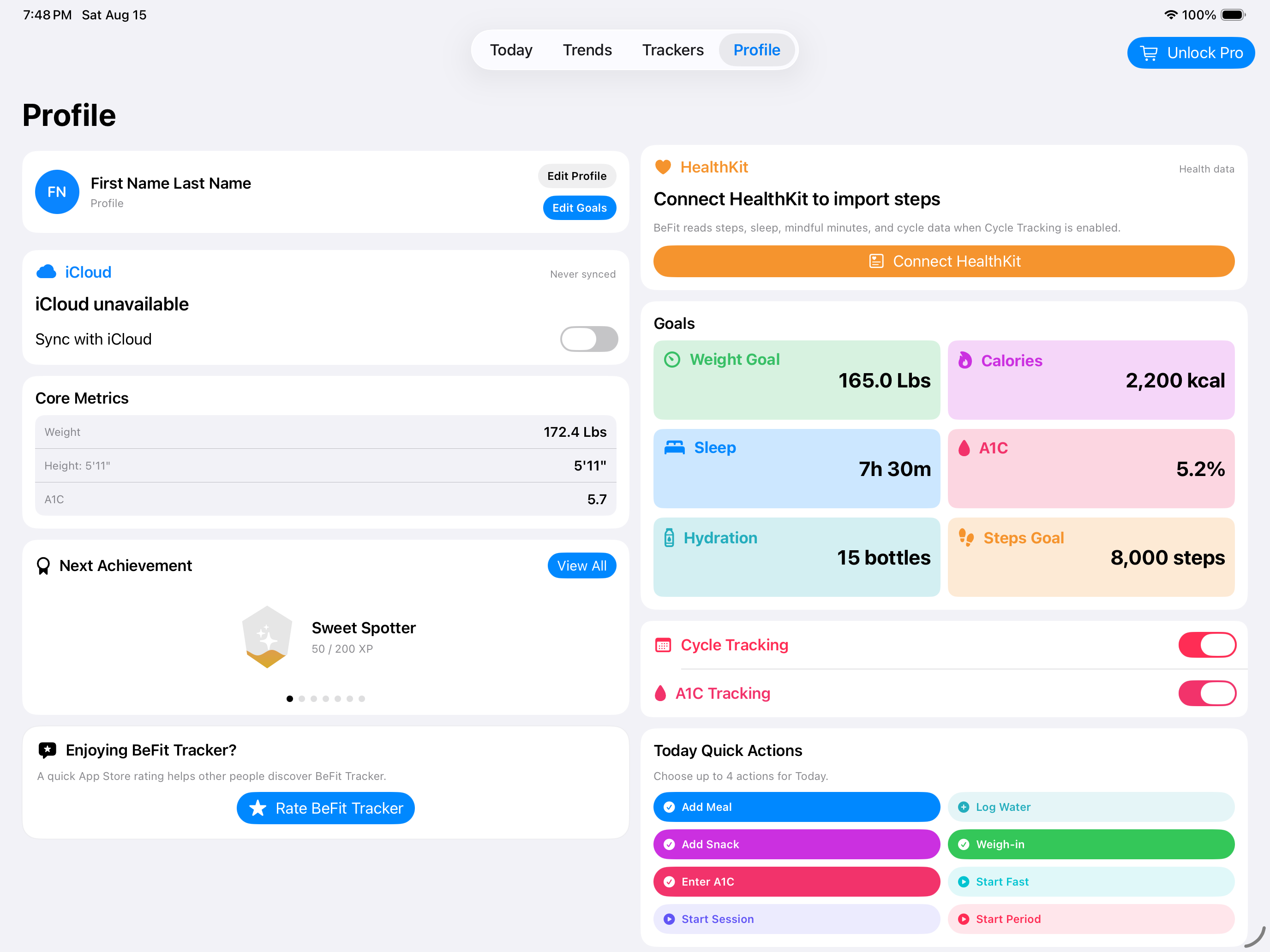
iPad
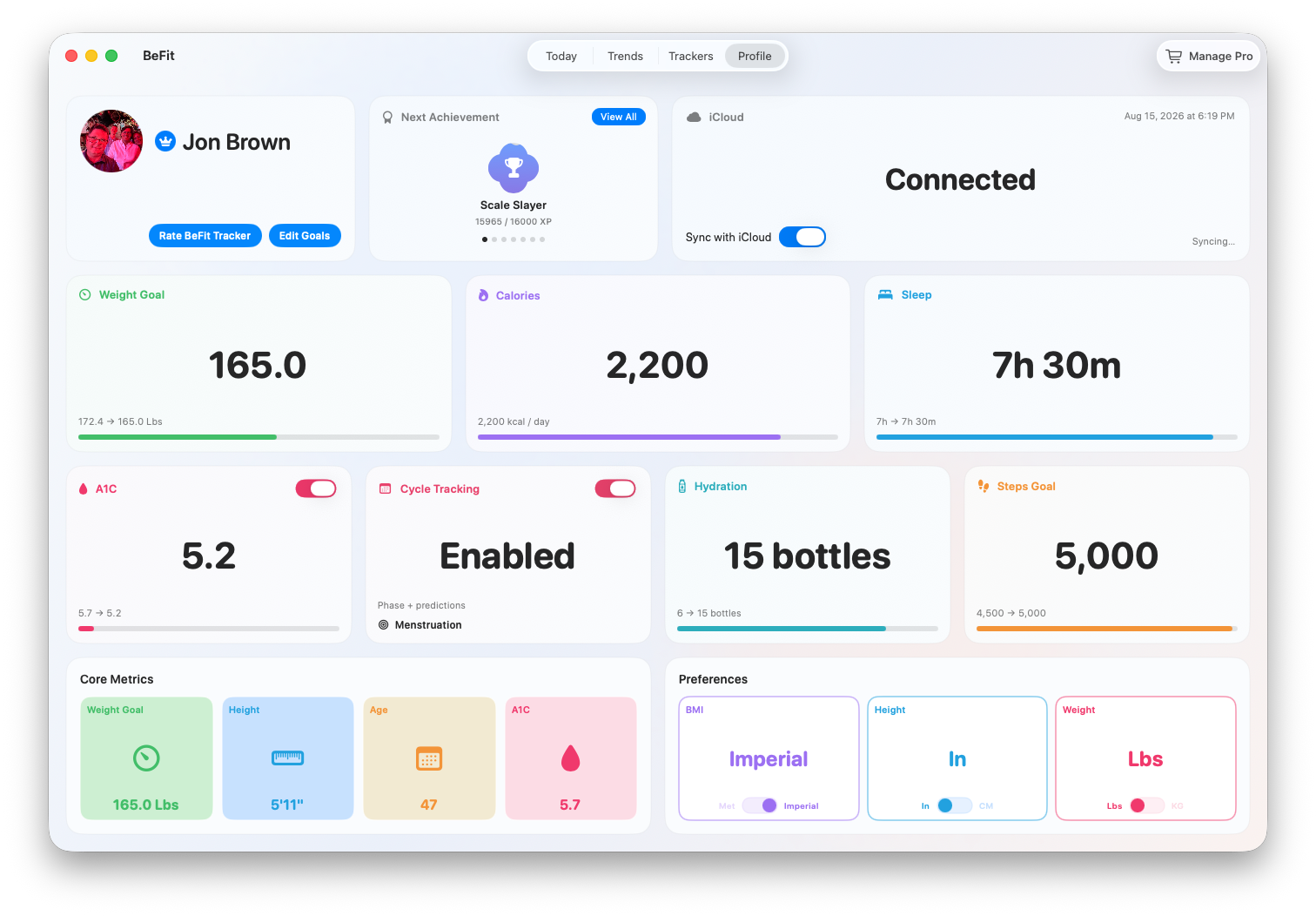
Mac
Before enabling synchronization
- Confirm every participating device is signed in to the intended Apple Account.
- Make sure iCloud is available for that account and each device has network access.
- Open BeFit Tracker on each device and check that the records you care about are visible locally.
- Avoid making competing corrections to the same record on several devices during initial setup.
Turn on Sync with iCloud
- Open Profile and find the iCloud connection card.
- Enable Sync with iCloud.
- Keep BeFit Tracker open and online while the initial download, reconciliation, and upload finish.
- Repeat on the other device, then verify several known records by tracker and date rather than checking only a dashboard total.
What synchronization includes
Supported domains include food logs, water, personal foods and recipes, favorites, collections, weight, BMI, beta-tracker records, profile settings and goals, achievements, and supported steps. iPhone and iPad publish supported Apple Health-sourced steps; Mac consumes those reconciled records rather than connecting to HealthKit itself.
BeFit Tracker compares stable record identities, modification times, source-device identifiers, and deletion state. A sync can download, merge, upload, acknowledge, and fetch again before every device converges.
If iCloud is disconnected or unavailable
- Confirm the device is signed in to the expected Apple Account.
- Check iCloud availability and network access in Apple system settings.
- Return to Profile and check the iCloud status again.
- Reopen BeFit Tracker after correcting account or network settings.
An Apple service or account error is outside BeFit Tracker’s control. Do not delete the app to refresh the connection; deletion can remove local records without removing cloud records.
If one record differs between devices
- Identify the exact tracker, date, and expected value on each device.
- Check date, time, and time-zone differences, especially for timed sessions and overnight sleep.
- Keep both devices online with synchronization enabled and allow the current cycle to finish.
- Do not create a duplicate while waiting.
- On Mac, open CloudKit Logs and export the attempt if the mismatch persists.
How conflicts are resolved
BeFit Tracker resolves a record as a whole using its modification information and deterministic tie-breaking, including deletion state. It does not merge individual fields from two competing edits. Make one correction on one device, let it synchronize, and then confirm the result elsewhere.
What iCloud Sync does not do
- It does not replace the local bundled food catalog with a cloud database.
- It does not make Mac a direct Apple Health reader.
- It does not guarantee instant replication while a device is offline or Apple services are unavailable.
- It does not make app deletion a safe reset strategy.
For persistent Mac issues, follow Inspect, export, or reset iCloud synchronization on Mac.