BeFit Tracker Help
Get started
Set goals and change units
Personalize BeFit Tracker targets and switch supported measurements between metric and imperial display.
Goals give saved records context. BeFit Tracker supports targets for weight, calories, sleep, activity, A1C, hydration, and steps.
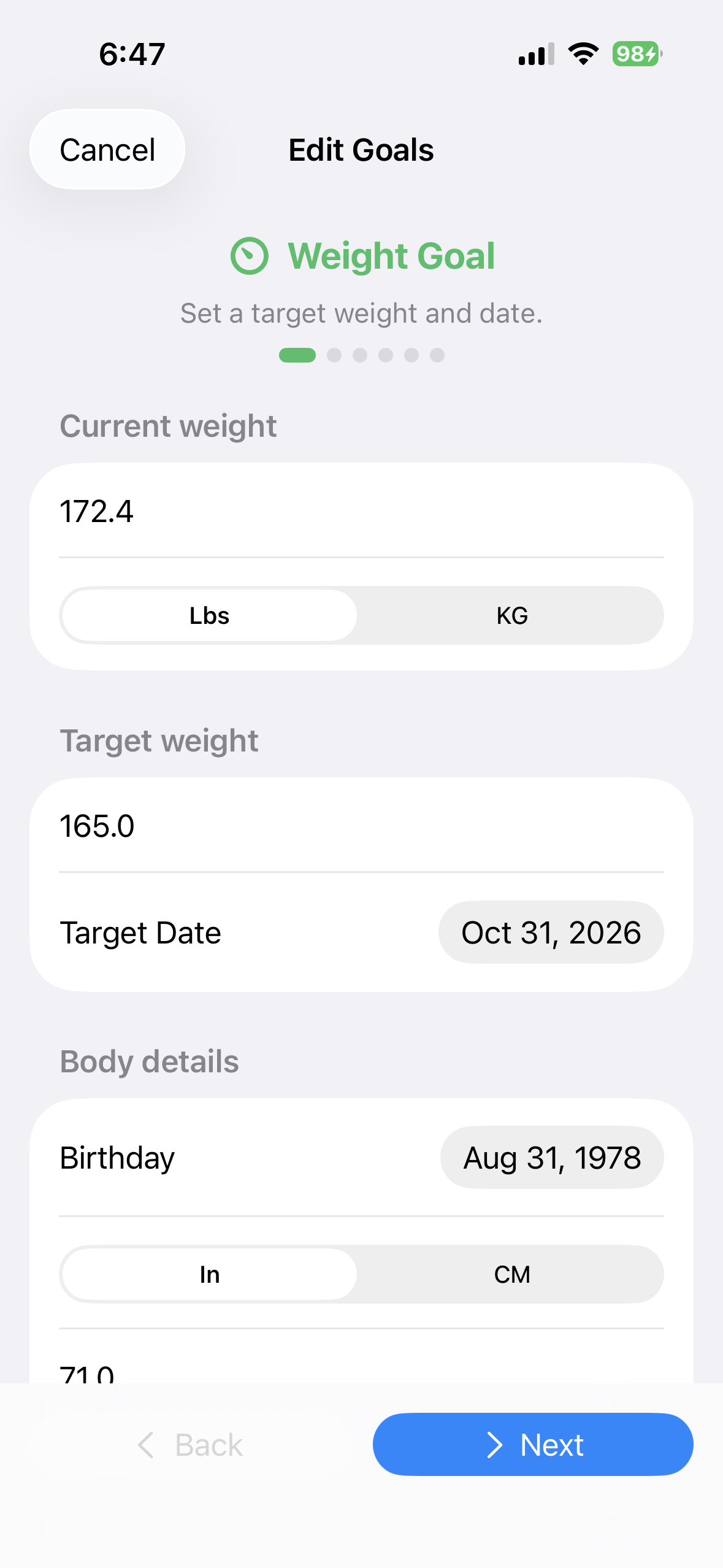
iPhone
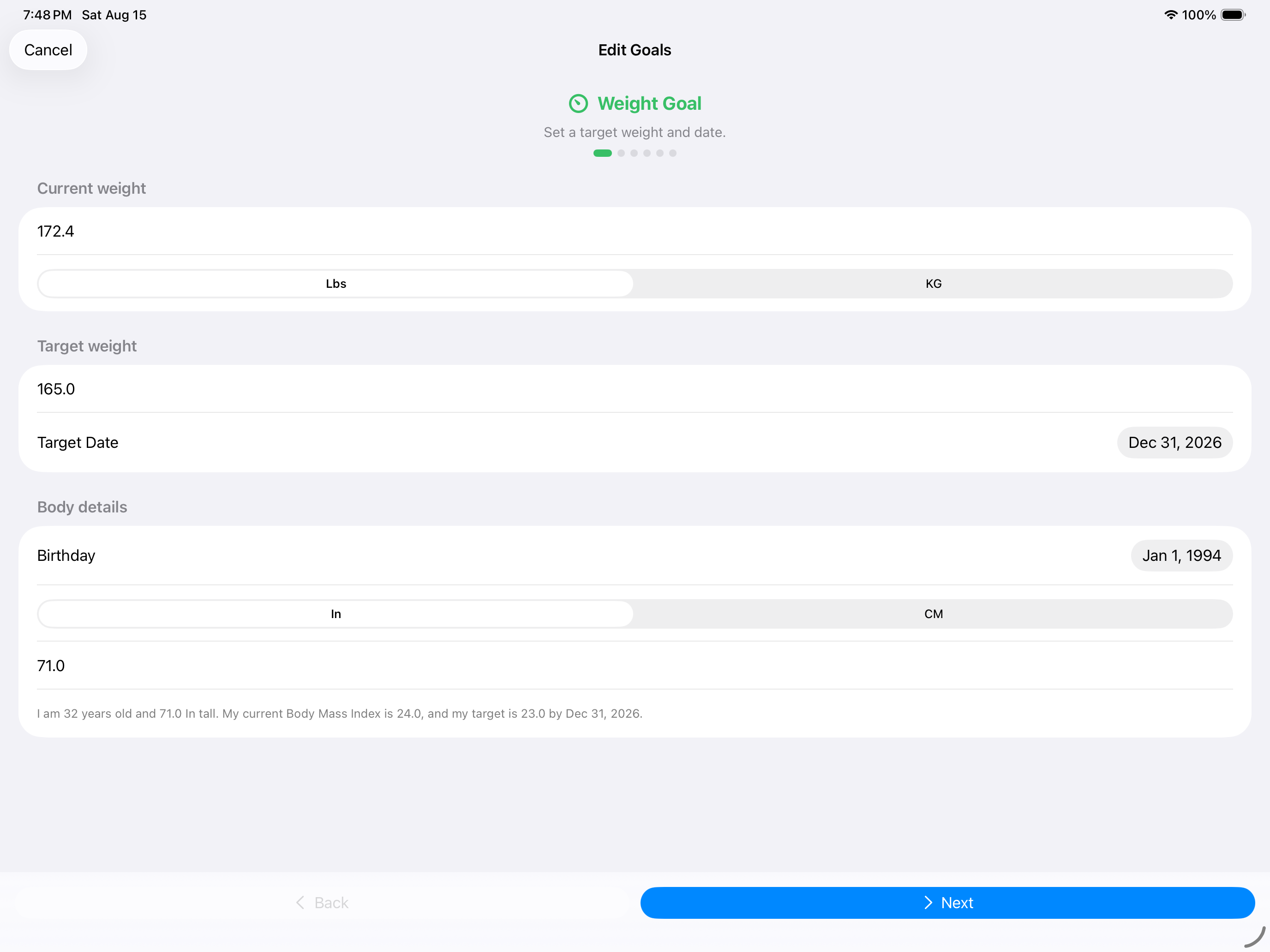
iPad
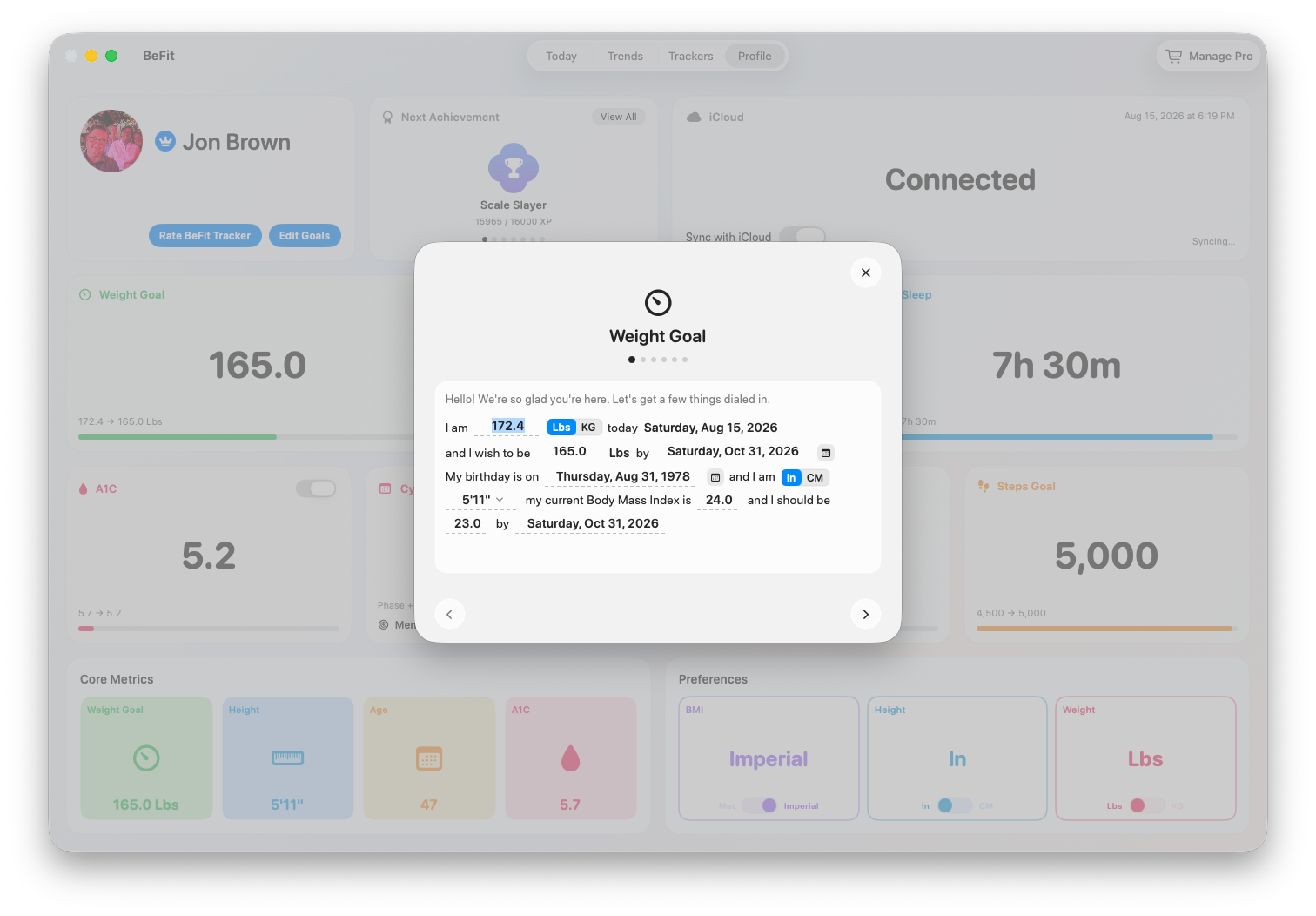
Mac
Set or change a goal
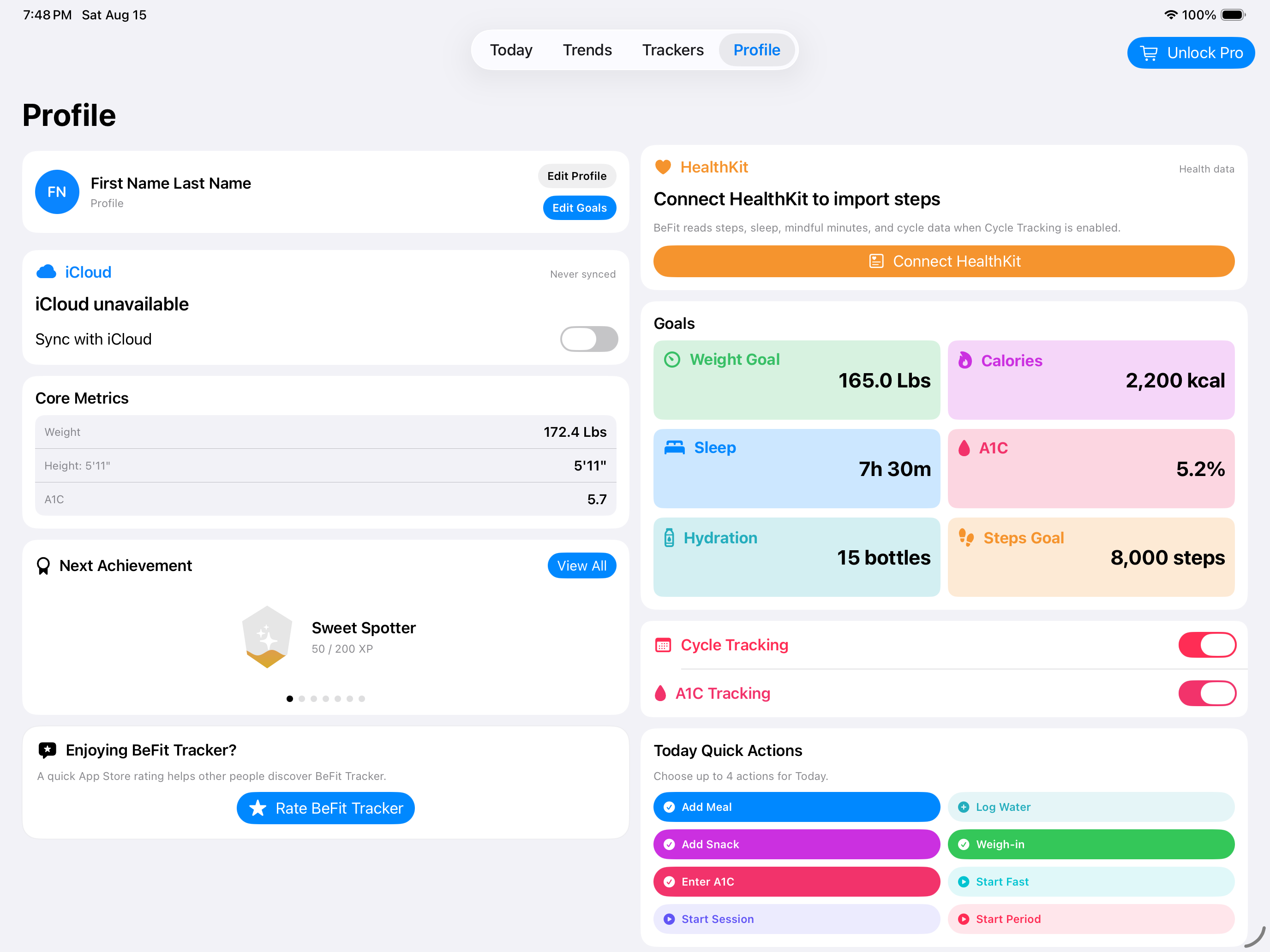
- Open Profile.
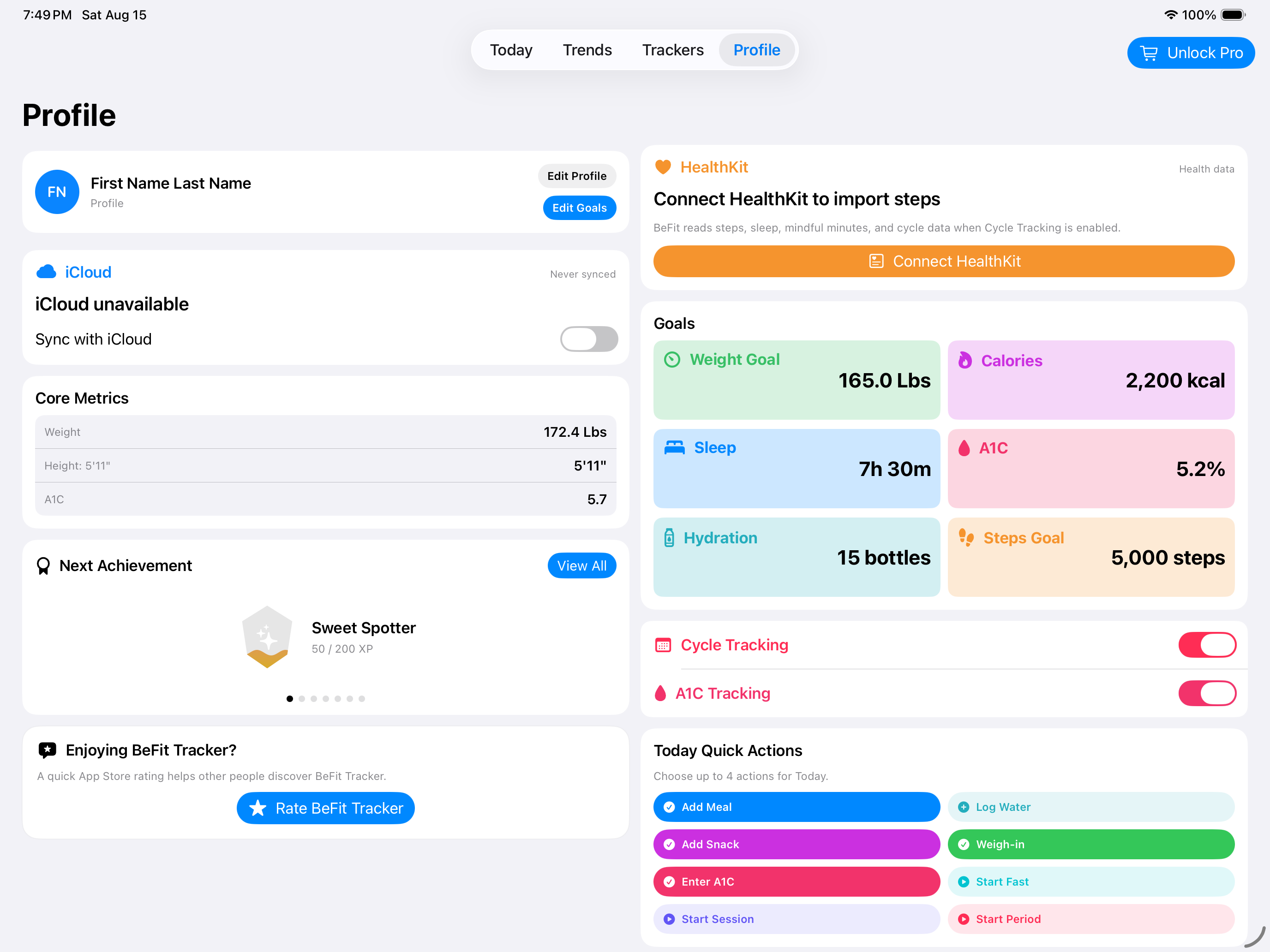
- Choose Edit Goals.
- Move through the guided goal pages and update the targets that apply to you.
- Save the completed changes.
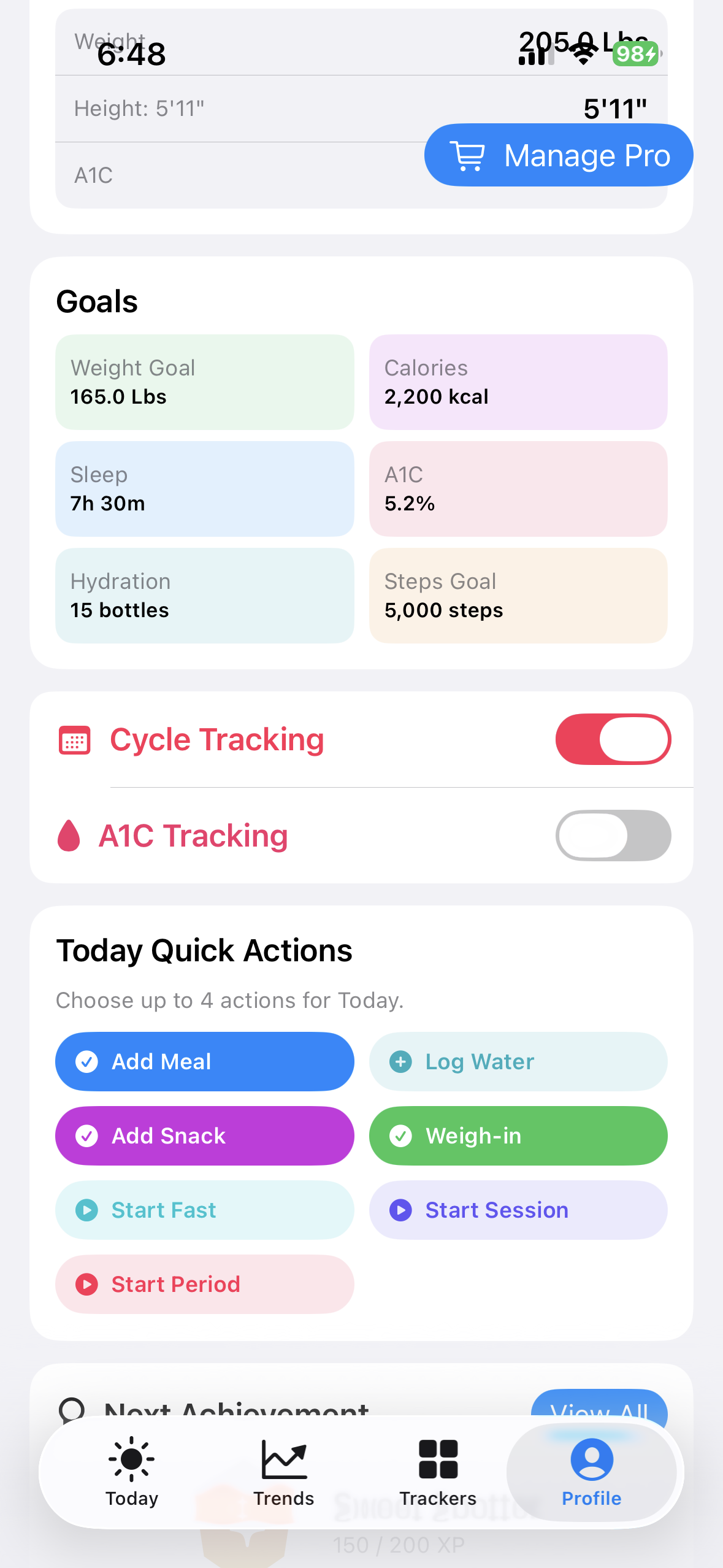
Work through the goal pages
Each page changes one part of the plan. Calorie, Sleep, and Activity goals provide the everyday targets used by Today and Trends. Enter values that match the way you want to review progress; you can return to Edit Goals later without rebuilding your saved history.
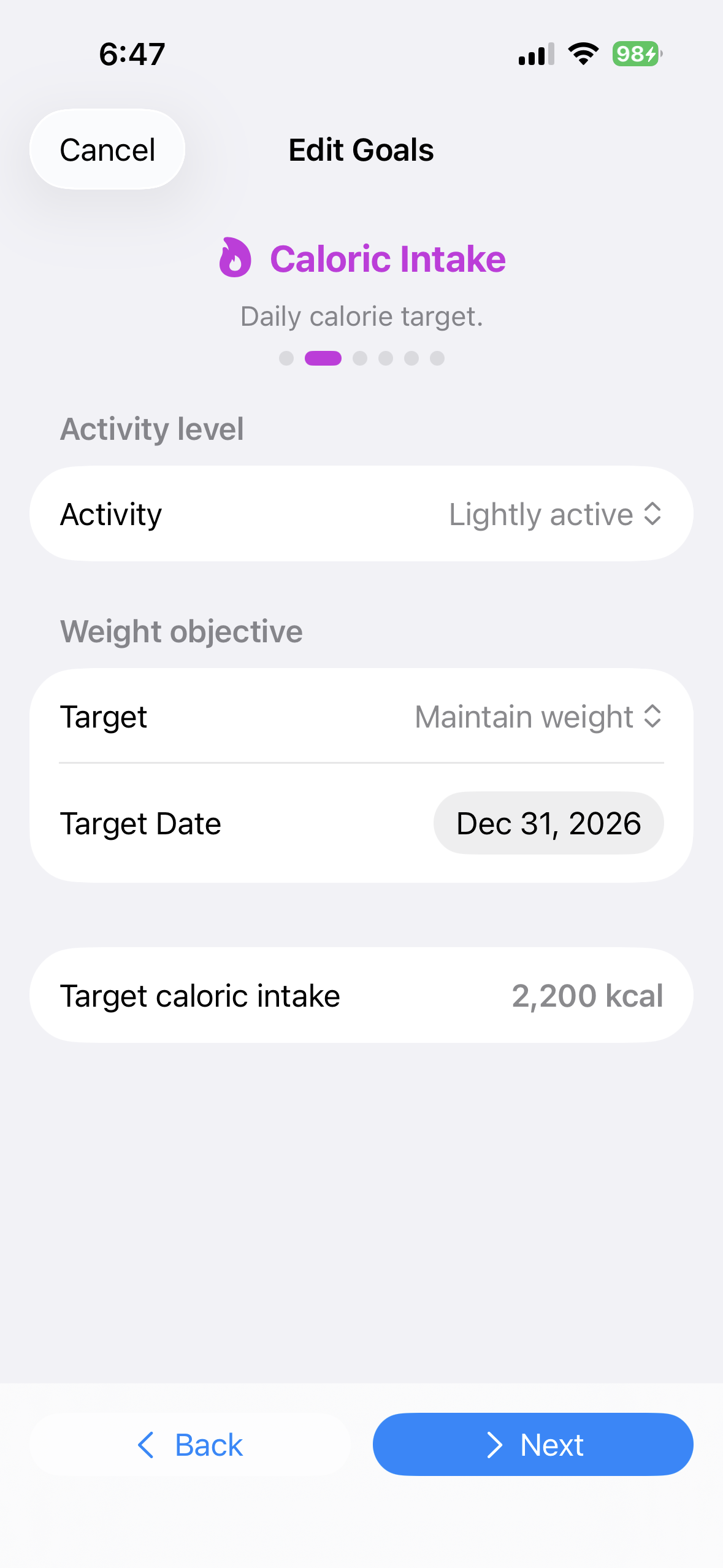 Set the daily calorie target
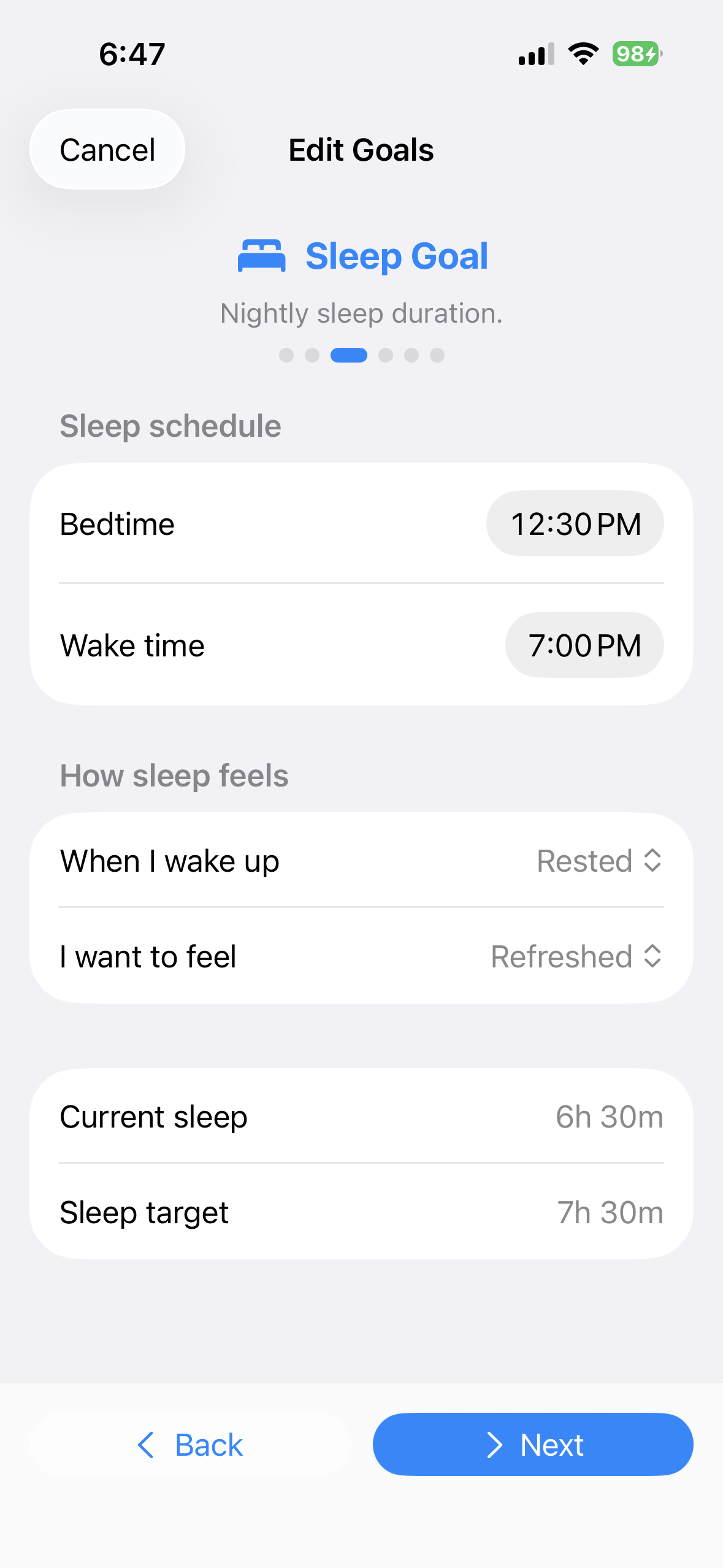 Choose the desired sleep duration
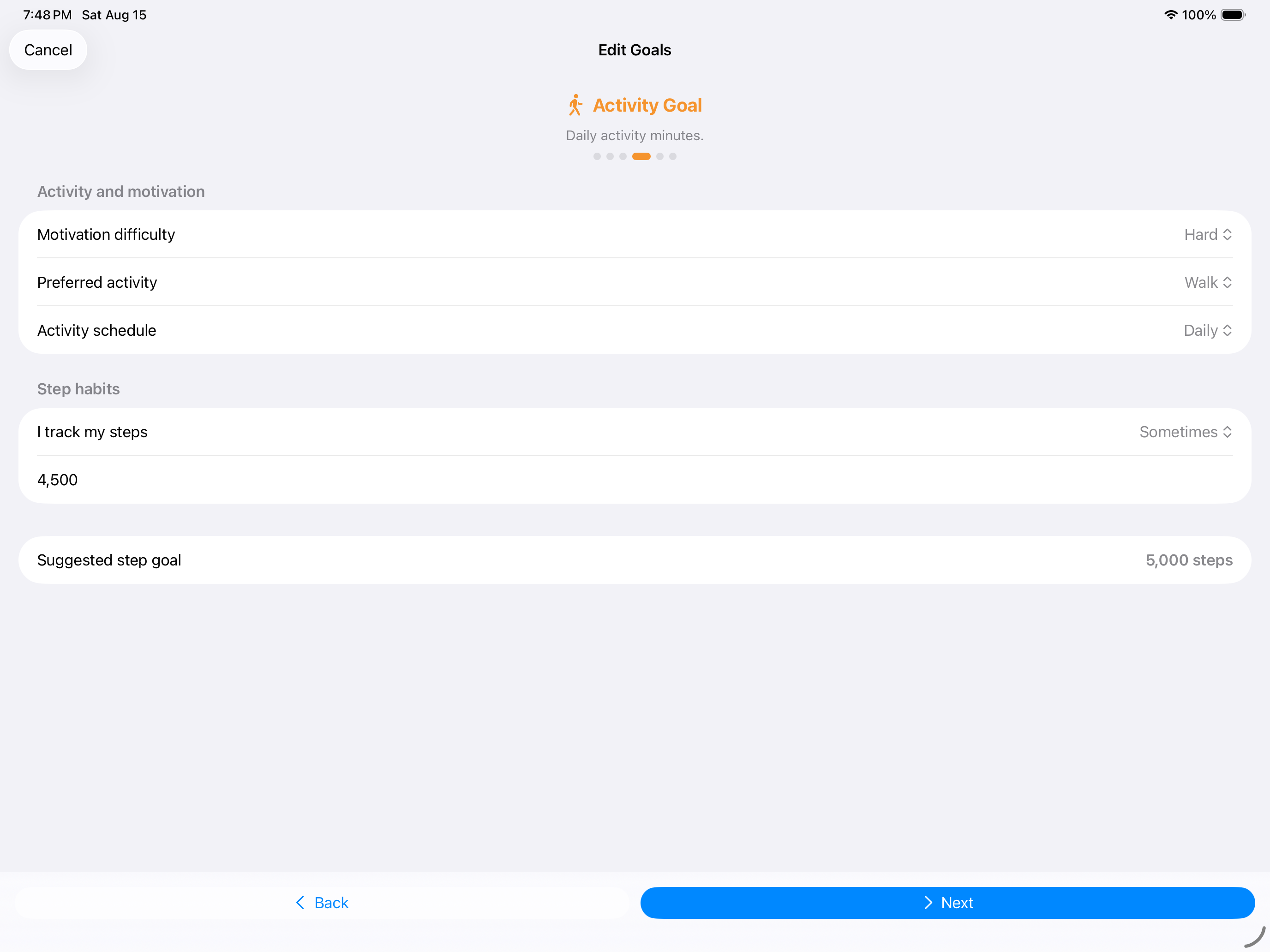
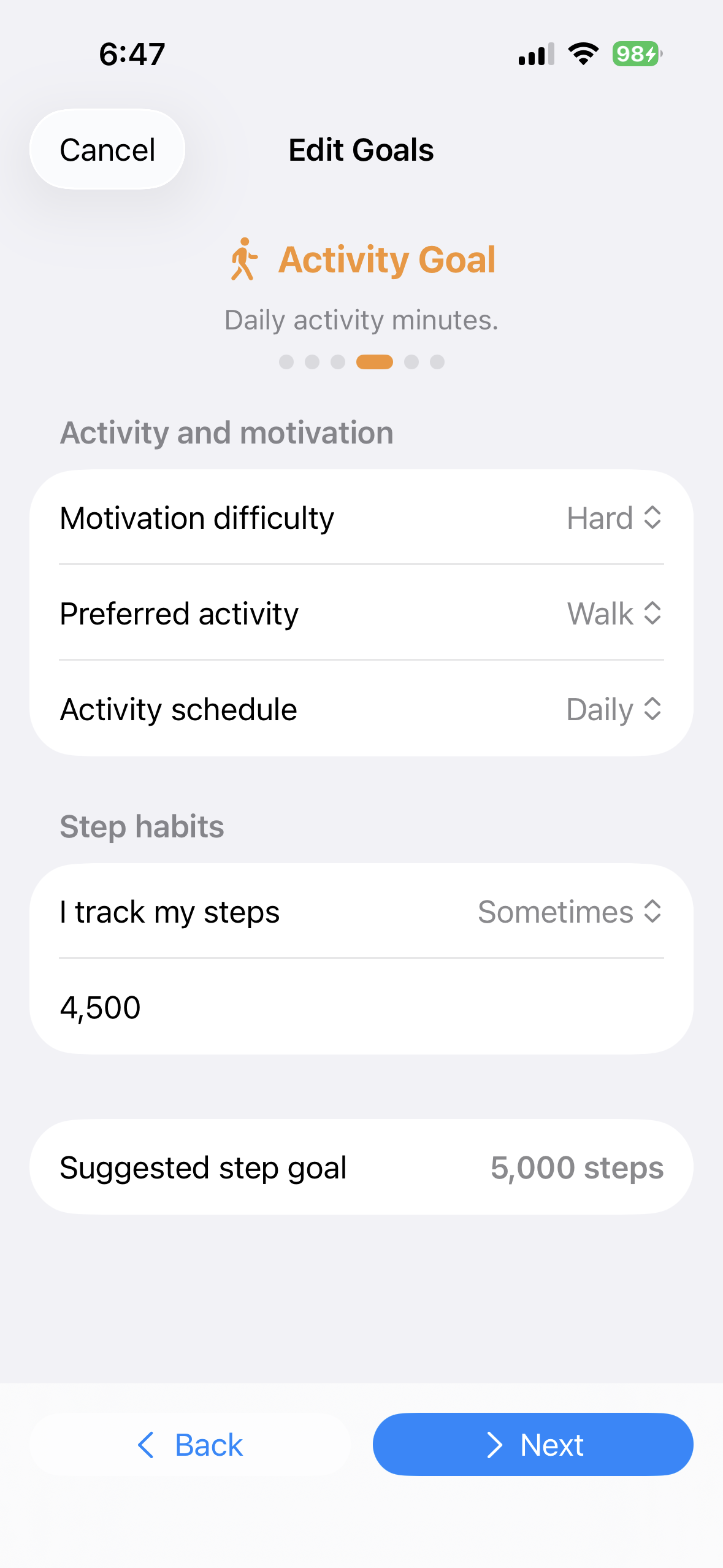 Set the daily activity target
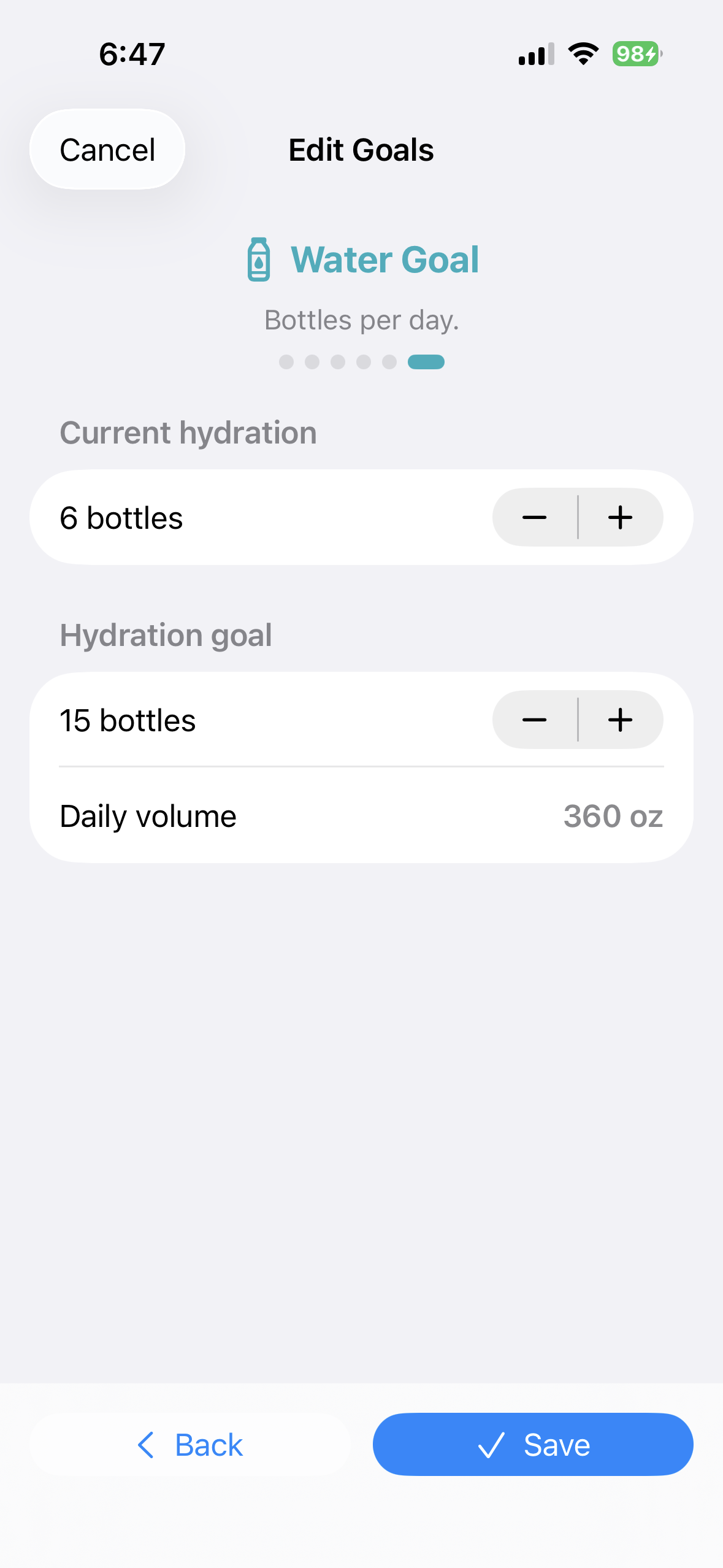 Set a hydration target
Use health-related targets carefully
If A1C tracking is enabled, its goal page lets you enter the reference used in A1C progress views. BeFit Tracker organizes the value you provide; it does not choose a medical target for you. Use a target supplied by an appropriate healthcare professional.
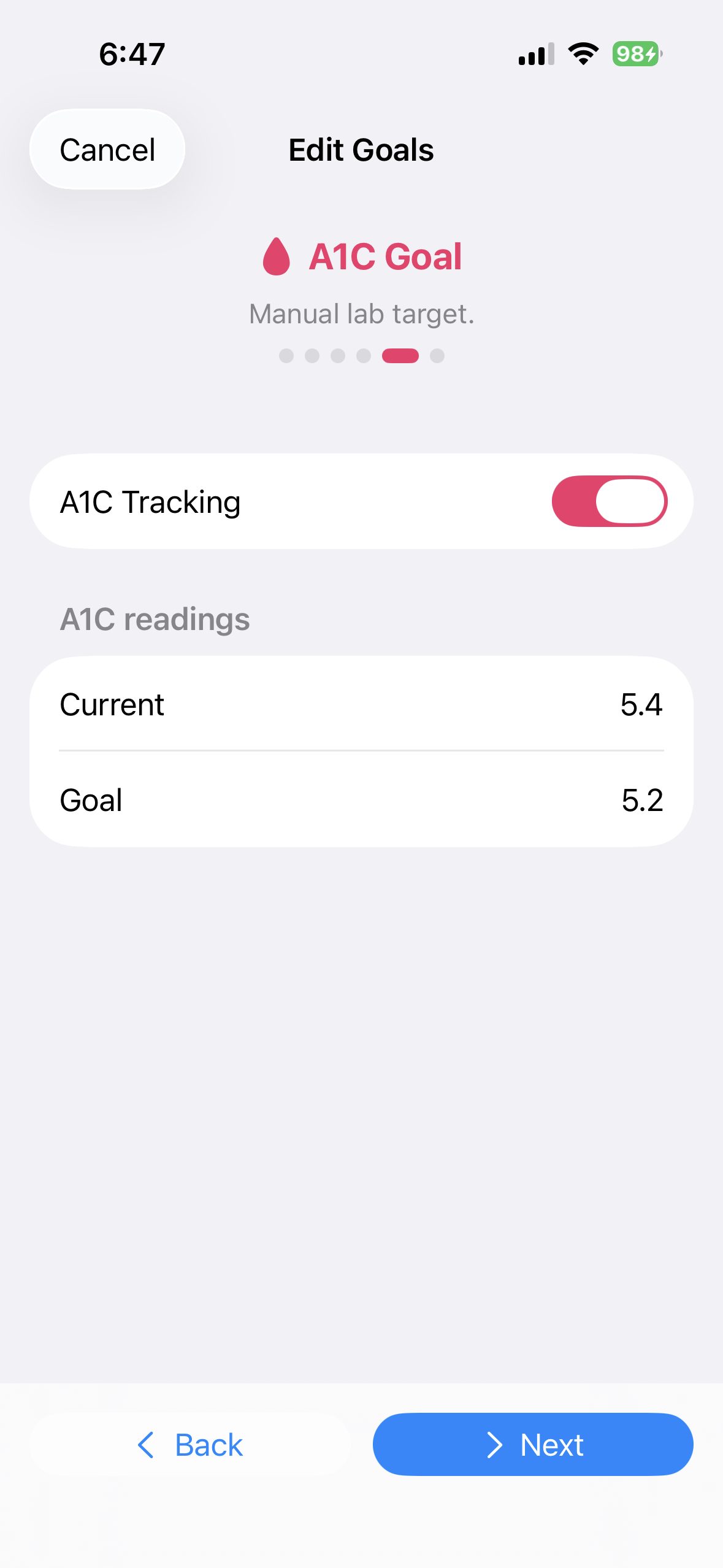 Enter the A1C reference you intend to use
Progress is displayed from information you have saved and the targets you configured.
Change metric or imperial units
Open Profile preferences and choose the desired unit system. BeFit Tracker converts supported stored information for display rather than treating the converted value as a separate measurement.