 BeFit Tracker Help
Mac tracker guide
Water logging on Mac
Add water to a selected day, correct the daily total, and compare hydration history with your personal goal.
Water is stored as a dated daily total and compared with the hydration goal in Profile. Use the entry sheet to add an amount, then use the selected day’s record when you need to correct or clear the total.
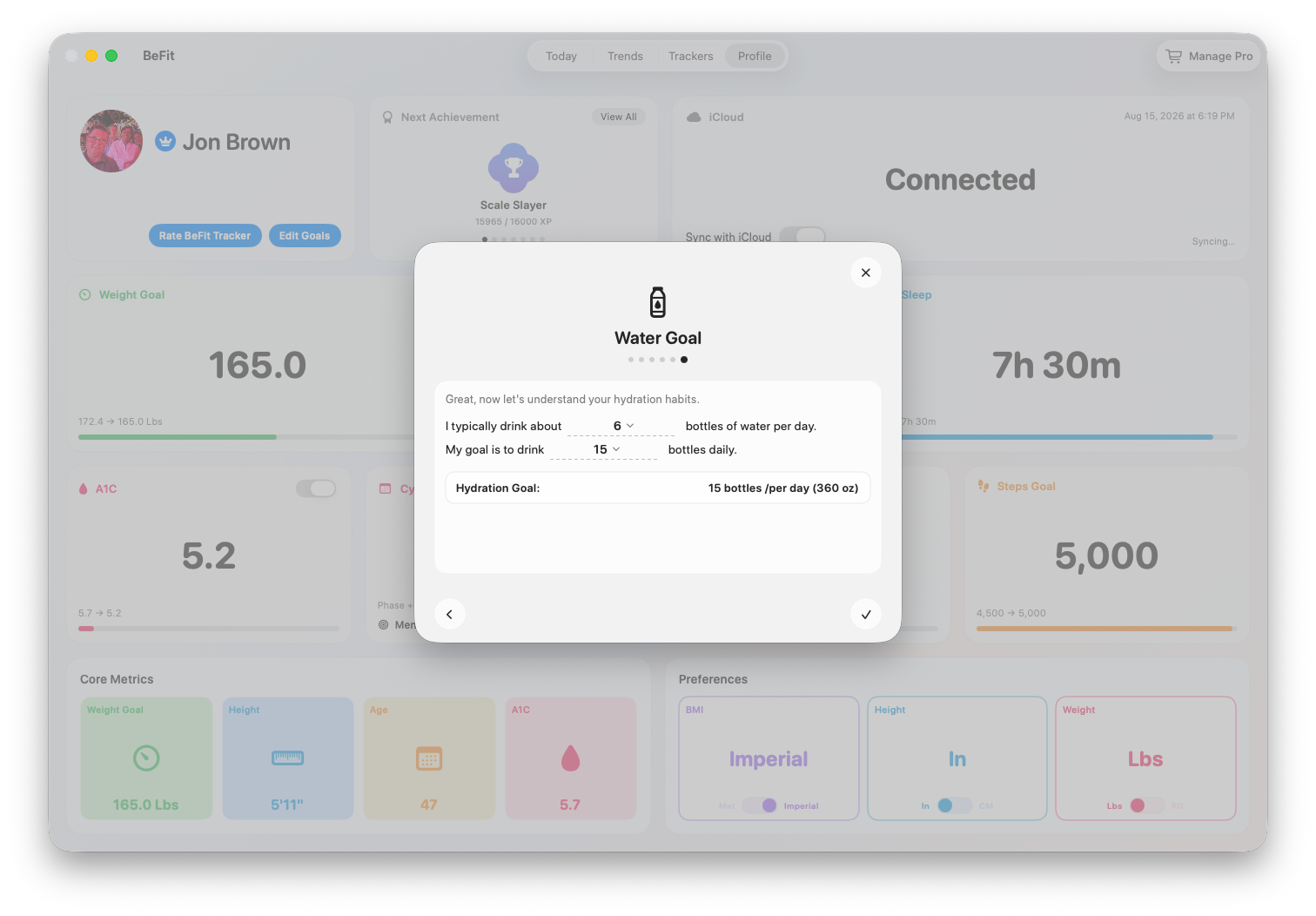
Set the hydration goal
- Open Profile and choose the goal settings.
- Set the hydration target in the app’s available bottle or glass units.
- Save and return to Today. The goal becomes the reference for daily progress; it does not add water automatically.
Log water
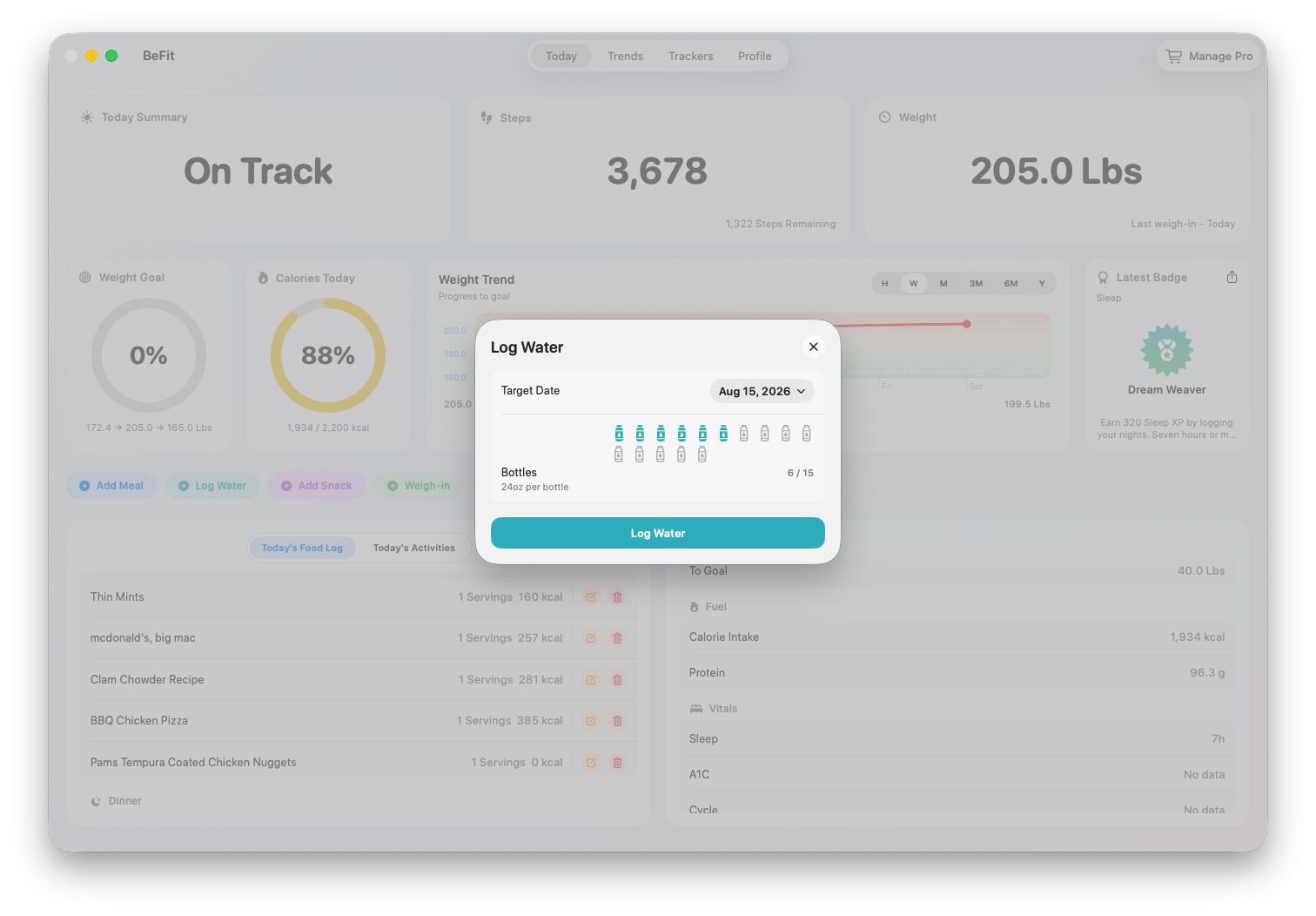
- On Today, choose Log Water.
- Select the amount represented by this entry.
- Confirm the date, especially when entering water for an earlier day.
- Save and check the daily total and progress toward the goal.
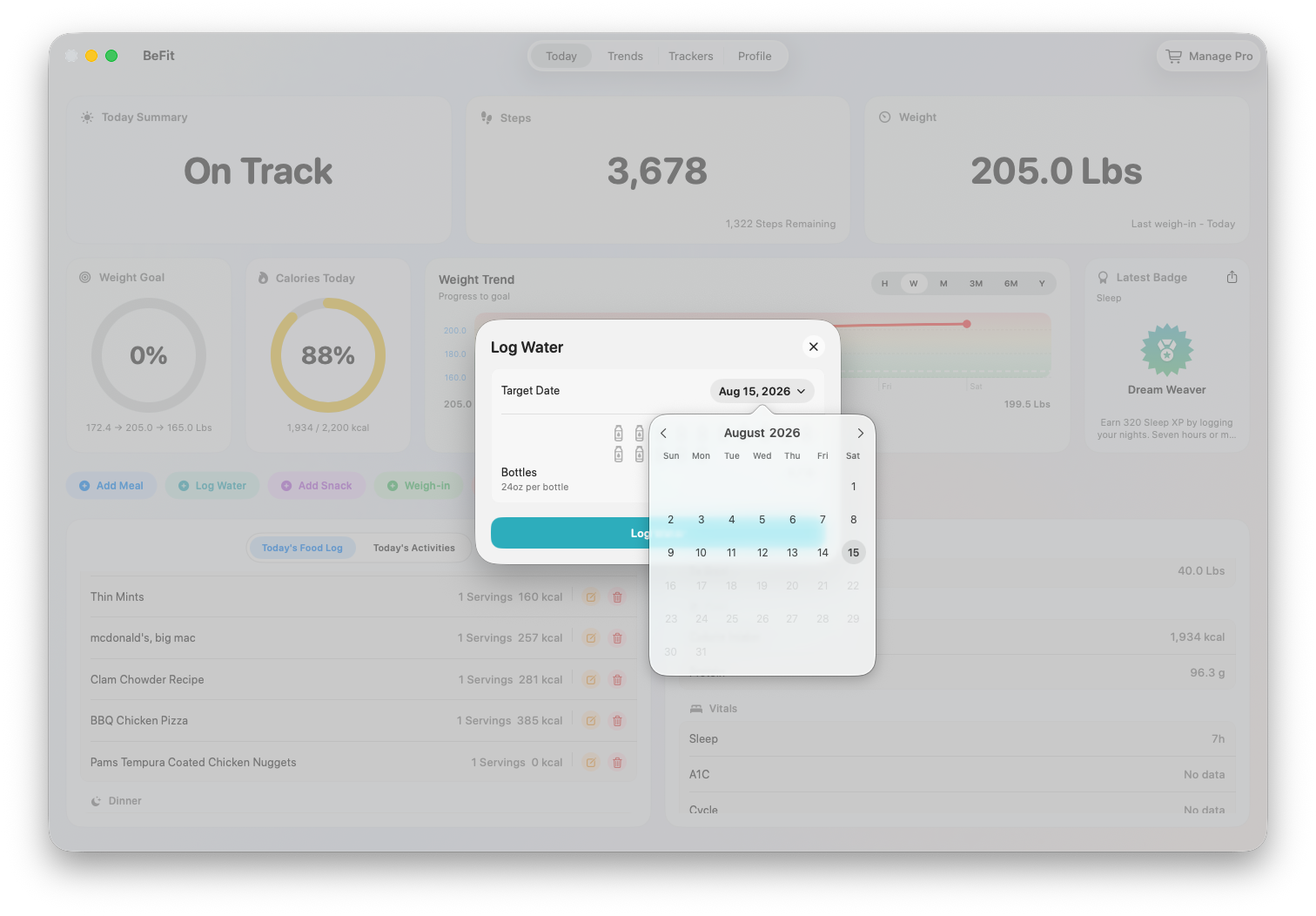
Review or correct the day
- Open the water record for the affected date.
- Compare the saved total with what you intended to log.
- Use the available correction control to set the intended daily total, or clear the day when no water entry should remain.
- Confirm that Today and the related trend now show the corrected amount.
Use hydration as routine context
Daily history can show whether logging is consistent and how often the saved total approaches your chosen goal. Compare those dates with your own food, activity, or other tracker history when useful, but remember that BeFit Tracker records intake you enter; it does not measure hydration status.
Fluid needs vary. BeFit Tracker does not detect dehydration, account for every source of fluid, or prescribe an intake target.