 BeFit Tracker Help
Food catalog
Understand the Classic food databases
Learn how the included and optional expanded food databases work in BeFit Tracker Classic 7.5.1.
Version 7.5.1 includes the core Classic food catalog and offers an optional $2.99 expanded database with more than 1.9 million foods. Existing folders and custom foods are preserved when the expanded database is installed.
Upgrade from Manage Pro
Open Manage Pro inside Classic to purchase or restore the expanded food database. The purchase is a one-time $2.99 charge, the expanded catalog remains optional, and the purchase can be shared with up to five other eligible members of your Apple Family Sharing group.
Family Sharing shares purchase eligibility, not Classic folders, custom foods, or other app data. Availability depends on Apple’s eligibility and Purchase Sharing settings.
The version 7.5.1 migration preserves existing folders and custom foods while installing the expanded catalog. Purchase and migration diagnostics are available under View Logs if support needs to investigate a problem.
For a new installation
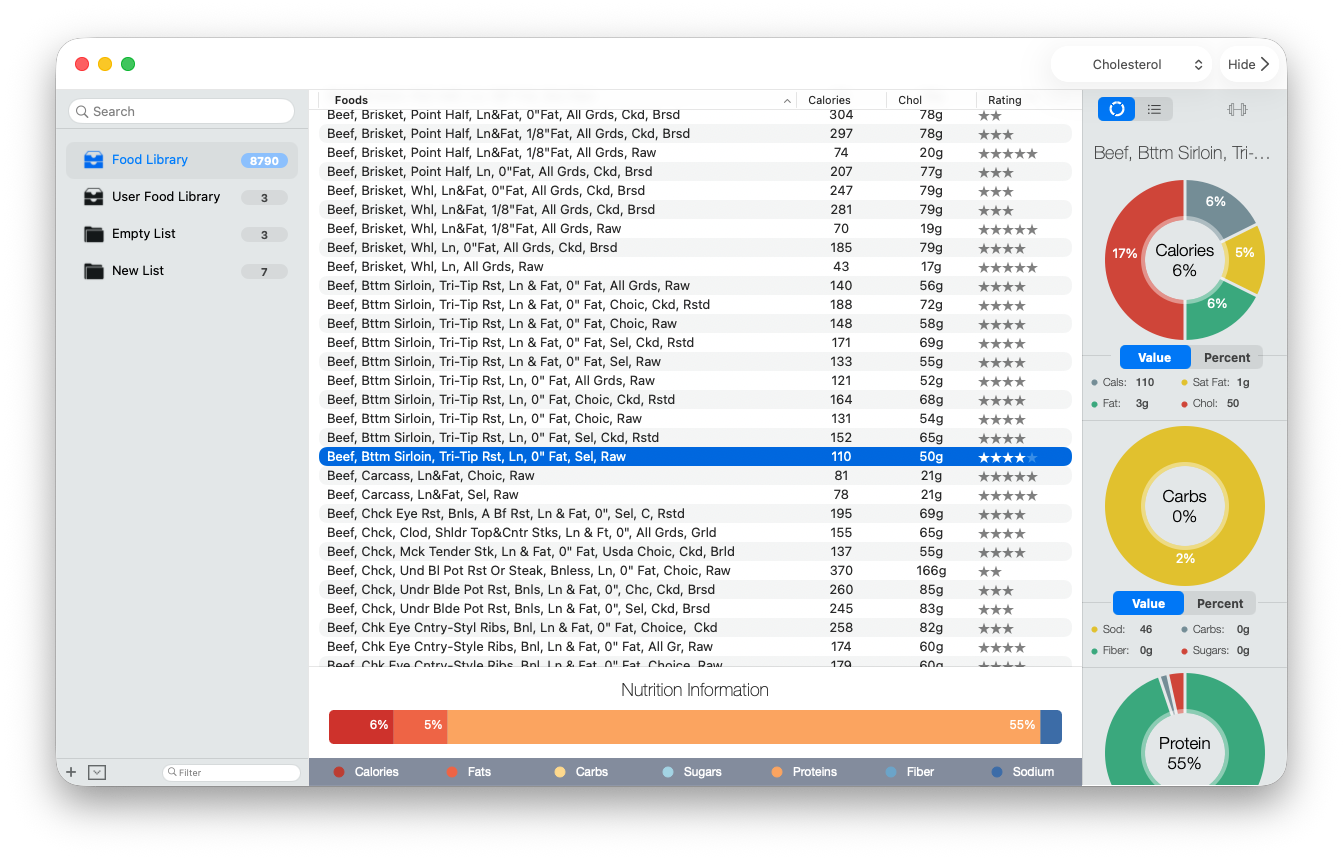
When Classic does not find an existing database, it creates its local Application Support folder and installs the bundled 7.5 catalog. Search, charts, folders, and serving calculations then use that local copy.
For an existing installation
An ordinary app update continues to protect the database already in use. If you choose the expanded database in Manage Pro, version 7.5.1 migrates the catalog while preserving existing folders and custom foods.
Use Manage Pro for the expanded database so Classic can preserve personal information through its supported migration workflow.
If you are moving from a much older BeFit release and intentionally want a clean start, follow the dedicated Move from an older BeFit Tracker to Classic guide. That destructive procedure is separate from the supported Manage Pro database upgrade.
What catalog accuracy means
Classic presents the nutrition values available in its source records. Some foods can have incomplete nutrients or limited serving descriptions. Missing information should not be interpreted as zero, and catalog coverage is not universal.
If you need a food that is missing
- Create a food manually in the User Food Library.
- Search Open Food Facts and import a compatible product.
- Verify nutrition against a reliable label or source before relying on a personal entry.