 BeFit Tracker Help
Progress guide
Understand and share achievements
See how achievement progress is calculated, find earned and upcoming milestones, and troubleshoot progress on every device.
What achievements represent
Achievements recognize activity saved in BeFit Tracker. They turn a growing tracking history into visible milestones, but they are not health scores and do not claim that a record or streak produced a medical outcome.
Open the achievement gallery
- Open Profile.
- Select Achievements or View All Achievements.
- Choose a tracker group to review earned, in-progress, and locked milestones.
- Open a card when you need its title, requirement, and current progress.
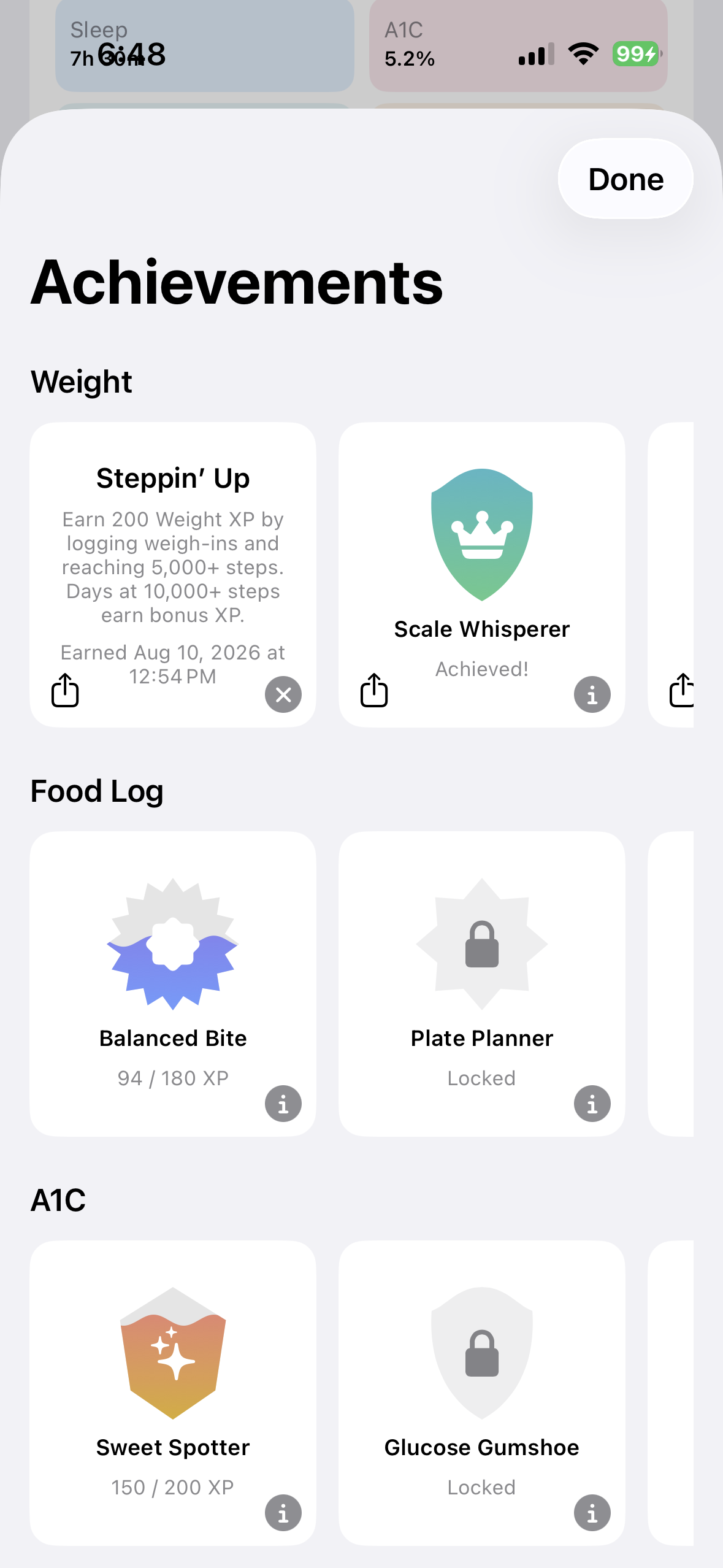 Open the gallery from Profile
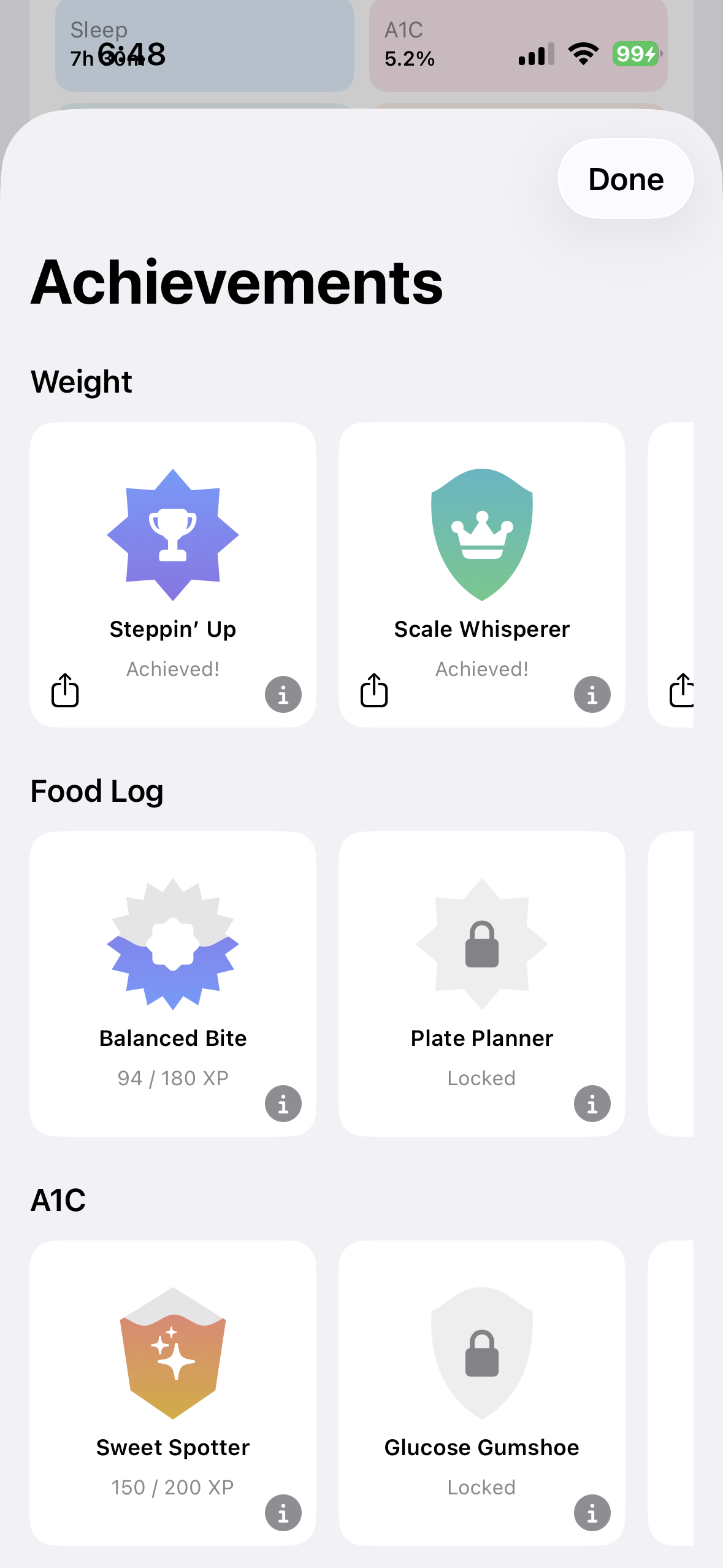 Review progress by tracker
How progress is counted
Each achievement group uses persisted activity from its tracker. Examples include weigh-ins and step days, food entries and distinct logging days, A1C results, sleep days and duration bonuses, completed fasts and their duration, period and observation records, and completed mindfulness sessions, minutes, and check-ins.
Achievement XP is an internal engagement measure. It is not calories burned, treatment adherence, clinical improvement, or a general wellness score.
When a milestone unlocks
- Complete and save the qualifying tracker action.
- Wait for BeFit Tracker to recalculate achievement progress.
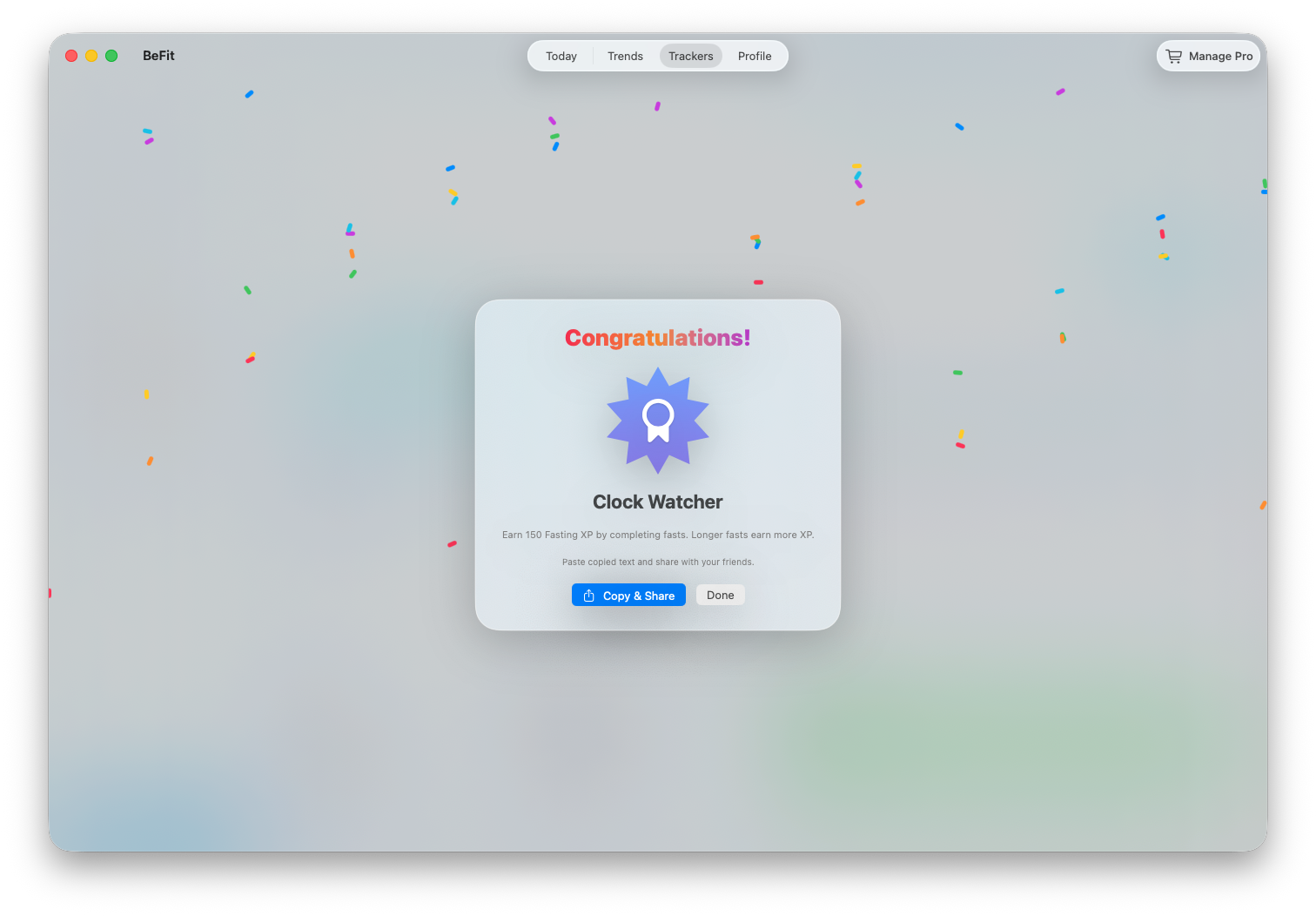
- When a celebration appears, dismiss it to continue or choose Share.
- Return to the gallery to confirm the milestone is marked earned.
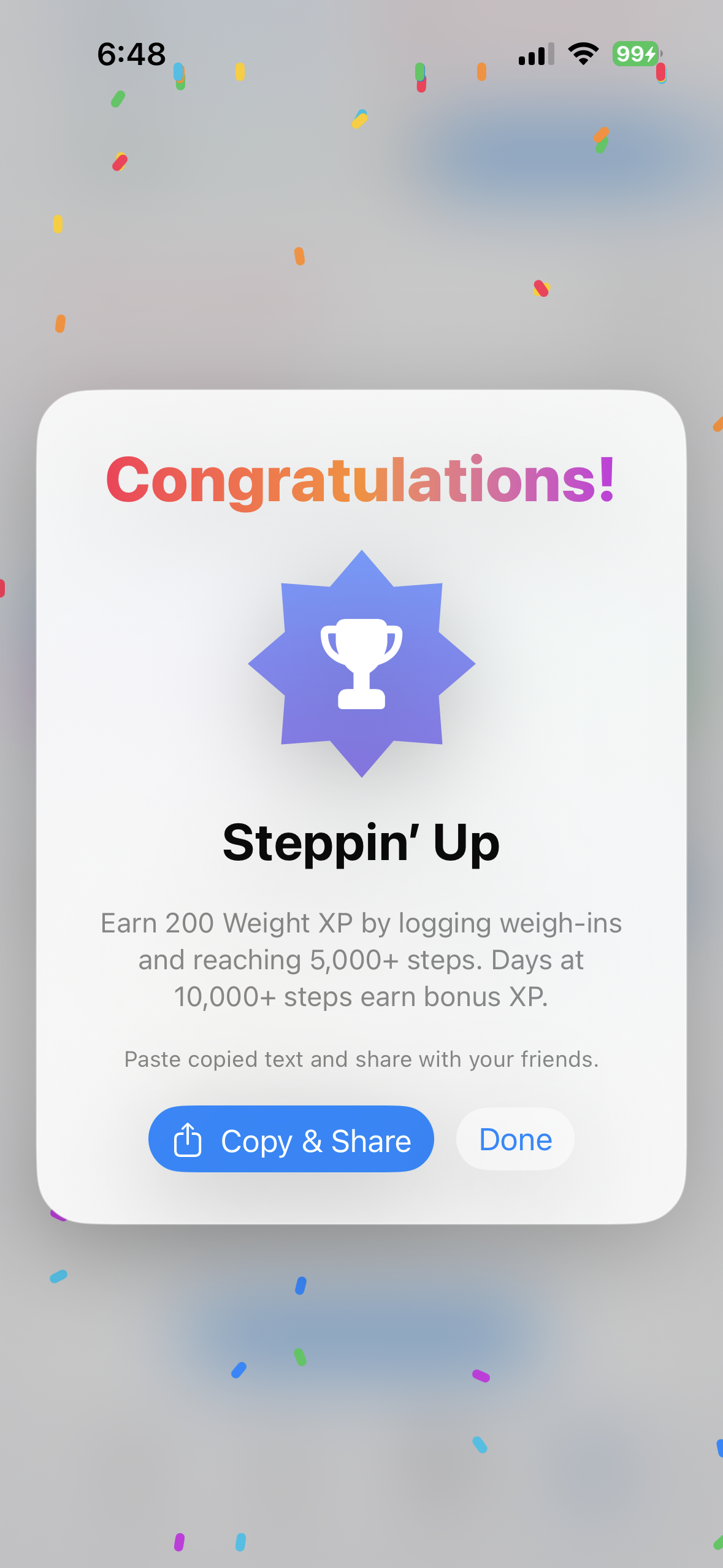
Share an achievement
- Open the earned achievement or its celebration.
- Choose Share.
- Review the generated summary and the destination before sending.
- Cancel if it contains information you prefer not to share.
BeFit Tracker hands the summary to Apple’s share interface. You decide whether and where it is sent.
If progress seems wrong
- Open the relevant tracker and verify the qualifying records exist and are complete.
- Check the dates, especially when the achievement depends on distinct tracking days.
- Remember that active fasting or mindfulness sessions are not completed-session progress until they end.
- Allow iCloud synchronization to finish when the activity was saved on another device.
- Reopen the gallery after the tracker history is correct.
iPhone and iPad
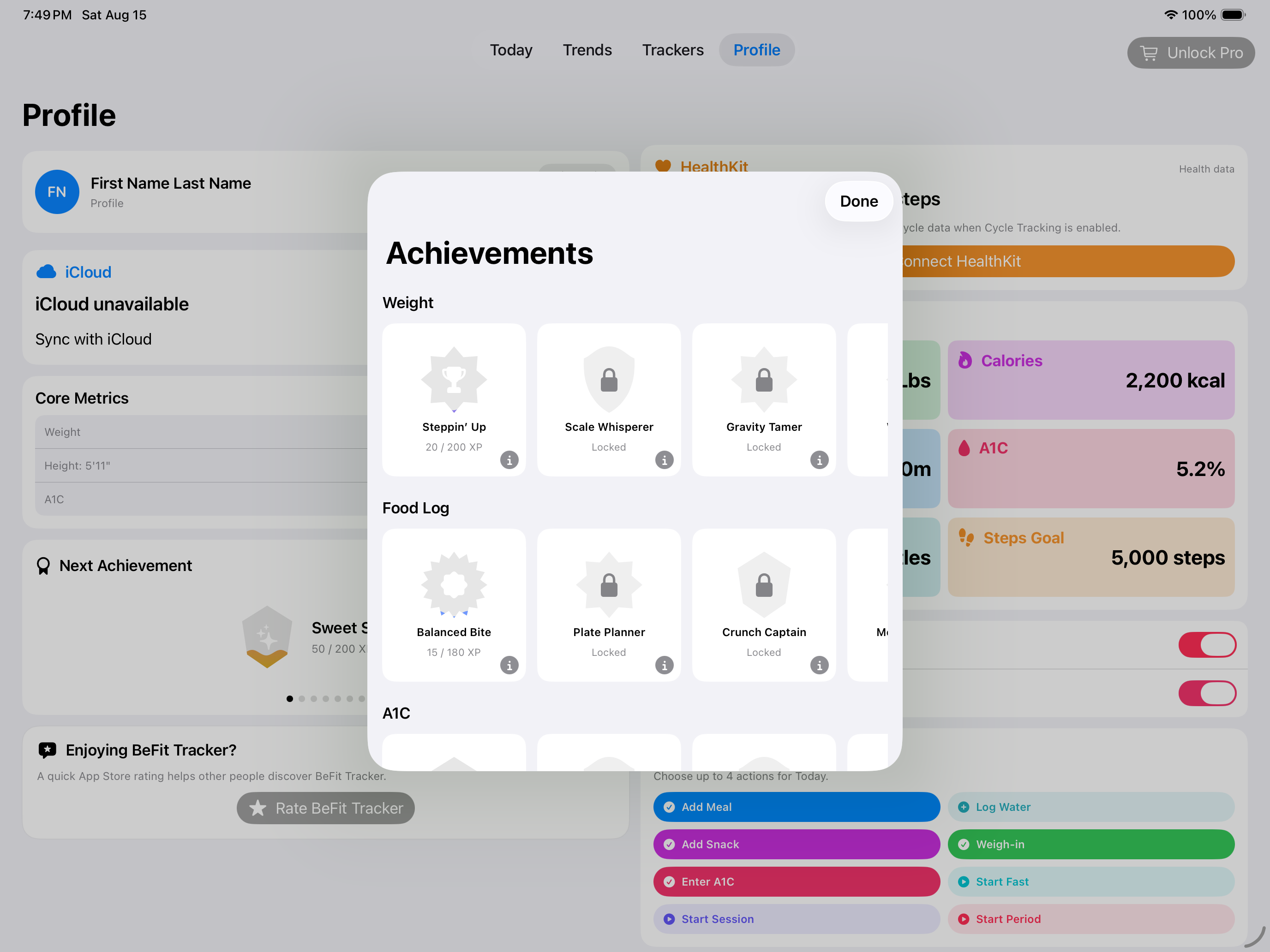
The Profile card opens the same grouped gallery on both mobile layouts. iPad gives the card groups more room without changing how progress is calculated.
Mac
Mac shows the same permanent achievement history and can receive supported progress through iCloud synchronization.
Achievements reflect use of BeFit Tracker. They do not verify exercise, diagnose health, or guarantee progress toward a personal goal.