 BeFit Tracker Help
Informational estimates
Use BMI and calorie estimates
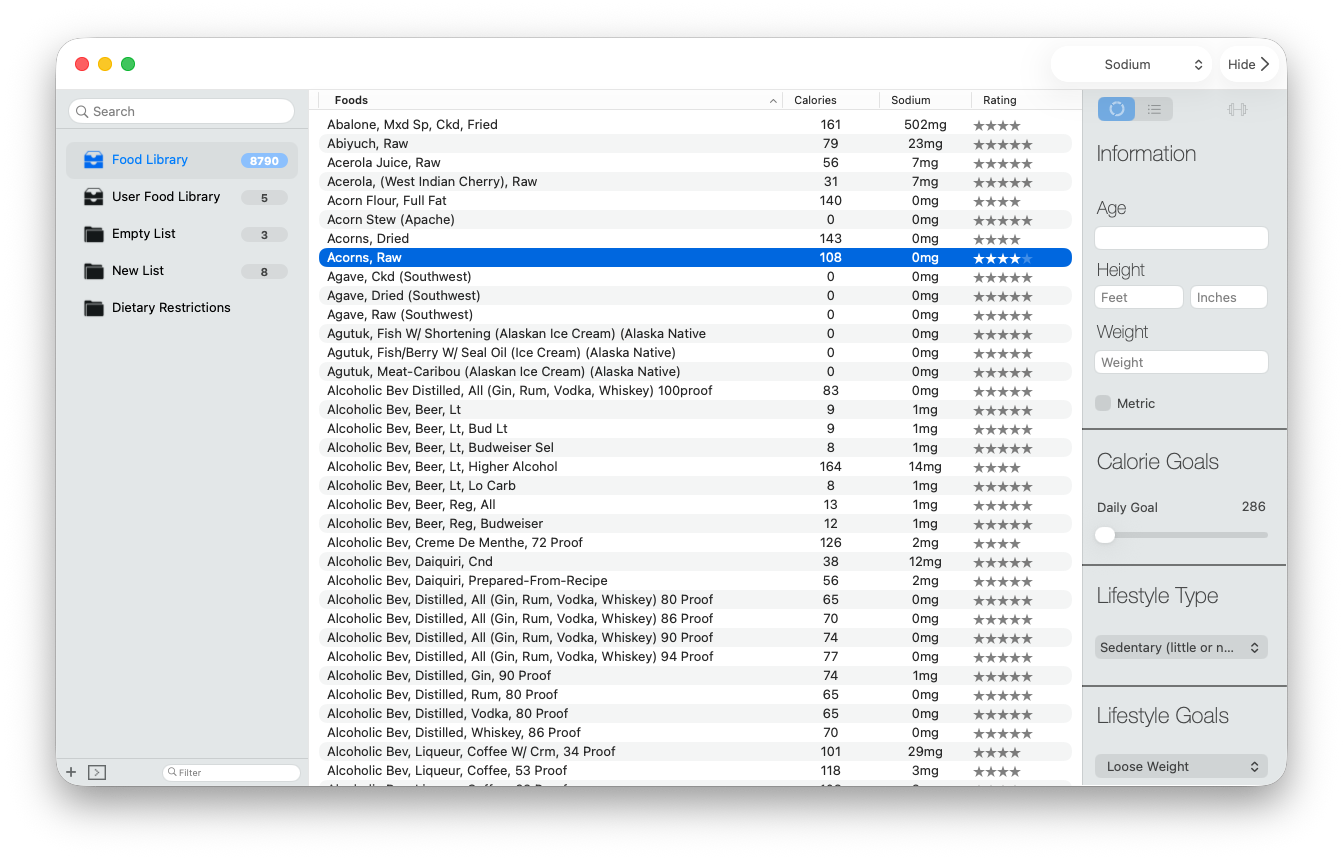
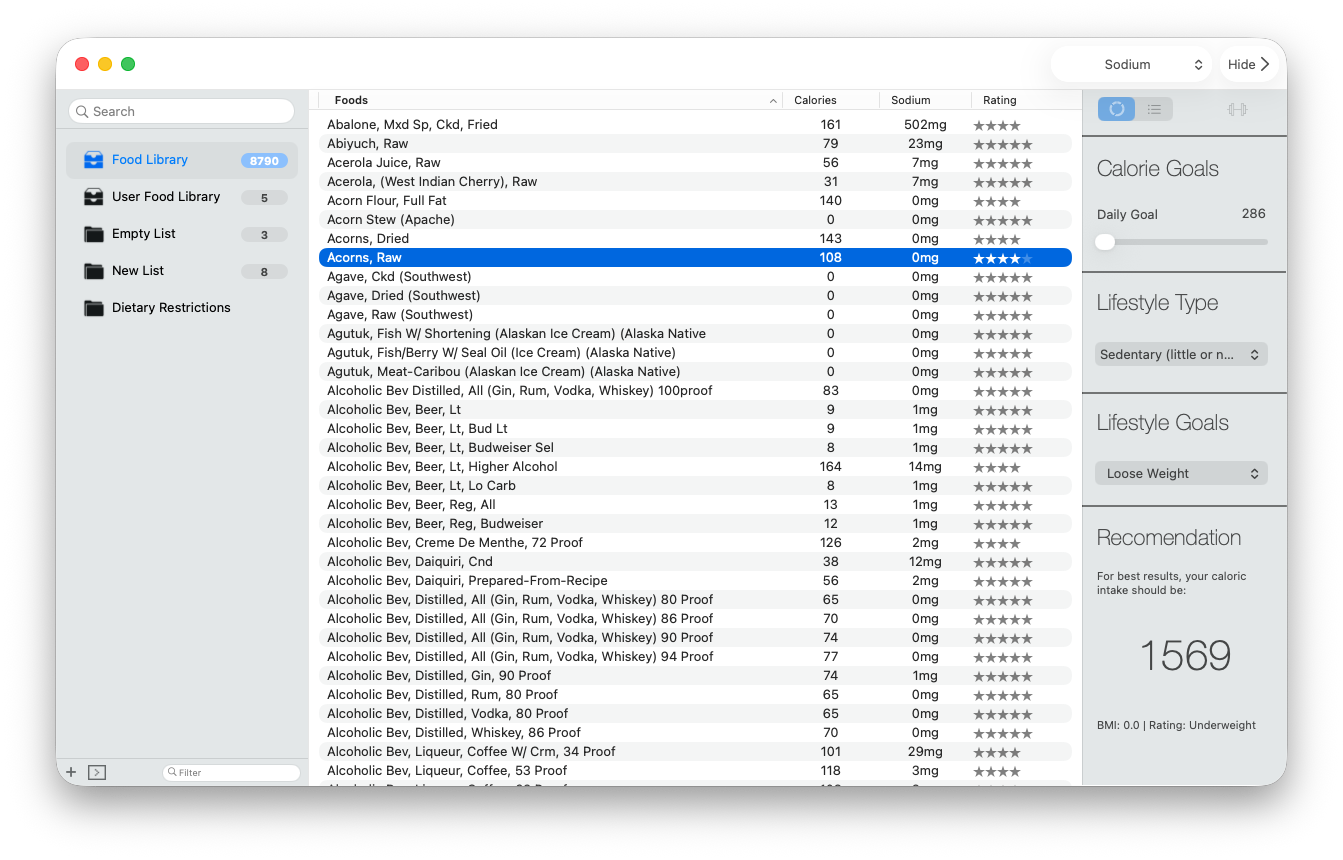
Enter measurements, units, lifestyle, and a goal to review Classic’s informational BMI and calorie estimate.
Classic can estimate BMI and a daily calorie target from measurements and choices you provide. These calculations are general informational tools, not medical guidance.
Create an estimate
- Open the BMI/profile control in the right sidebar.
- Choose metric or imperial units.
- Enter your age, height, and weight.
- Select the available lifestyle and goal choices that best represent what you want to calculate.
- Review the resulting BMI and daily calorie estimate.
BMI does not measure body composition or determine individual health. The calorie result is not a prescription and cannot guarantee weight change. Speak with an appropriate professional when you need guidance for a medical condition, nutrition plan, or individual health concern.
If the result looks wrong
Confirm the selected unit system and recheck age, height, weight, lifestyle, and goal values. A metric measurement entered while imperial units are selected, or the reverse, can produce an unexpected estimate.