BeFit Tracker Help
Beta tracker
Understand sleep stages and history
Review sleep totals, stages, trends, and corrections without treating them as medical conclusions.
All devices
Sleep is an optional Beta tracker. It organizes Awake, REM, Core, and Deep records when those stages are available; it does not diagnose sleep conditions.
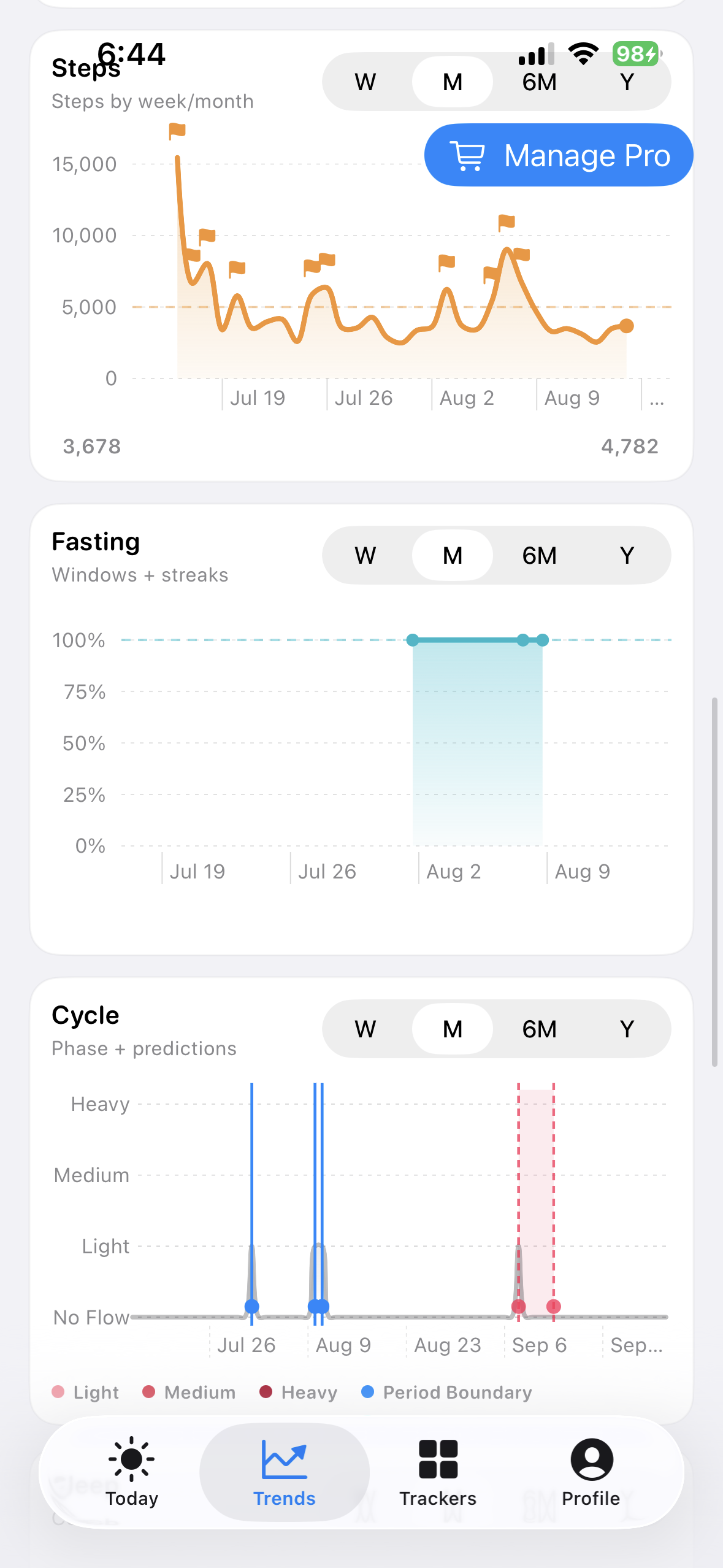
iPhone
iPad
Mac
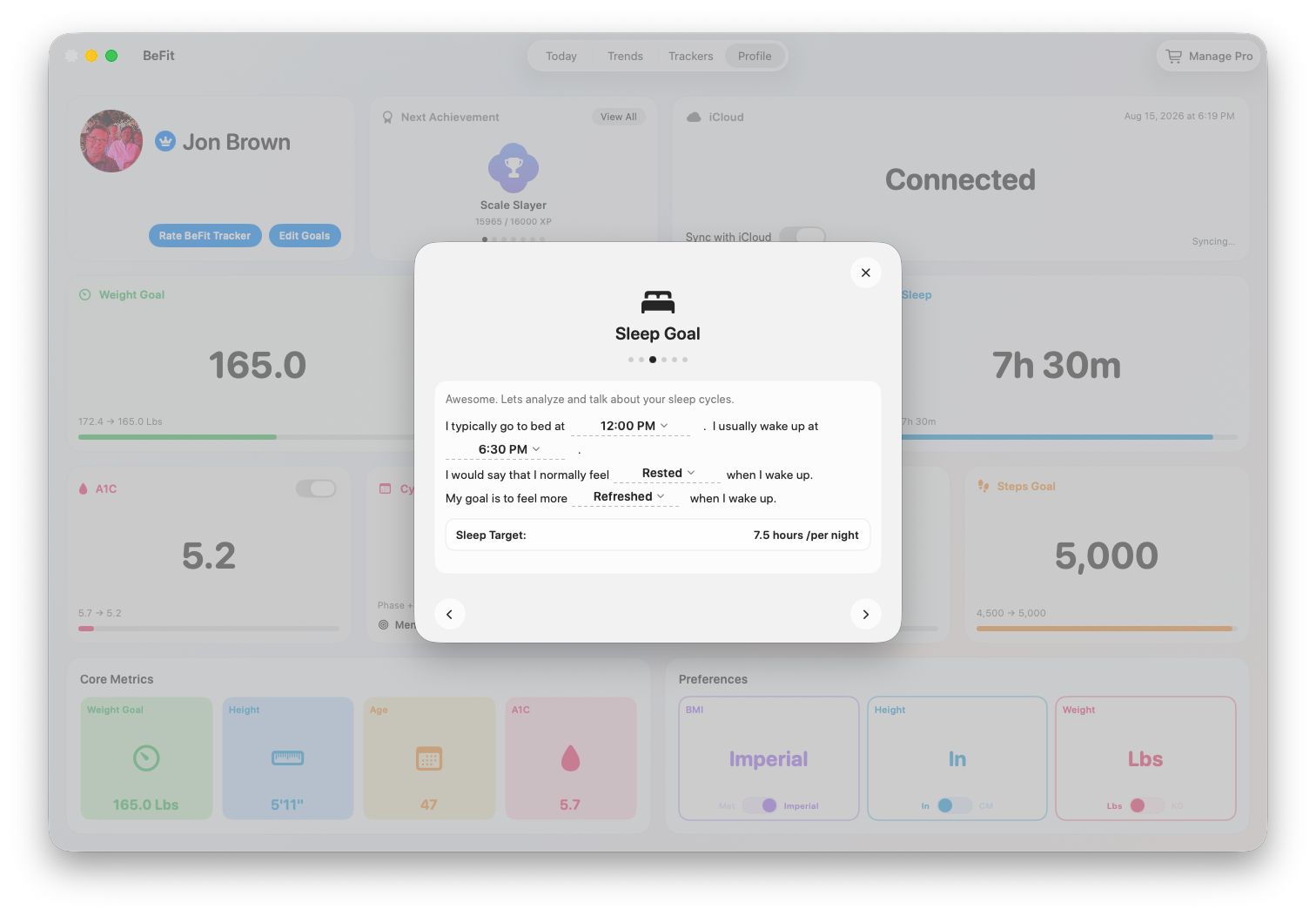
Read the history
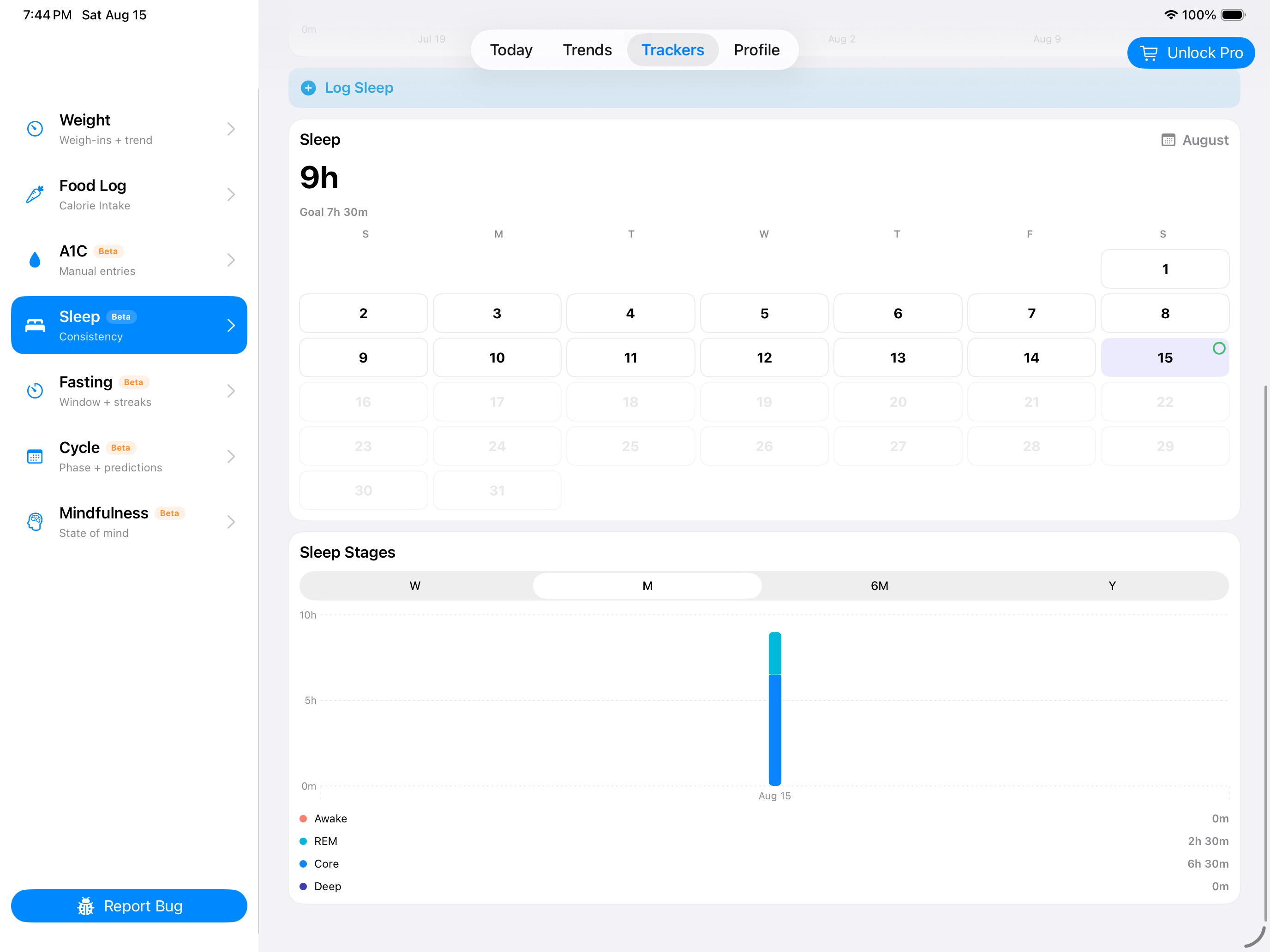
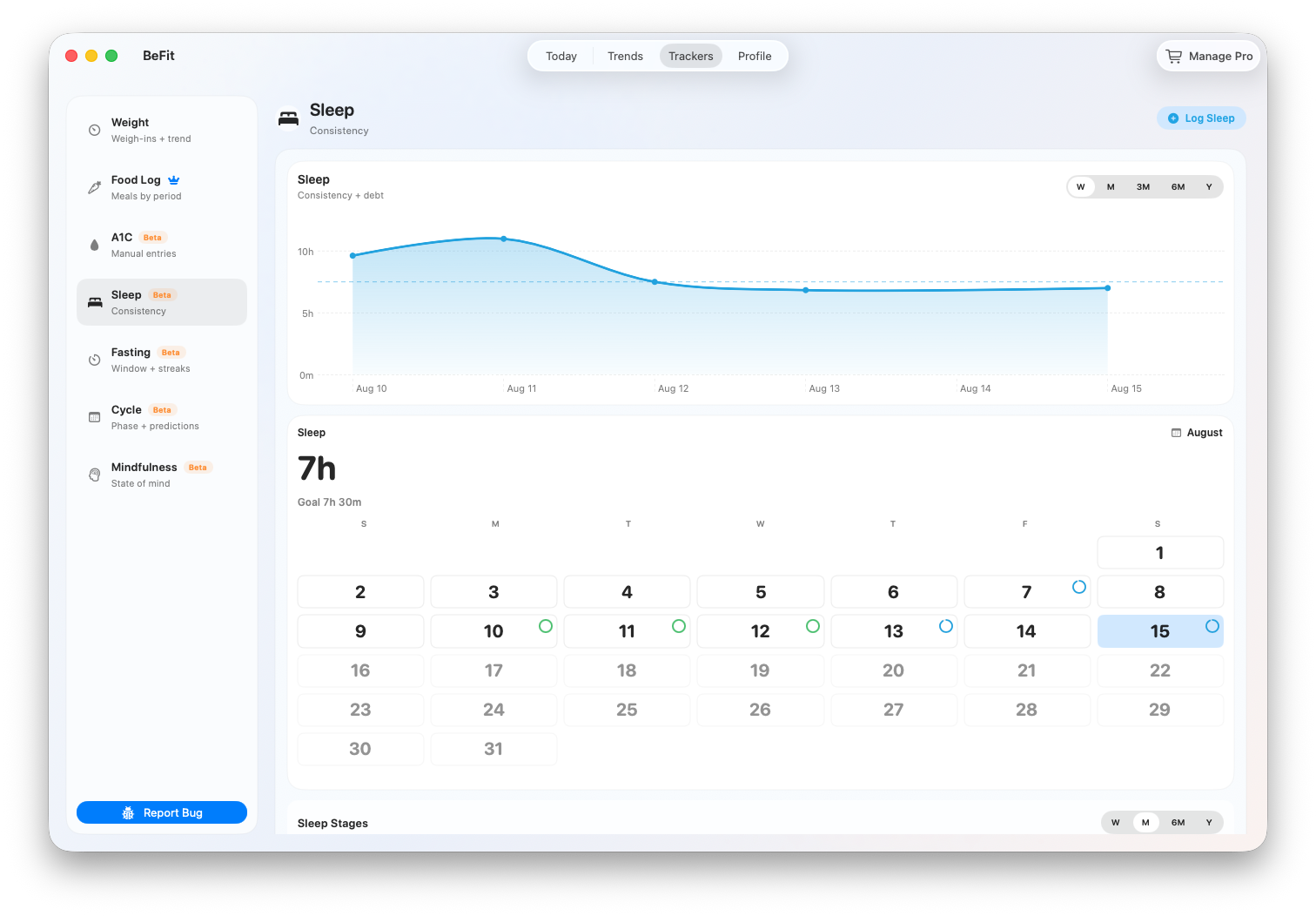
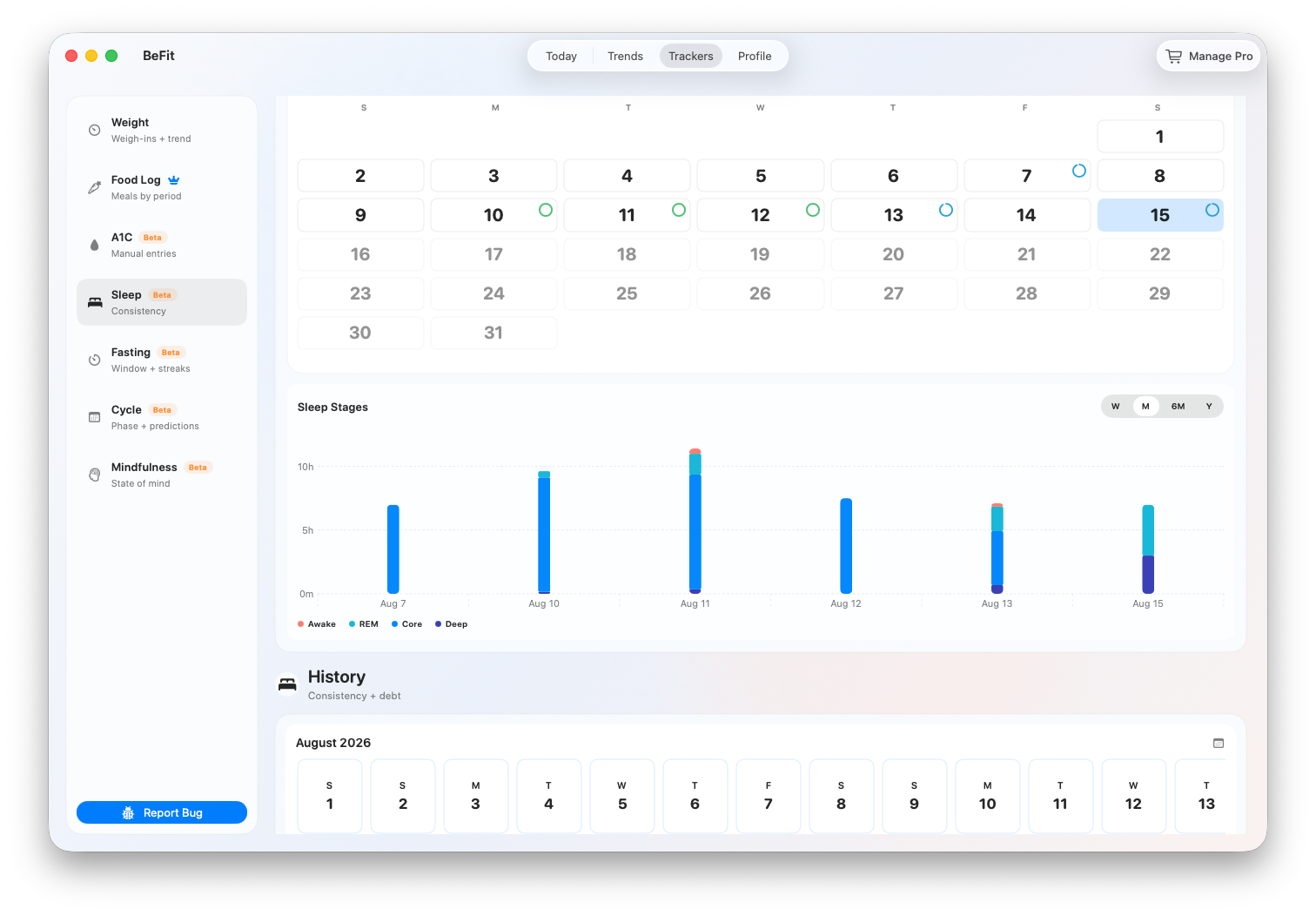
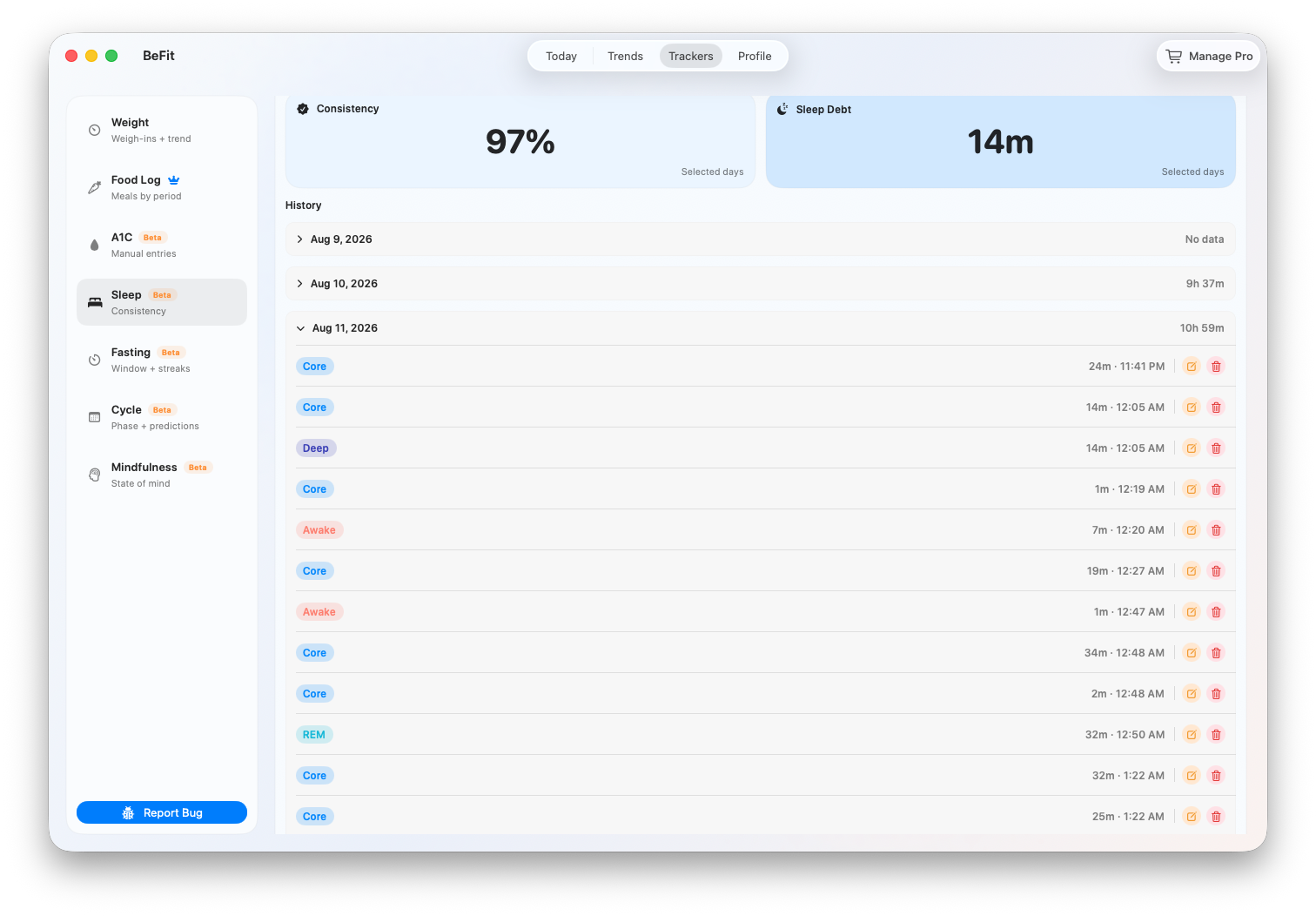
Open Trackers and choose Sleep. Daily rows begin with a combined total and can expand to show the stage records behind it. Charts change with the selected range and available history.
Understand the Sleep workspace
Total sleep
The daily total combines the sleep records available for that date. Expand the day to inspect the stages behind it. If a source supplies only a total, BeFit Tracker does not manufacture a stage breakdown.
Stage chart
Awake, REM, Core, and Deep remain separate when the source provides them. The chart helps visualize composition; it does not score sleep quality or diagnose a sleep condition.
Calendar progress
The calendar shows which dates contain saved sleep information and provides a route into older history. A blank date means no supported sleep record is available in BeFit Tracker for that day.
Trend
Use the available period controls to move from recent history to a longer view. The trend shows direction in the saved records, while History remains the authority for exact dates, stages, and durations.
When stages do not add up as expected
Different devices and apps can record different sleep categories or overlapping samples. Review the original source in Apple Health on iPhone or iPad. Do not add a manual stage merely to make a total look complete; that would turn missing source detail into an invented record.
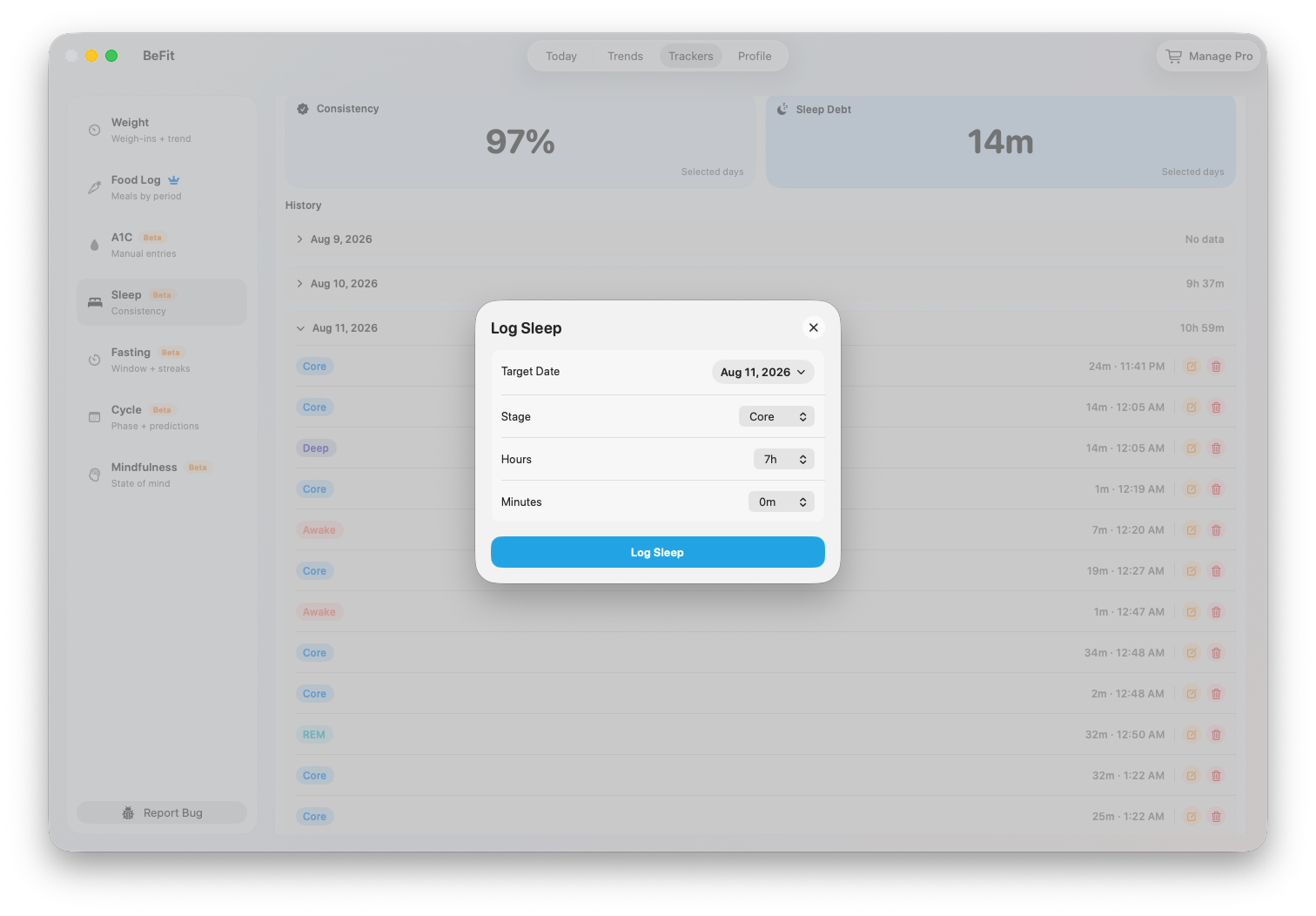
Record sleep manually
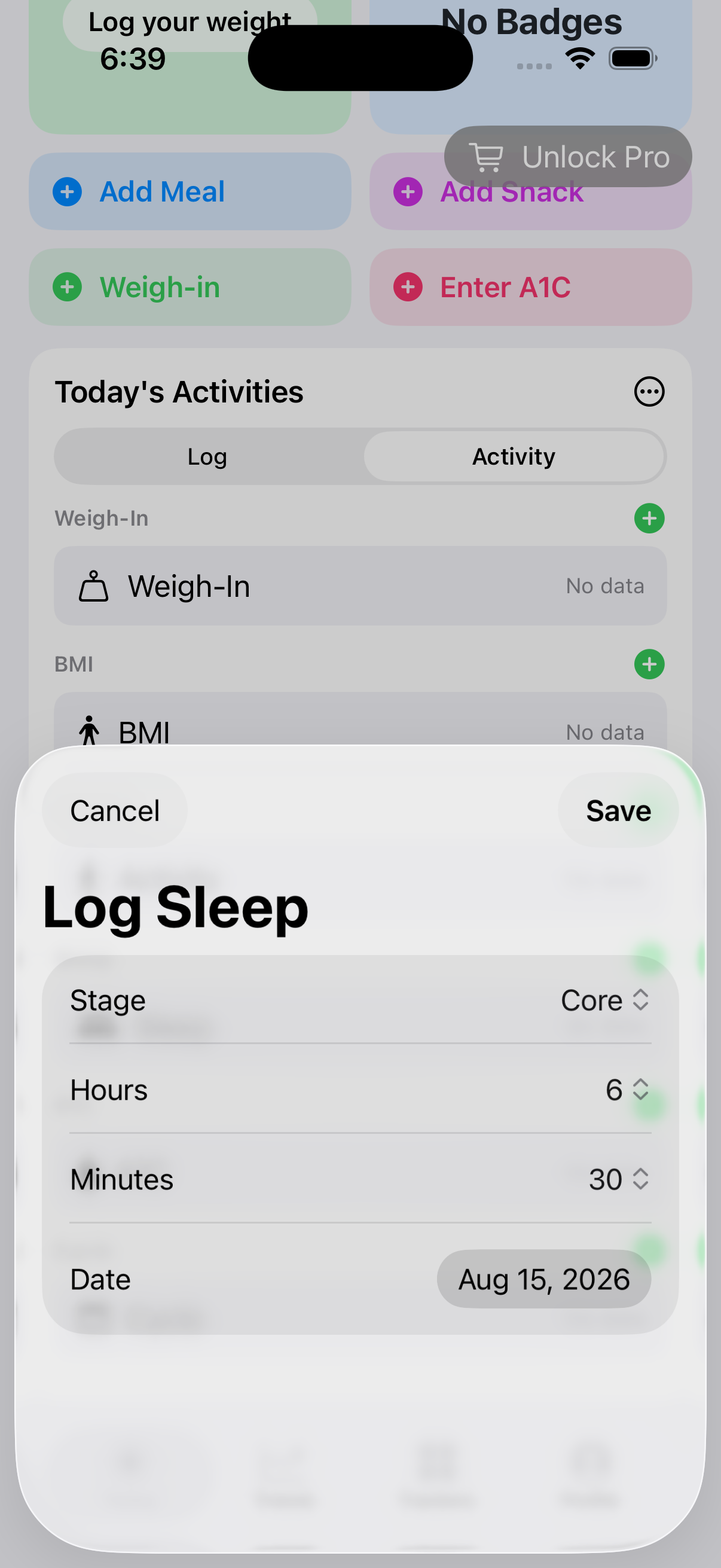
- Open Trackers, choose Sleep, and select Log Sleep.
- Choose the stage shown by your source: Awake, REM, Core, or Deep. If your source does not identify a stage, do not guess one.
- Enter the duration and the date and time when that stage occurred.
- Save the sample, then open that date in History and confirm that the stage, duration, and time are correct.
- Repeat the process only when the same night contains another distinct stage sample. A night can contain several records.
The time-asleep total combines the saved sleep stages for the day. Awake remains visible as part of the night but is not counted as asleep time.
Correct an unexpected total or stage
- Select the affected date and expand its History rather than adding a replacement record.
- Open the individual sample whose stage, duration, or time is wrong.
- Choose Edit, make the correction, and save. Use Delete only for a duplicate or a sample that should not exist.
- Return to the day summary and check the total, stage chart, goal comparison, and trend again. They recalculate from the remaining records.
If the sample came from Apple Health, compare it with the original Health record first. A missing stage may reflect limited source data rather than an error in BeFit Tracker.
iPhone and iPad
BeFit Tracker can read authorized sleep-analysis records from Apple Health. Stage detail depends on what the original Health source provides. If a record is absent, check Health permissions and the original Health record before manually recreating it.
Mac
Mac can display manual records and supported records received through iCloud. It has no direct HealthKit connection. If recent mobile sleep history is missing, confirm iCloud synchronization before entering a duplicate.