Build reusable foods and recipes when the catalog is not the right match.
All devices
Your User Library is for foods and recipes you choose to keep. Review names, portions, ingredients, and nutrition before saving so the result matches what you intend to log.
Choose the right starting point
Custom food: enter a food and its available nutrition directly.
Recipe: assemble ingredients or review an imported recipe before saving it.
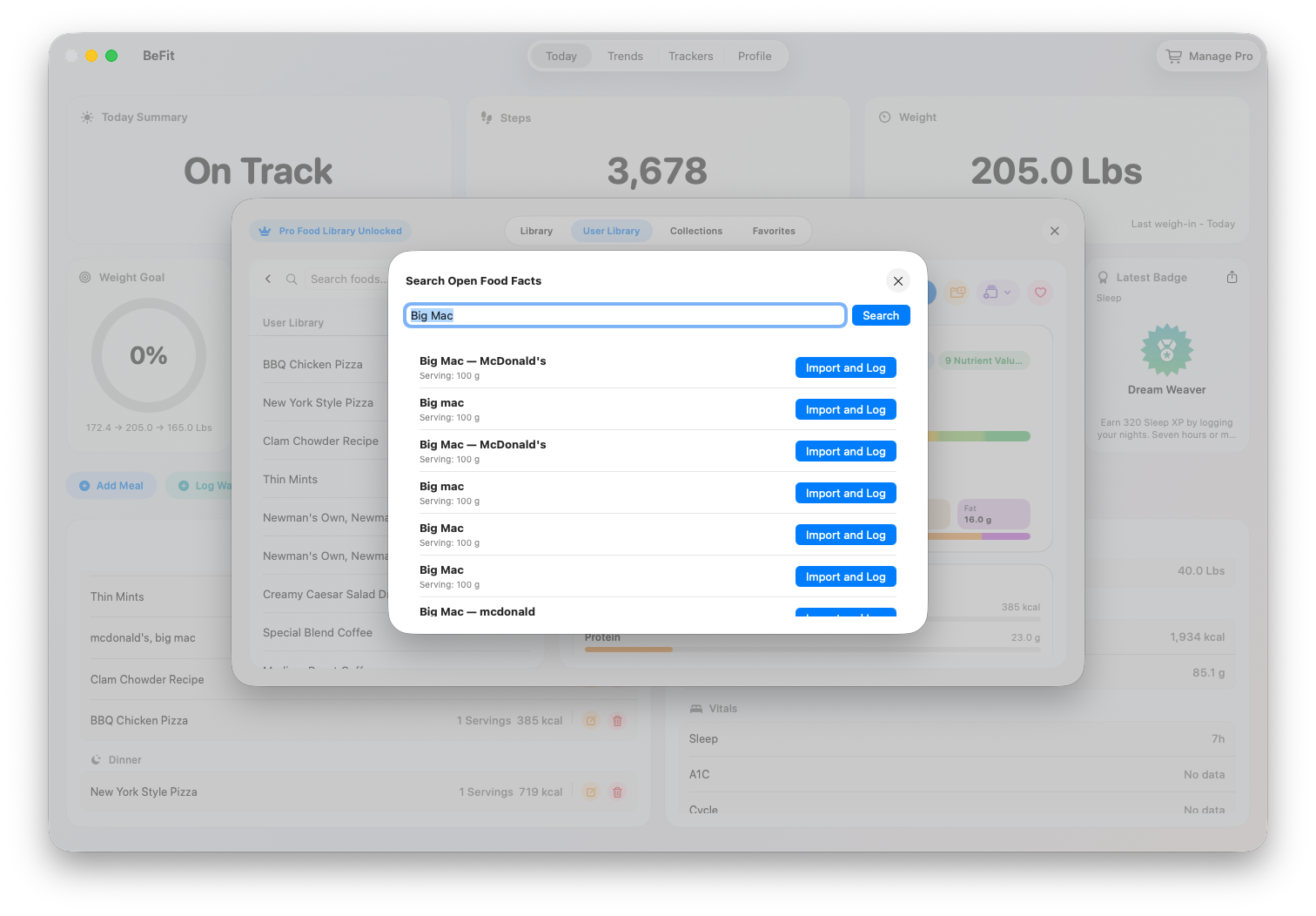
Open Food Facts: search the external catalog and import a reviewed result into your User Library.
Choose the path that matches your source. A label, recipe page, dictated description, photo, and provider search each require a different review.
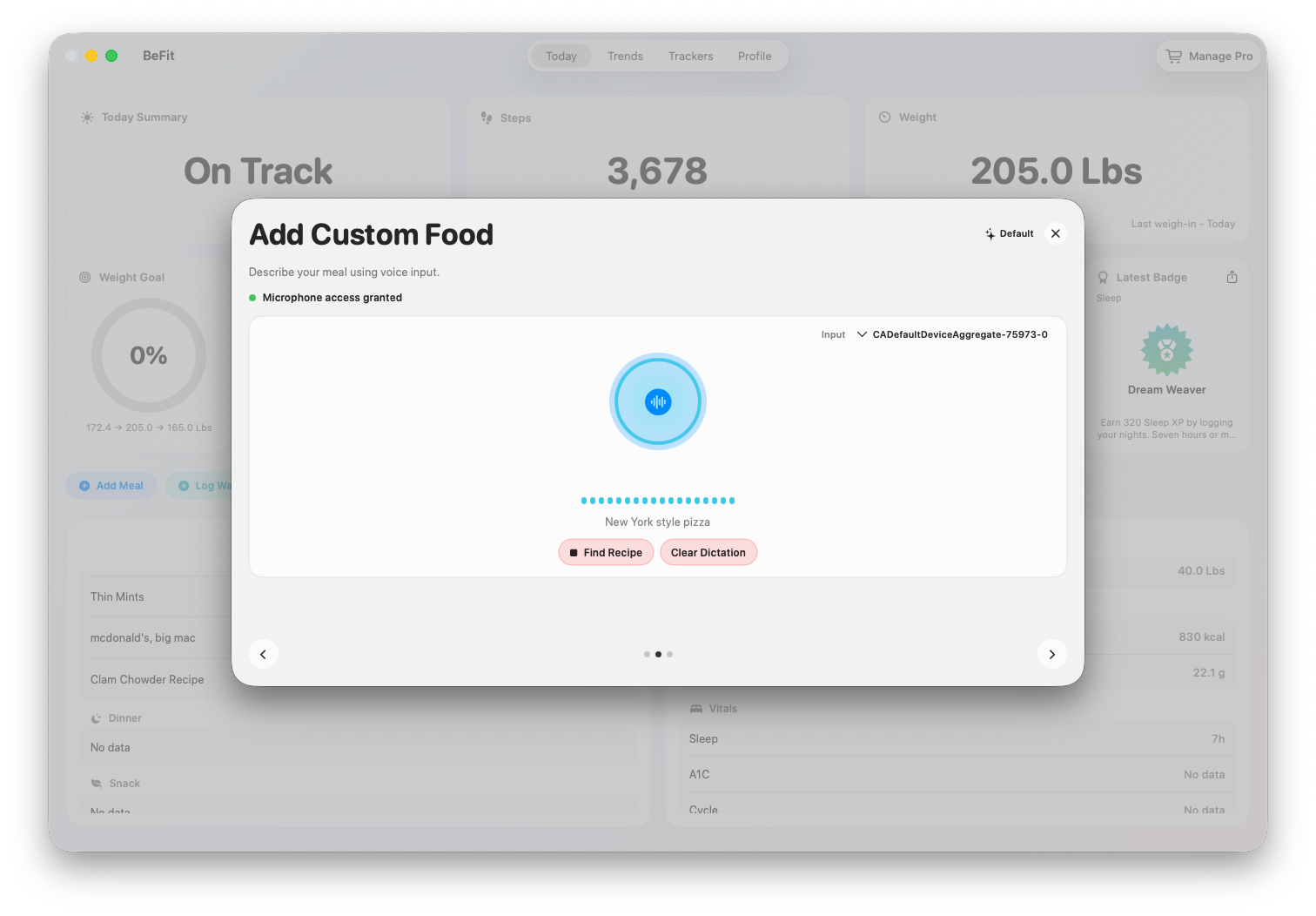
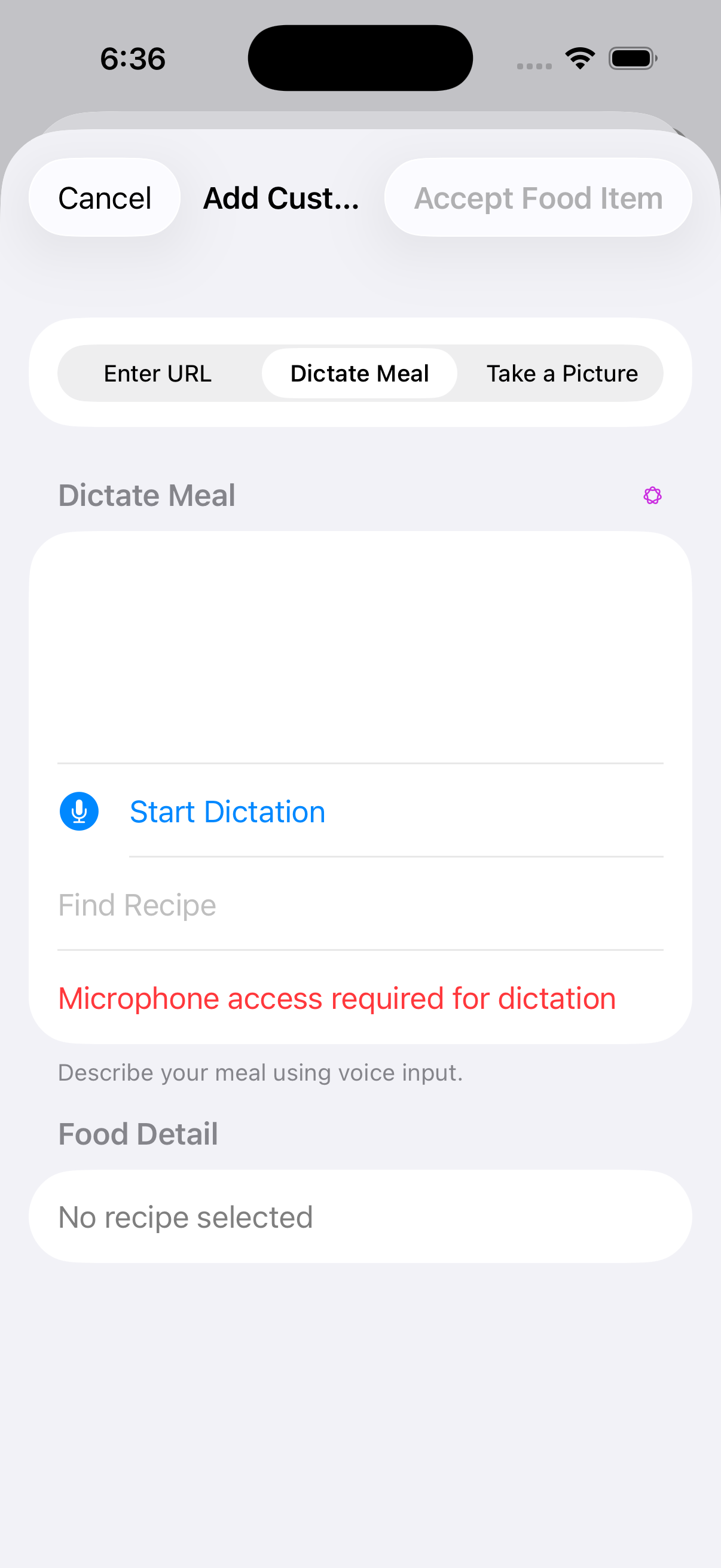
Describe a dish by voice
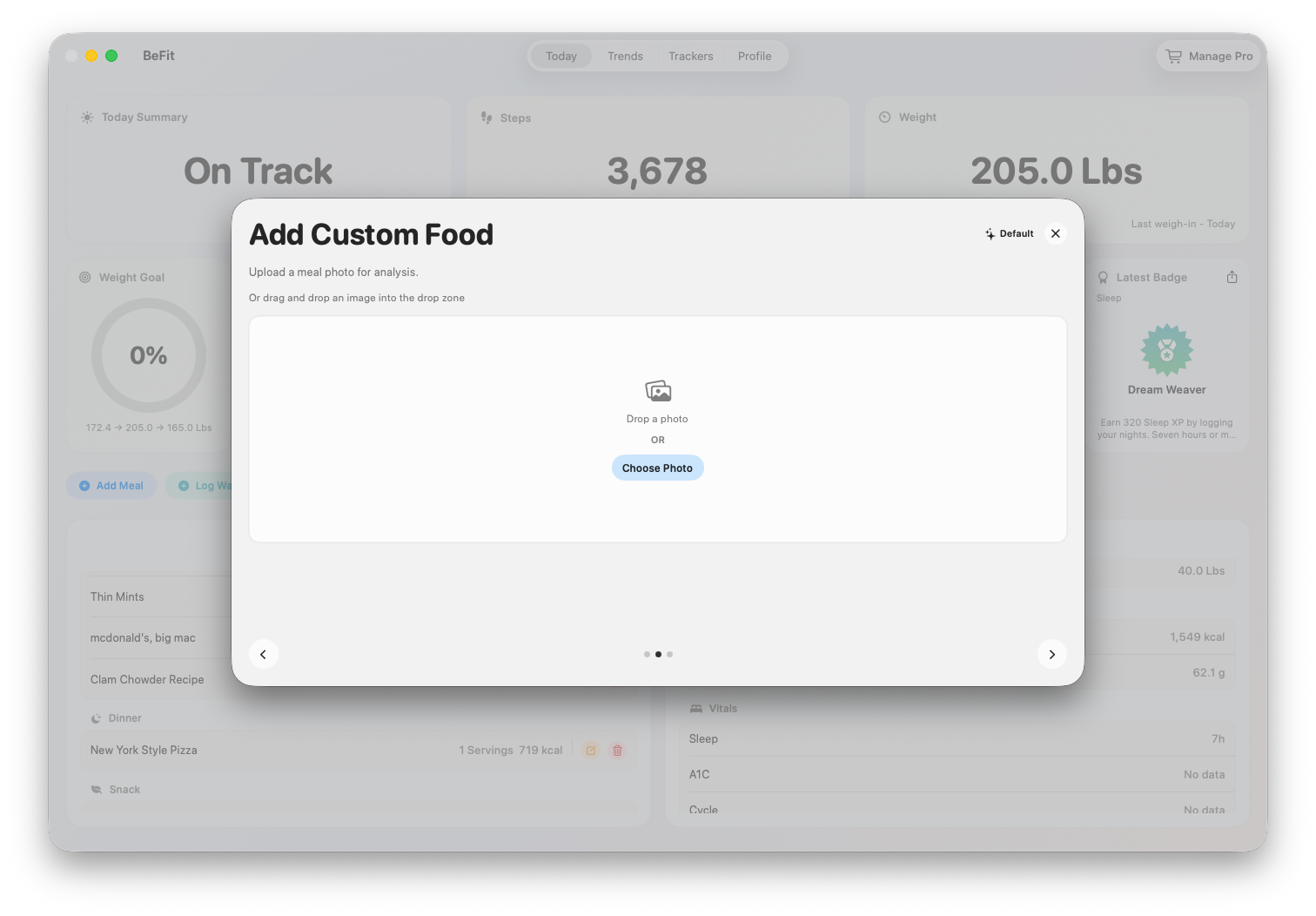
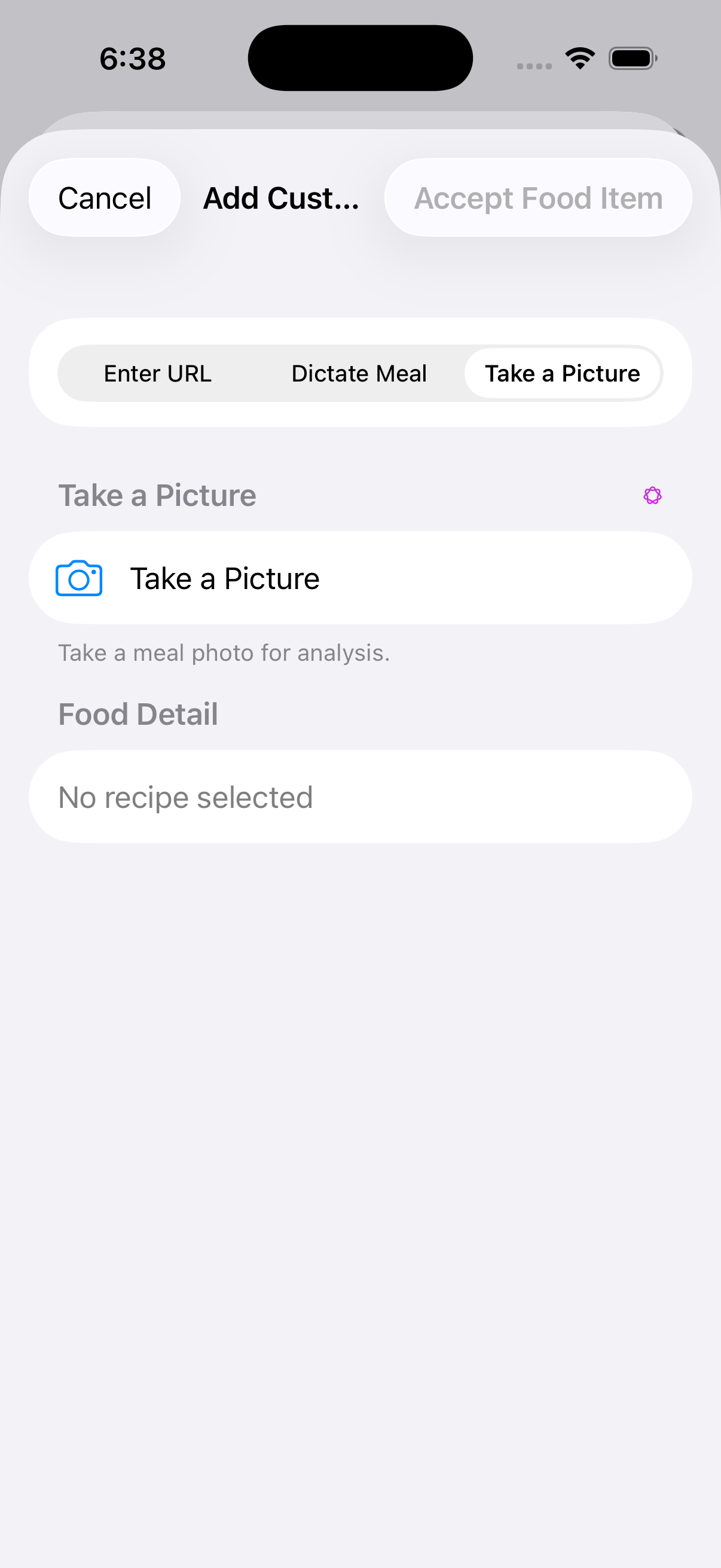
Use a picture on an eligible iPhone
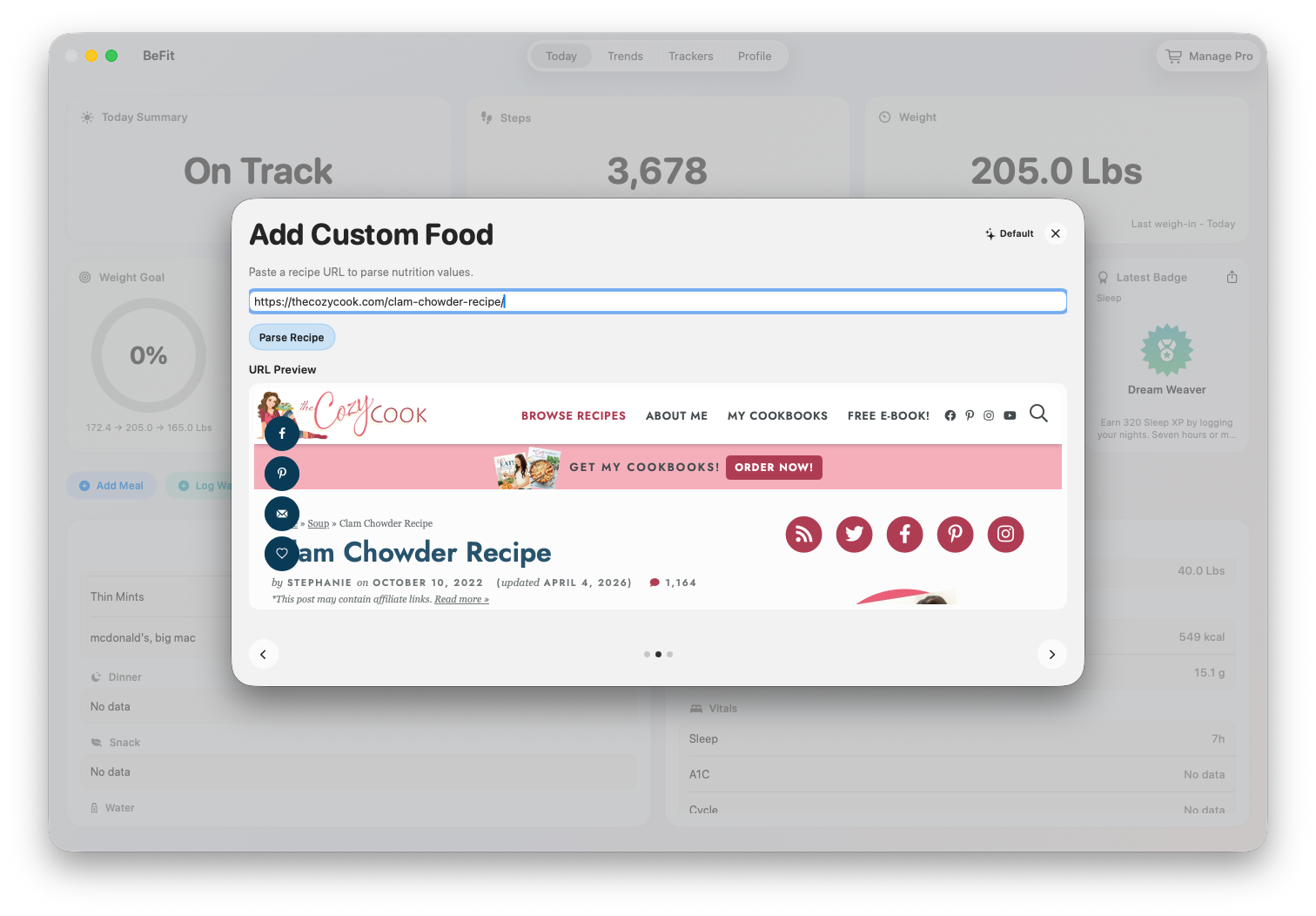
These paths help discover recipe candidates. Neither path treats a spoken description or photograph as authoritative nutrition.Mac presents manual, recipe, provider-assisted, and Open Food Facts starting points together.URL import is one of the Mac entry points when a public recipe already exists.Dictation can land in a reviewed food after you confirm the match.
Review before saving
Confirm the title, source, serving, ingredients, and nutrition that are available. Provider-assisted results are suggestions; a photograph or dictated description does not create authoritative nutrition automatically.
Open the candidate recipe
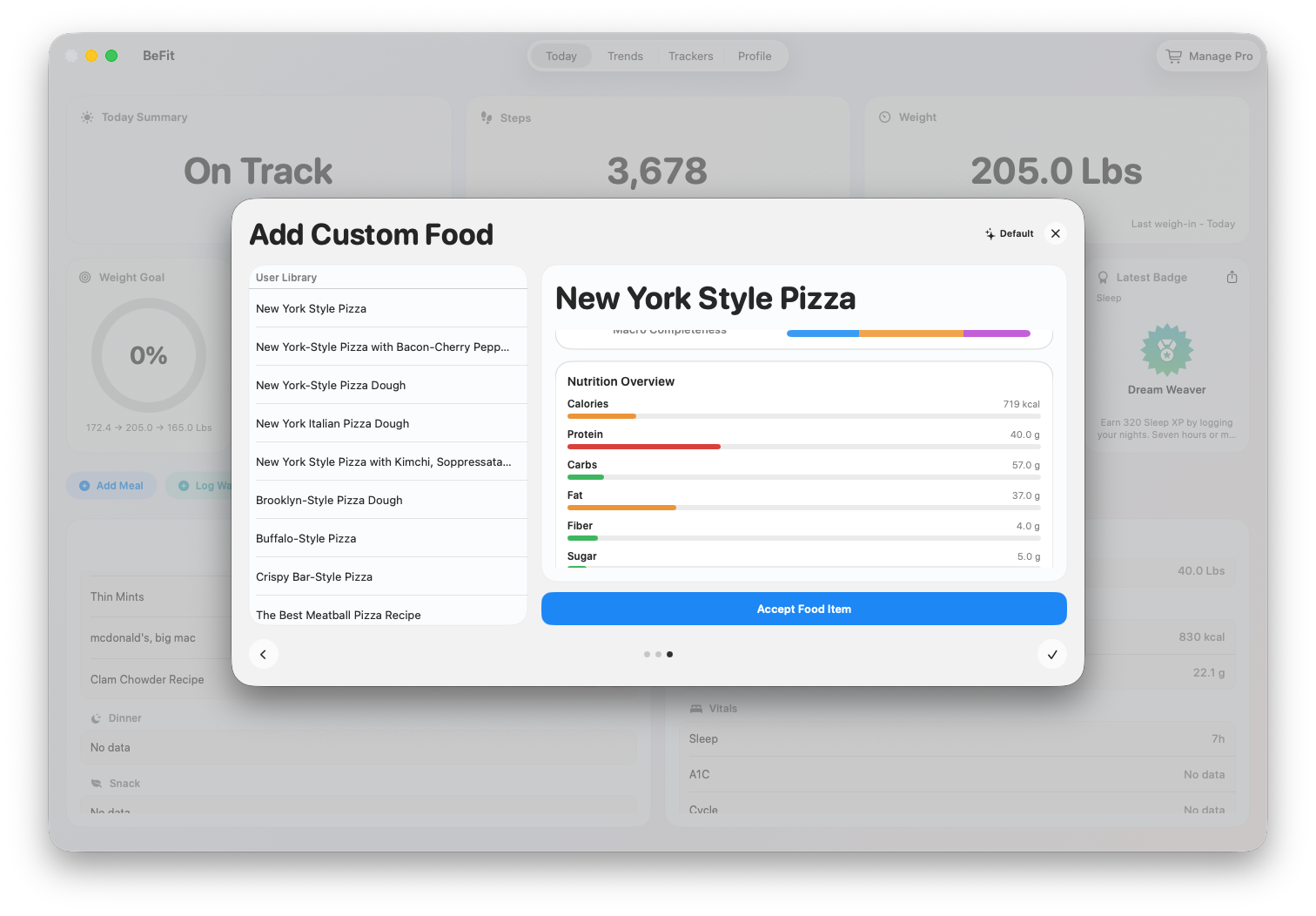
Accept only after reviewing it
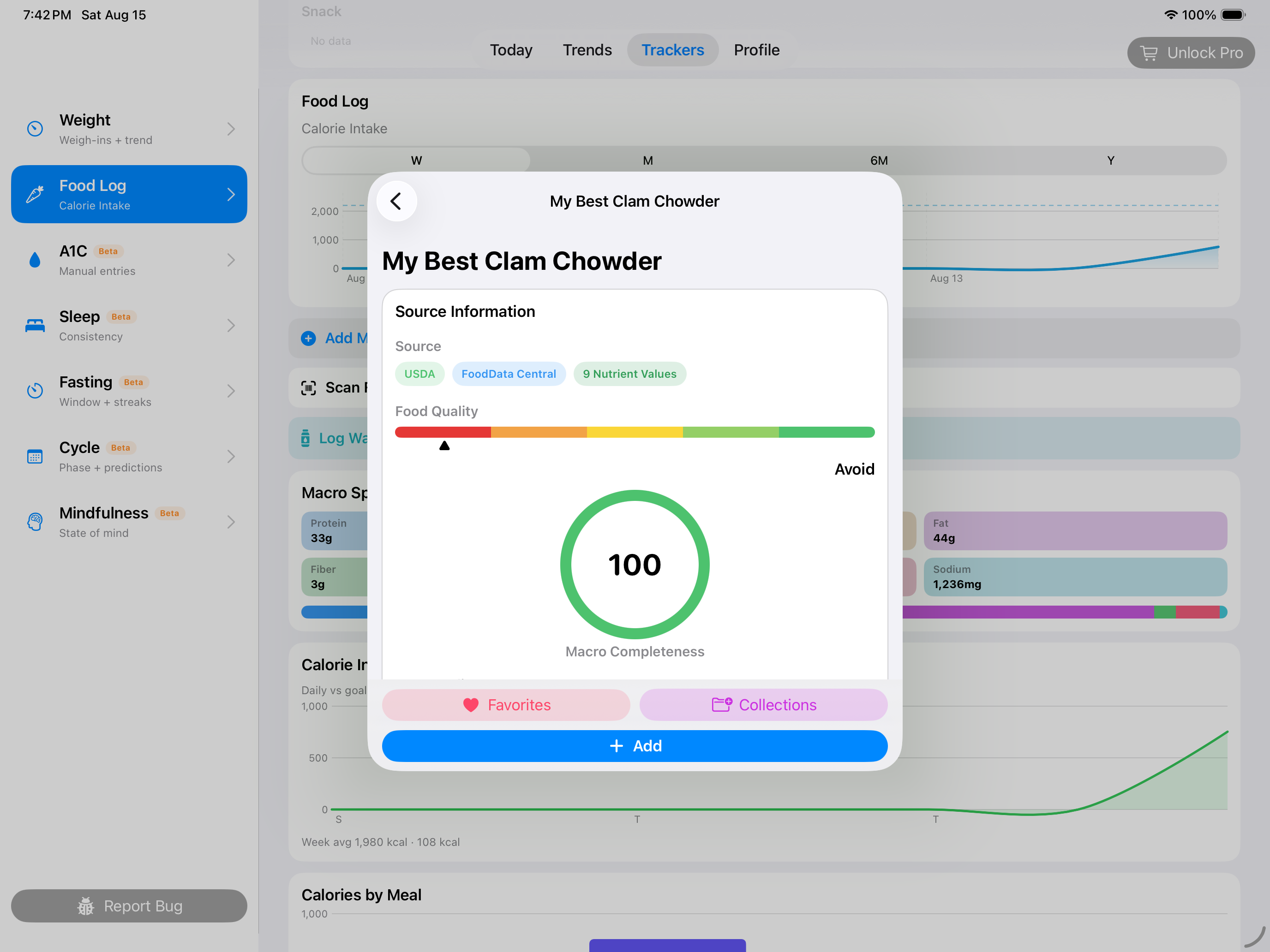
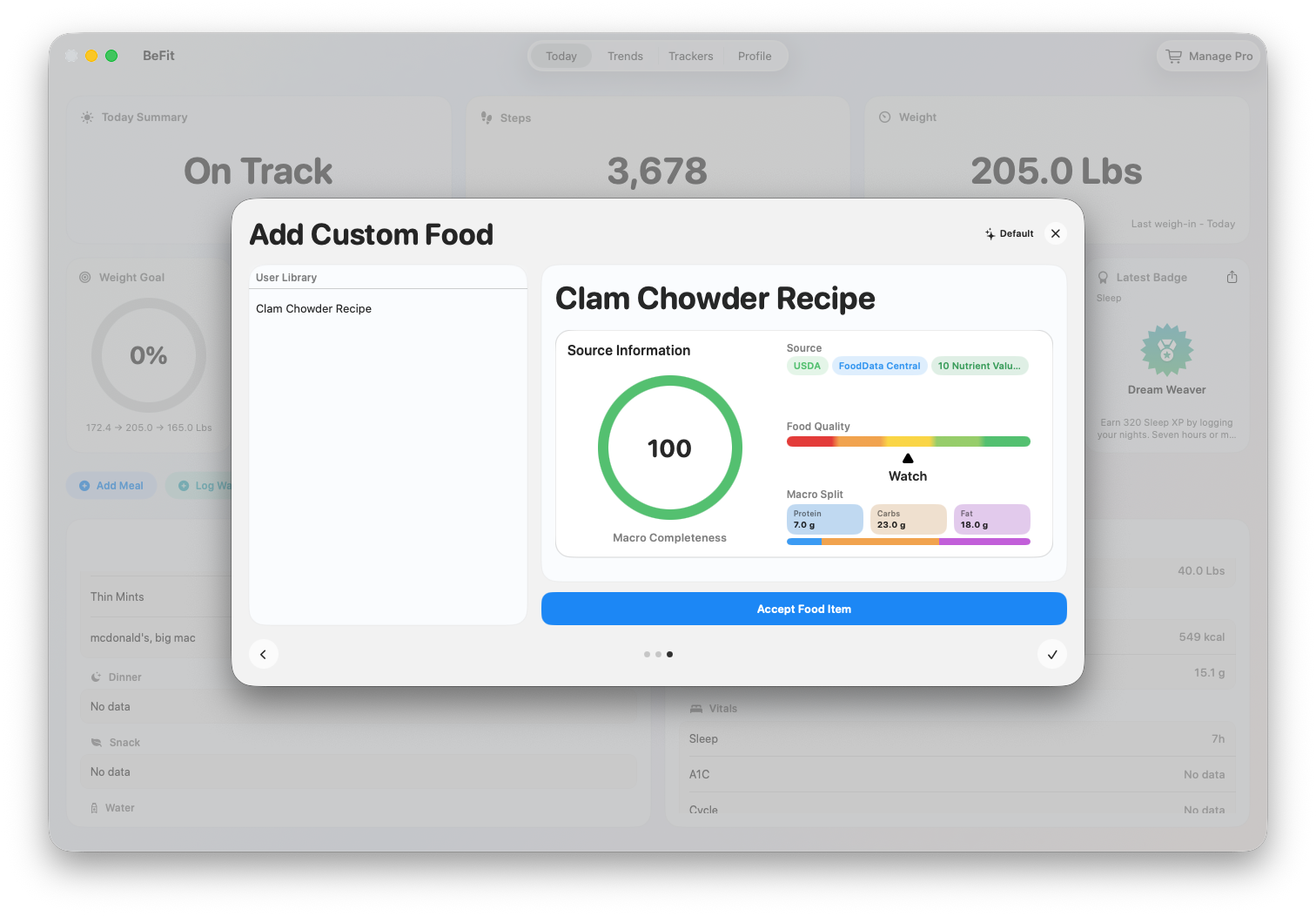
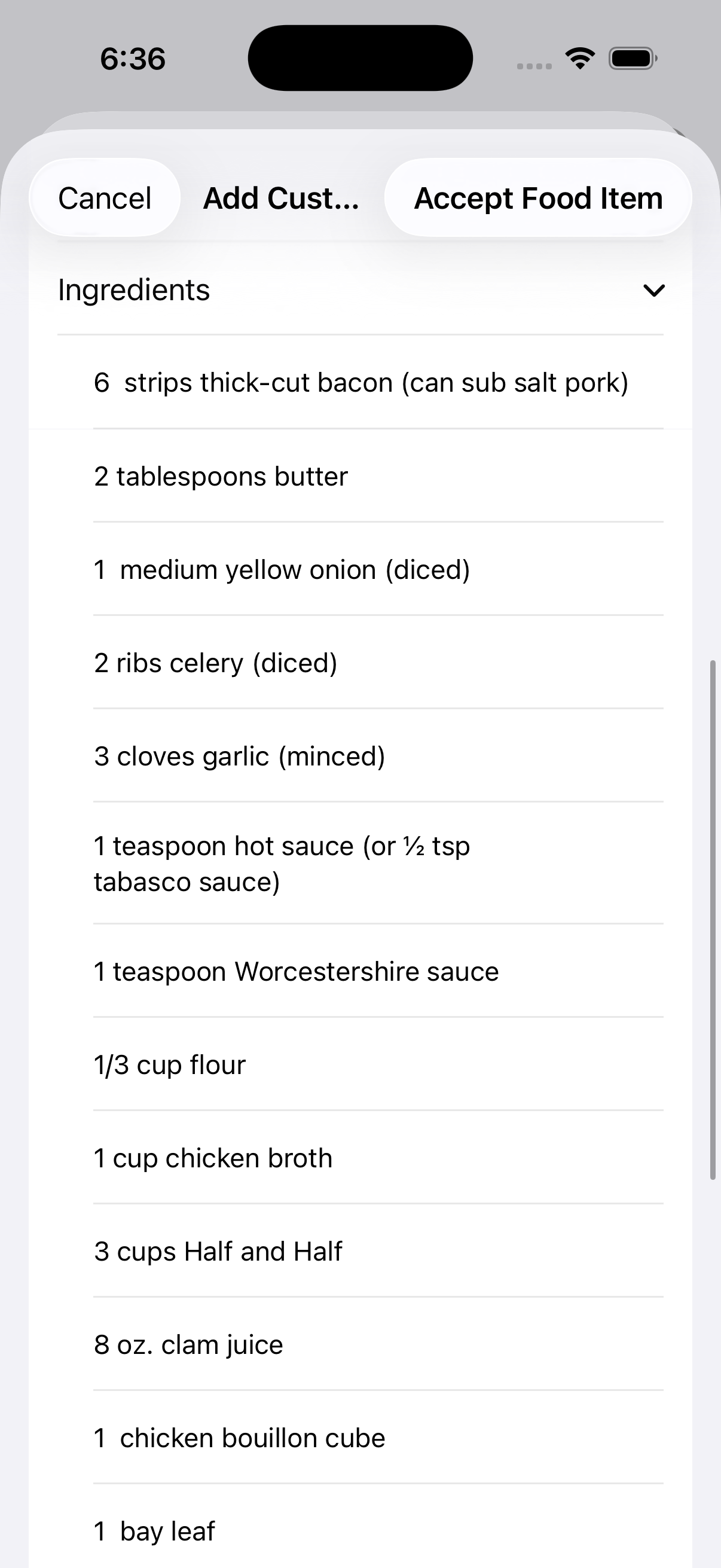
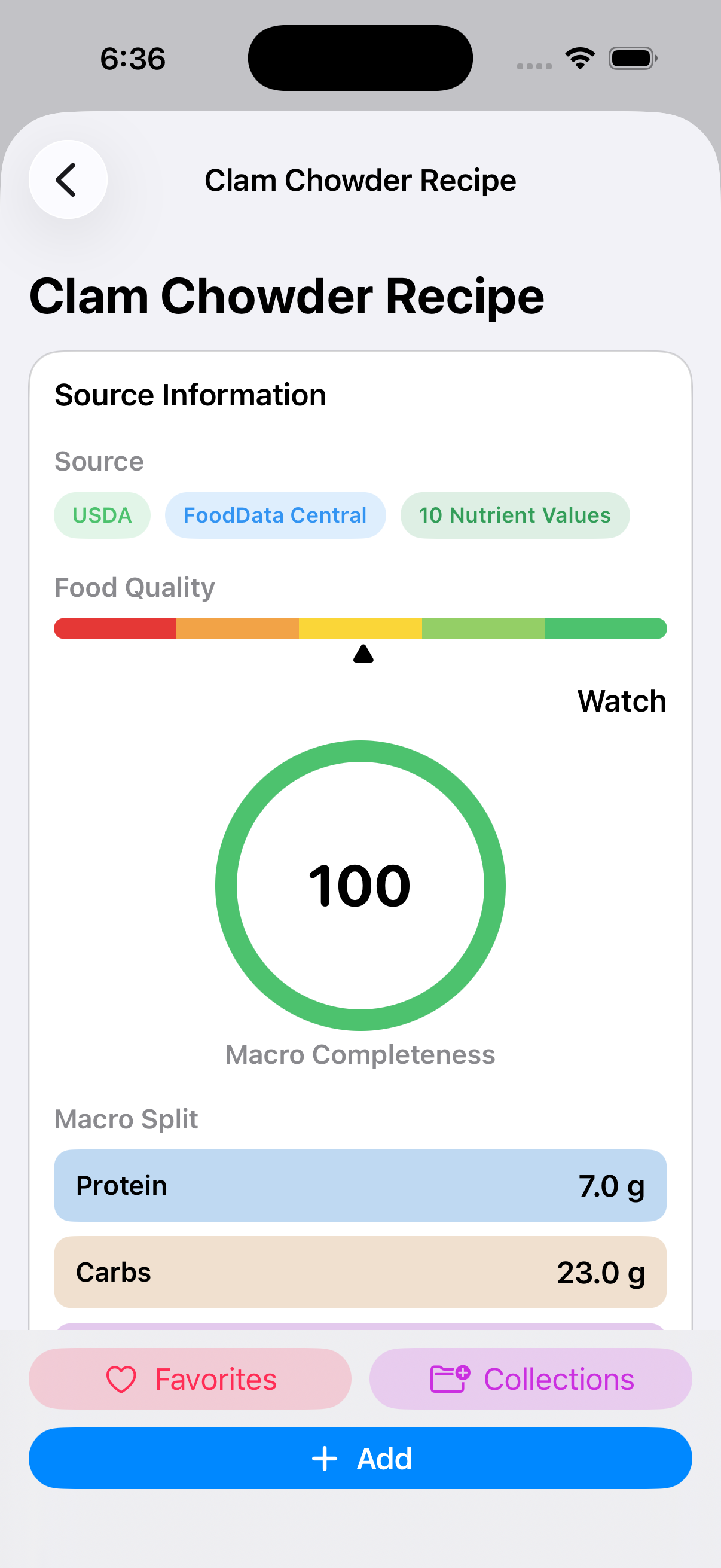
Check the recipe source, ingredients, yield, and calculated nutrition before making it part of your library.
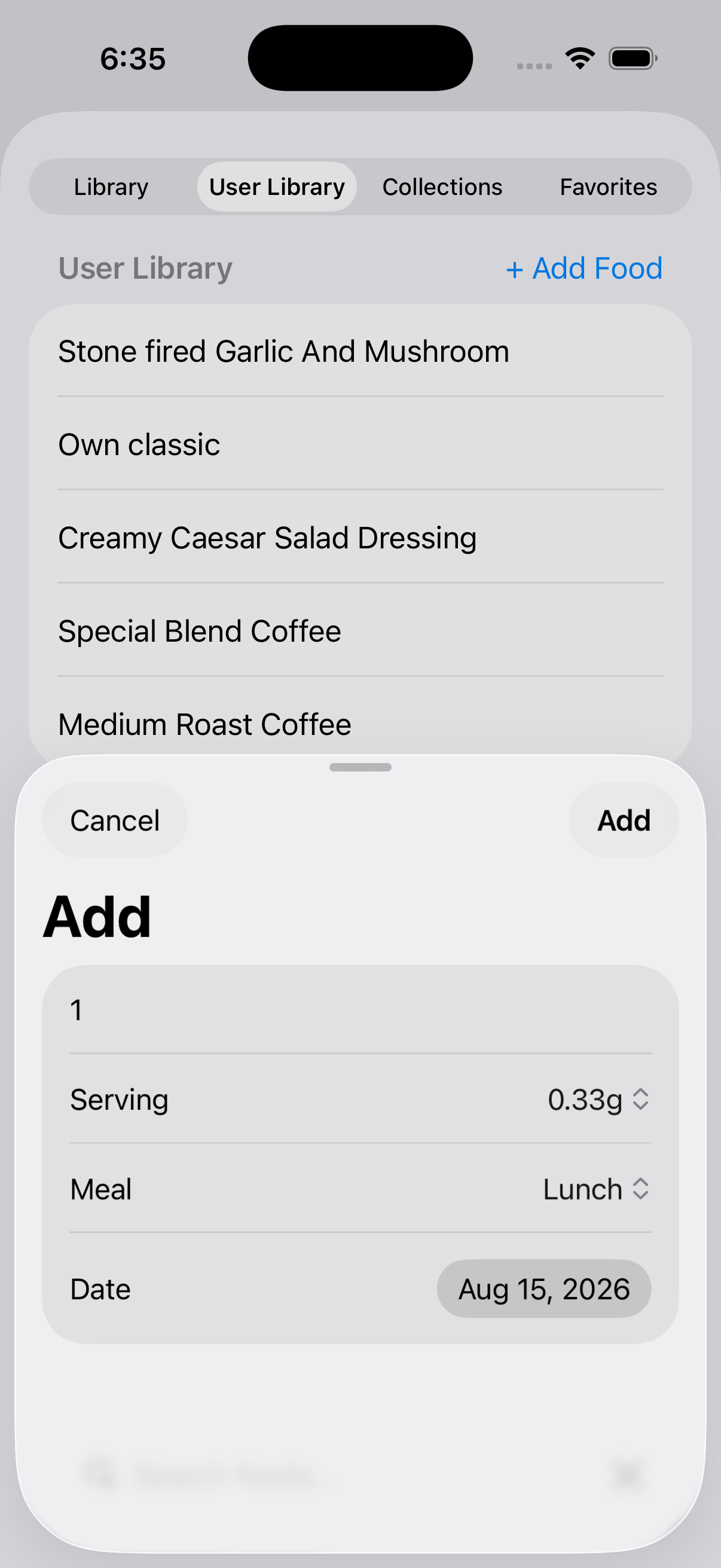
Keep the reviewed food for reuse
Reopen its nutrition at any time
Saving creates a reusable personal food. Review it again whenever the source recipe or your serving assumptions change.
iPhone and iPad
On an eligible iPhone, Take a Picture uses Apple Vision classification inside an Apple Intelligence workflow. The option is hidden when Apple Intelligence is unavailable. BeFit Tracker uses the analysis to search public recipe websites for possible matches. You choose and review the recipe before importing it. Mobile food entry can also use dictation or a recipe URL.
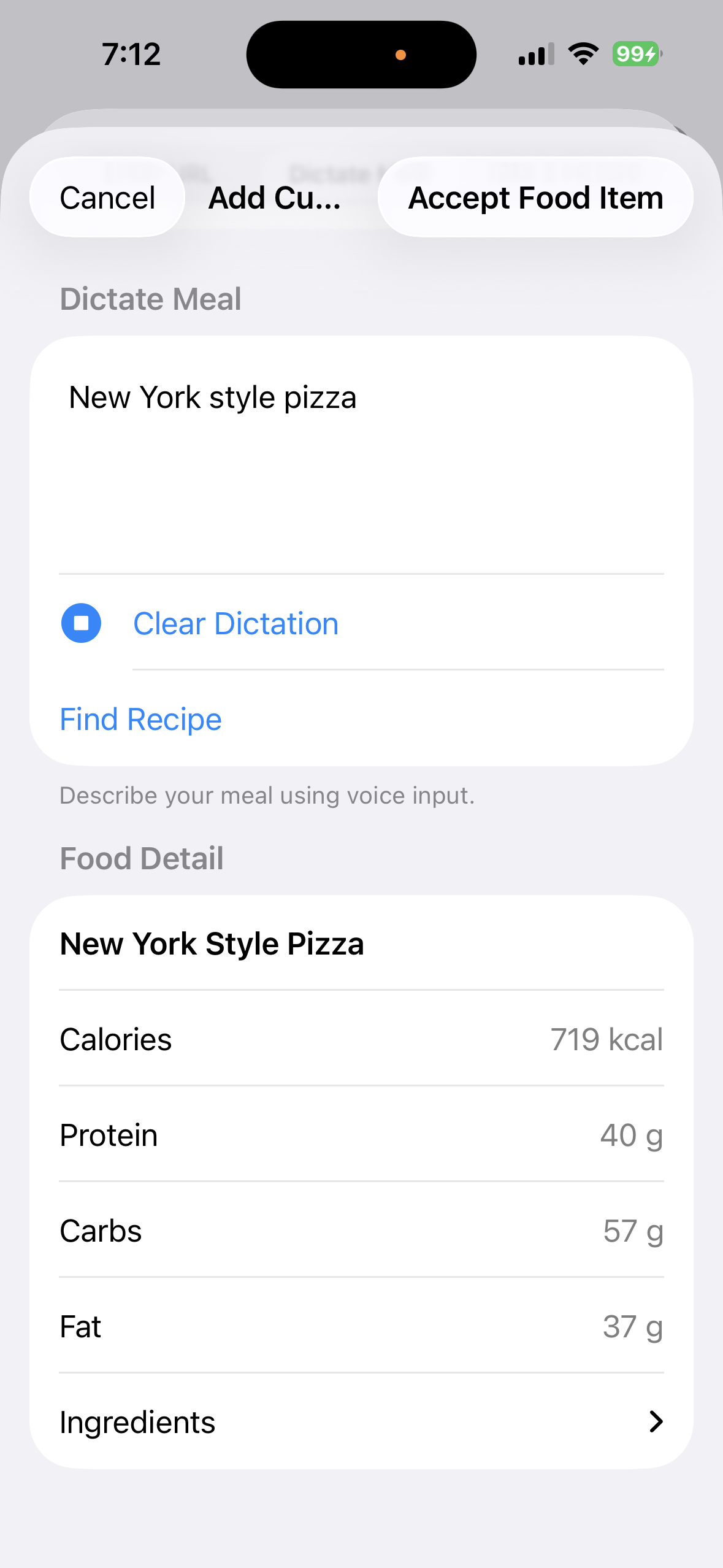
The same candidate-and-review structure is visible in the dictated workflow:
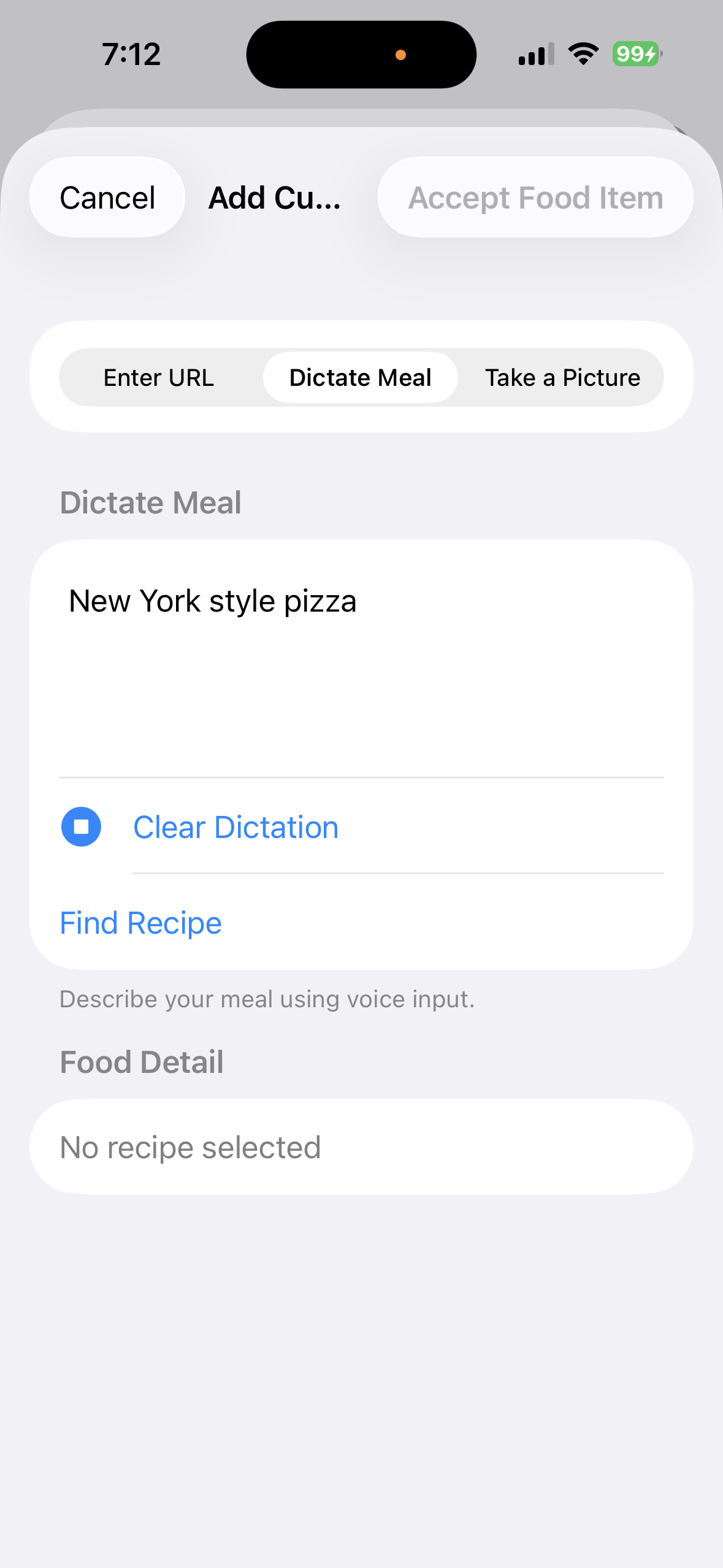
1. Review the description
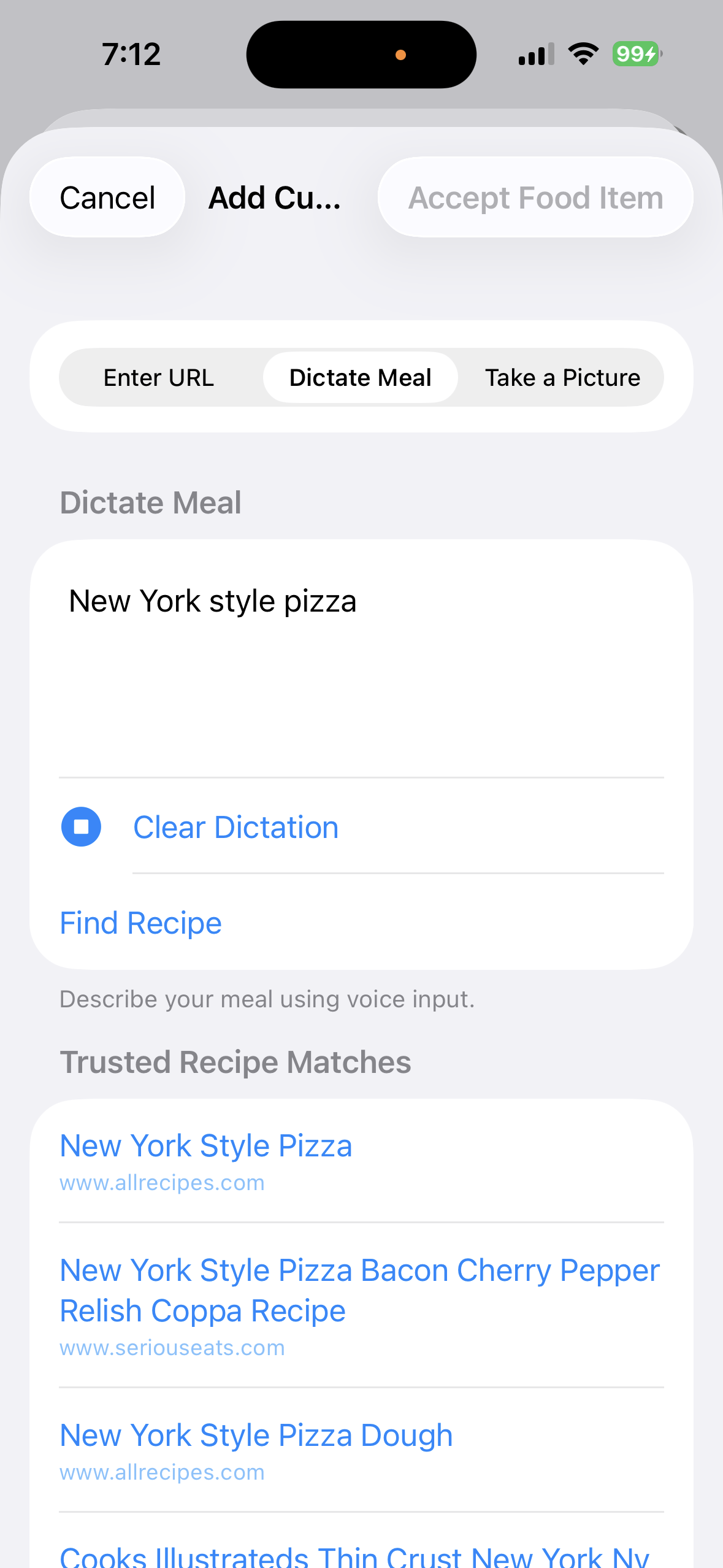
2. Choose a trusted match
Correct the description first, then choose among recipe candidates rather than accepting the first result automatically.
3. Inspect ingredients and nutrition
4. Keep the reviewed food
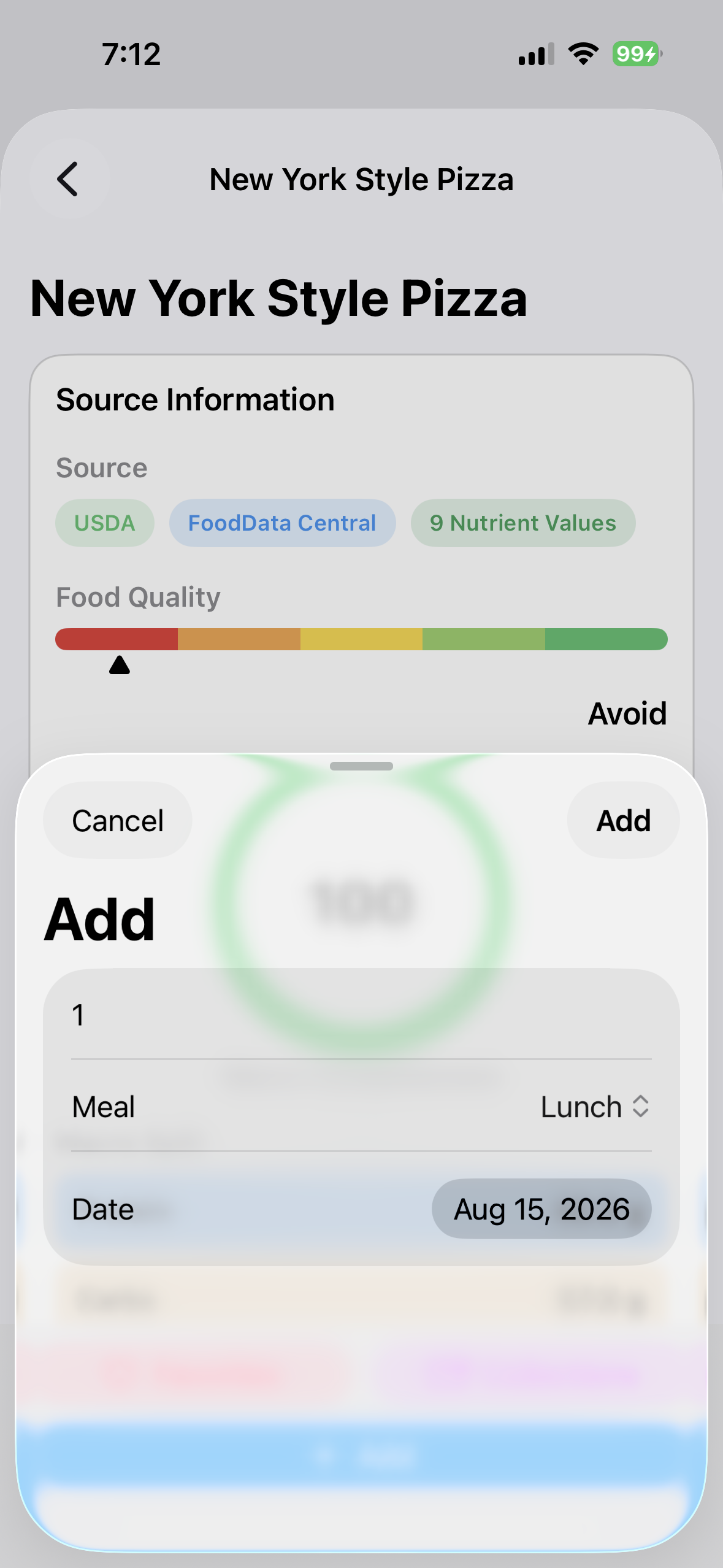
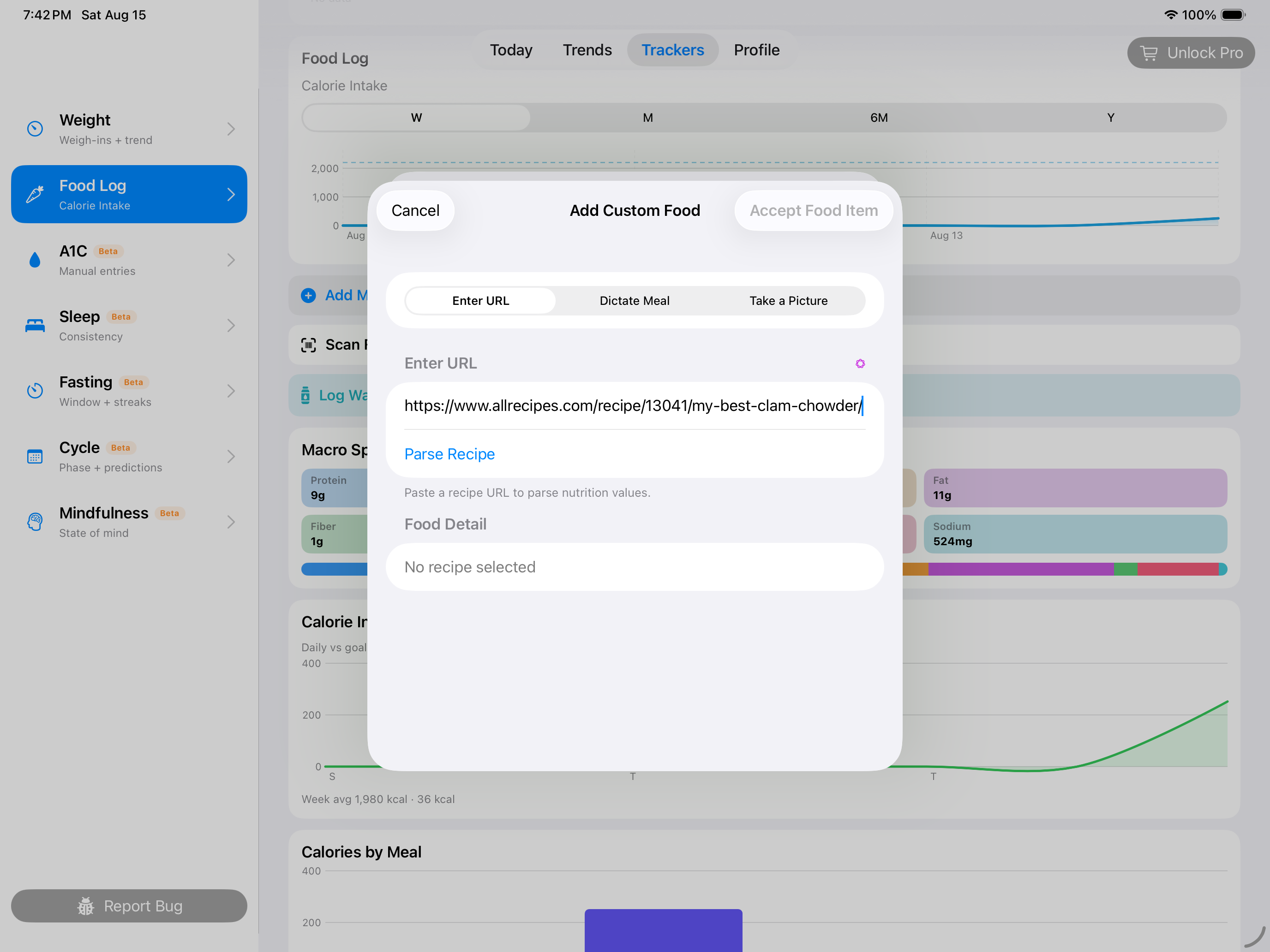
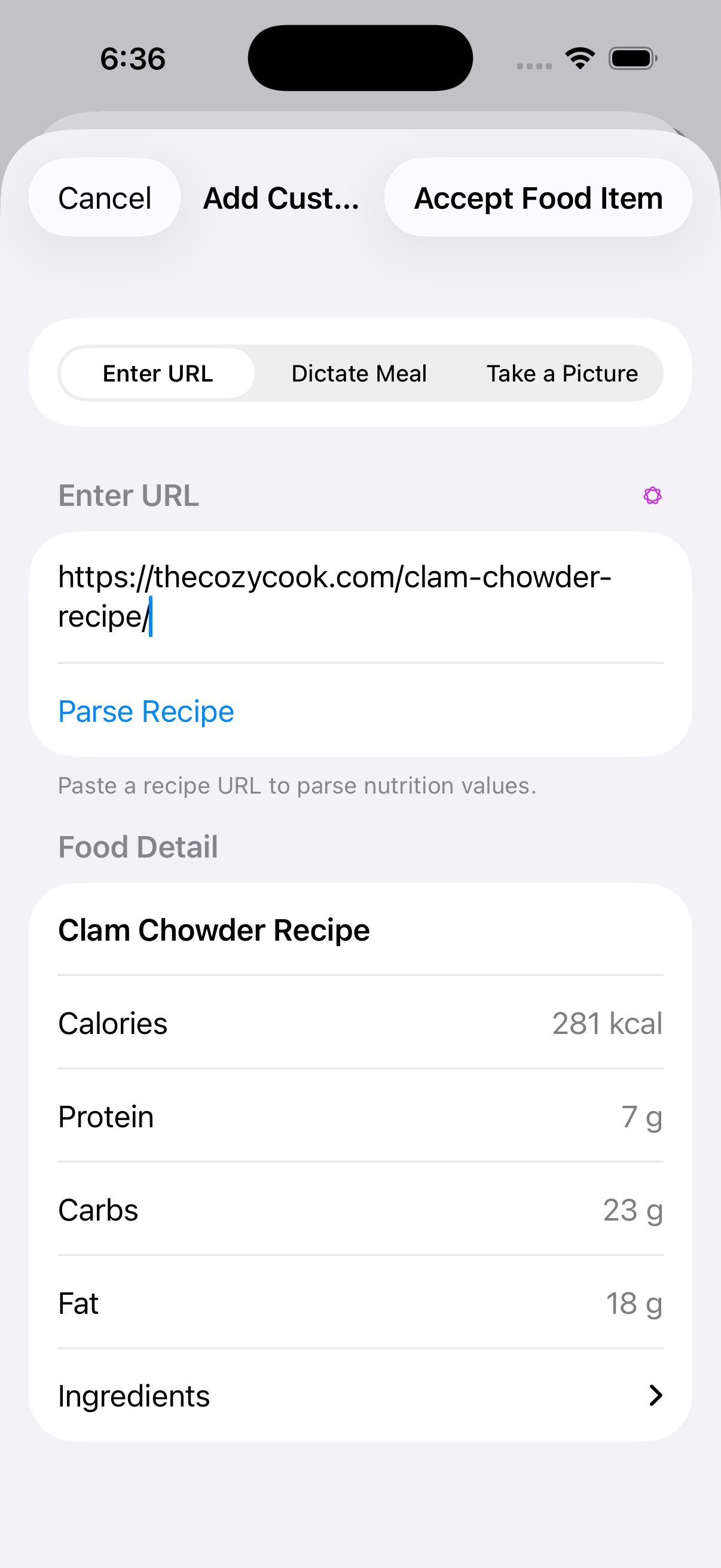
The accepted recipe becomes a reusable food in your User Library.Paste a recipe URL, review the retrieved recipe, and accept it only when the details look right.
Check the transcript before searching
Compare the recipe with the dish
Correct recognition errors before searching, then reject candidates whose ingredients or preparation do not match.After accepting the reviewed recipe, choose the meal, date, and serving amount for this particular log entry.On iPad, paste the public recipe URL and continue to the same source and nutrition review before accepting it.A reviewed recipe remains inside a focused sheet on iPad before it is accepted into the User Library.
Mac
Mac can use a configured OpenAI, Claude, or local Ollama provider for supported assisted workflows. Provider availability, network access, and the model you configure affect the result.
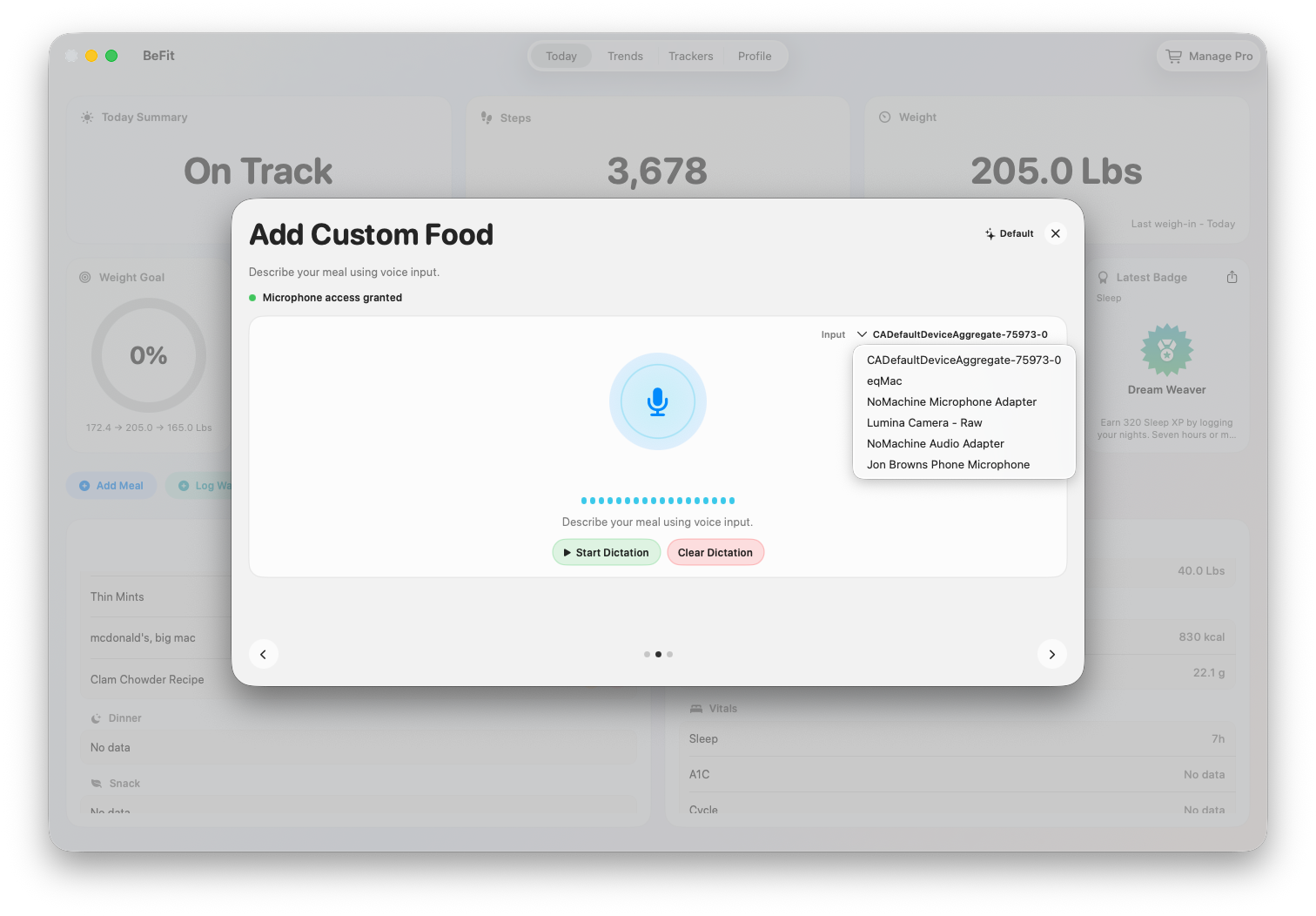
Review the dictated query before sending it to the configured AI integration.Compare candidate sources, ingredients, and serving assumptions before choosing a recipe.A photo helps identify a likely dish; it does not measure ingredients, portion size, or nutrition from pixels.Only the food you explicitly accept becomes a reusable User Library item.Mac presents manual, recipe, provider-assisted, and Open Food Facts starting points together.Dictation helps narrow the candidate recipe before you decide what to save.
Your privacy
Cookies, kept simple.
We use browser storage only to remember your choice. BeFit Tracker does not use advertising or analytics cookies.
 BeFit Tracker Help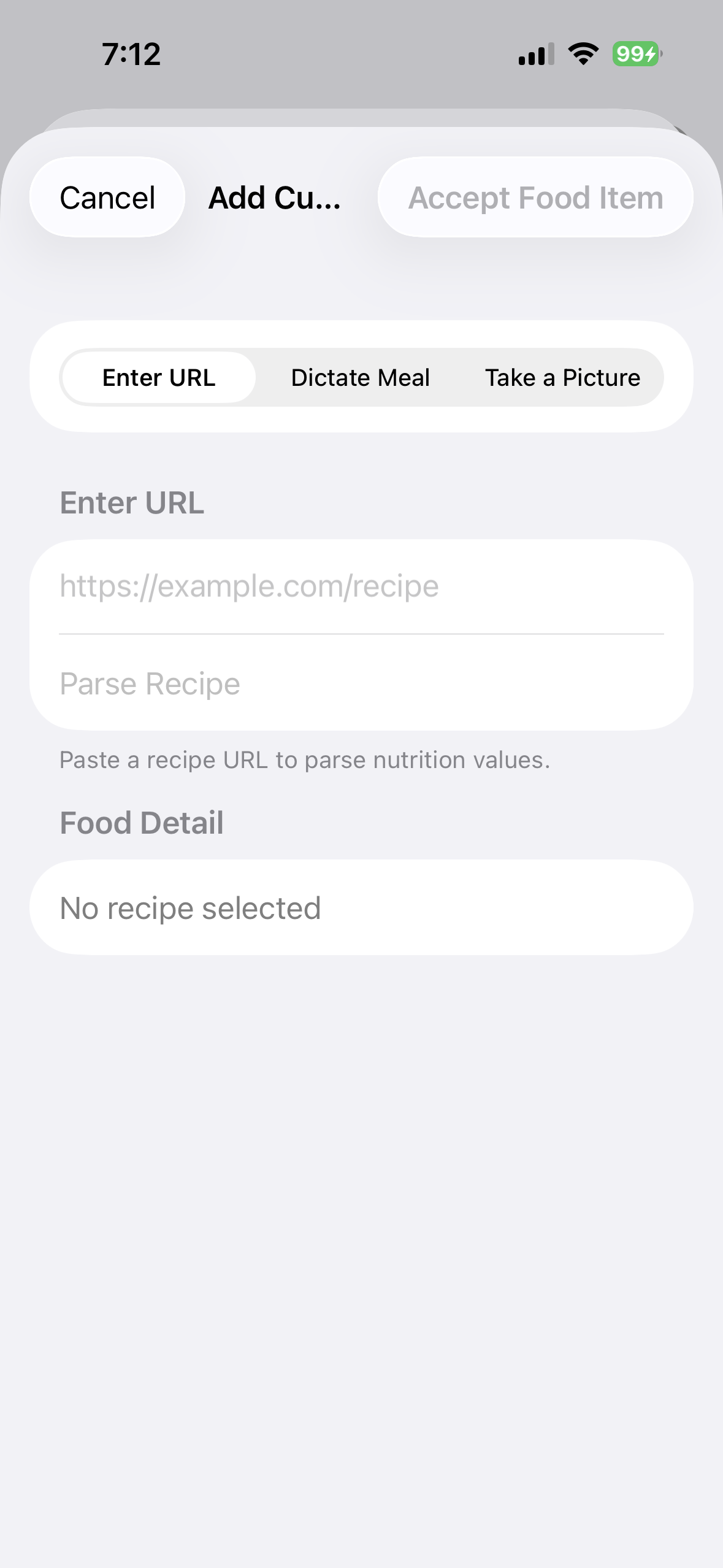
 Describe a dish by voice
 Use a picture on an eligible iPhone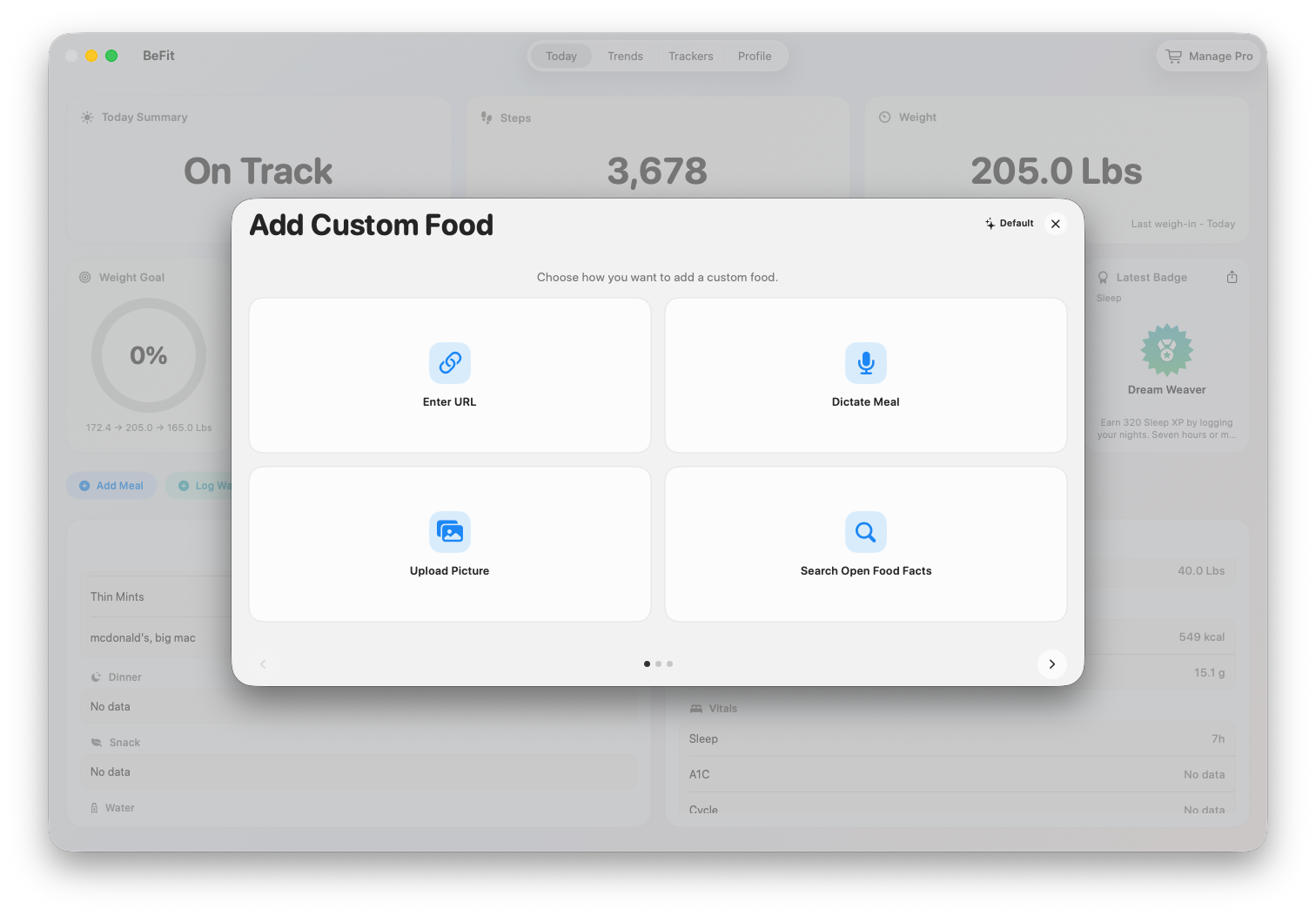
 Open the candidate recipe
 Accept only after reviewing it
 Keep the reviewed food for reuse
 Reopen its nutrition at any time
 1. Review the description
 2. Choose a trusted match
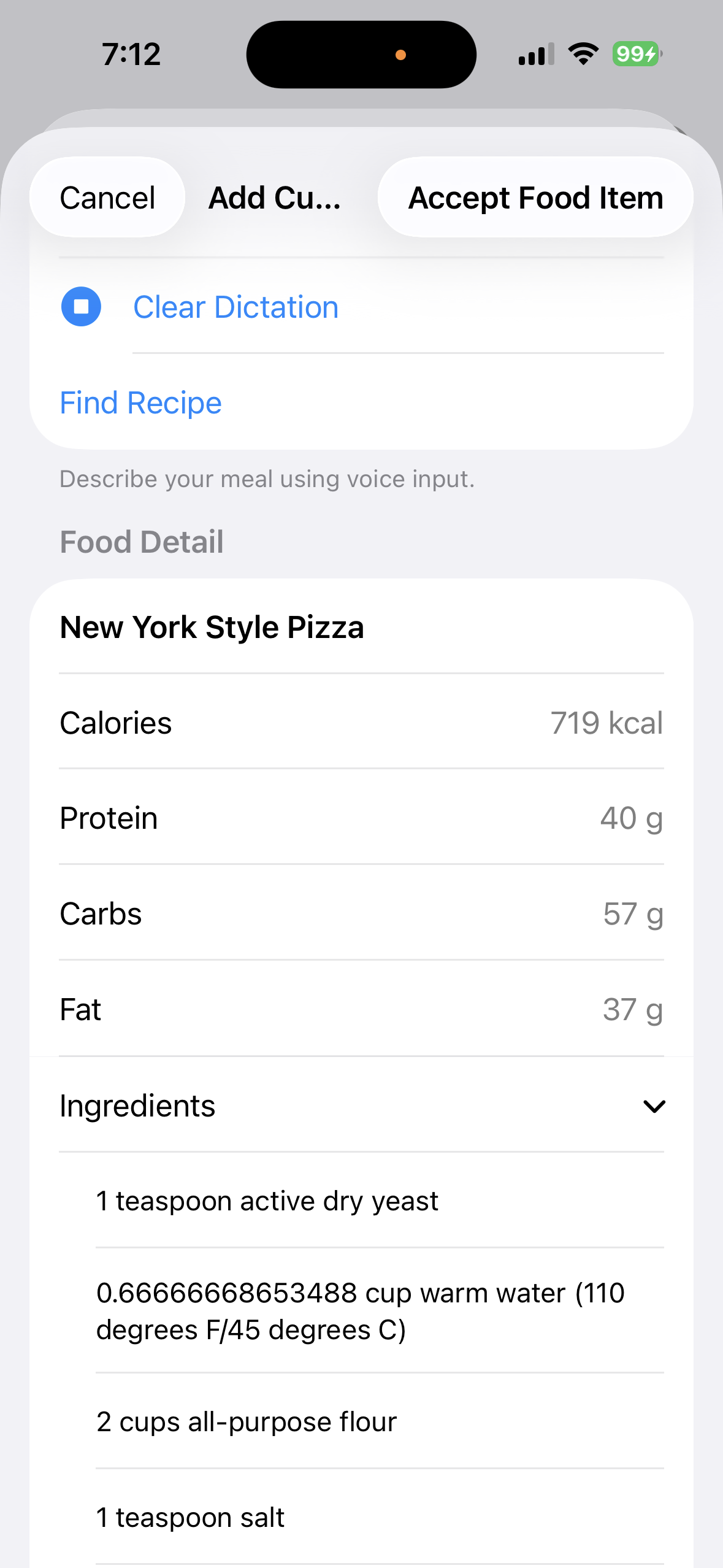 3. Inspect ingredients and nutrition
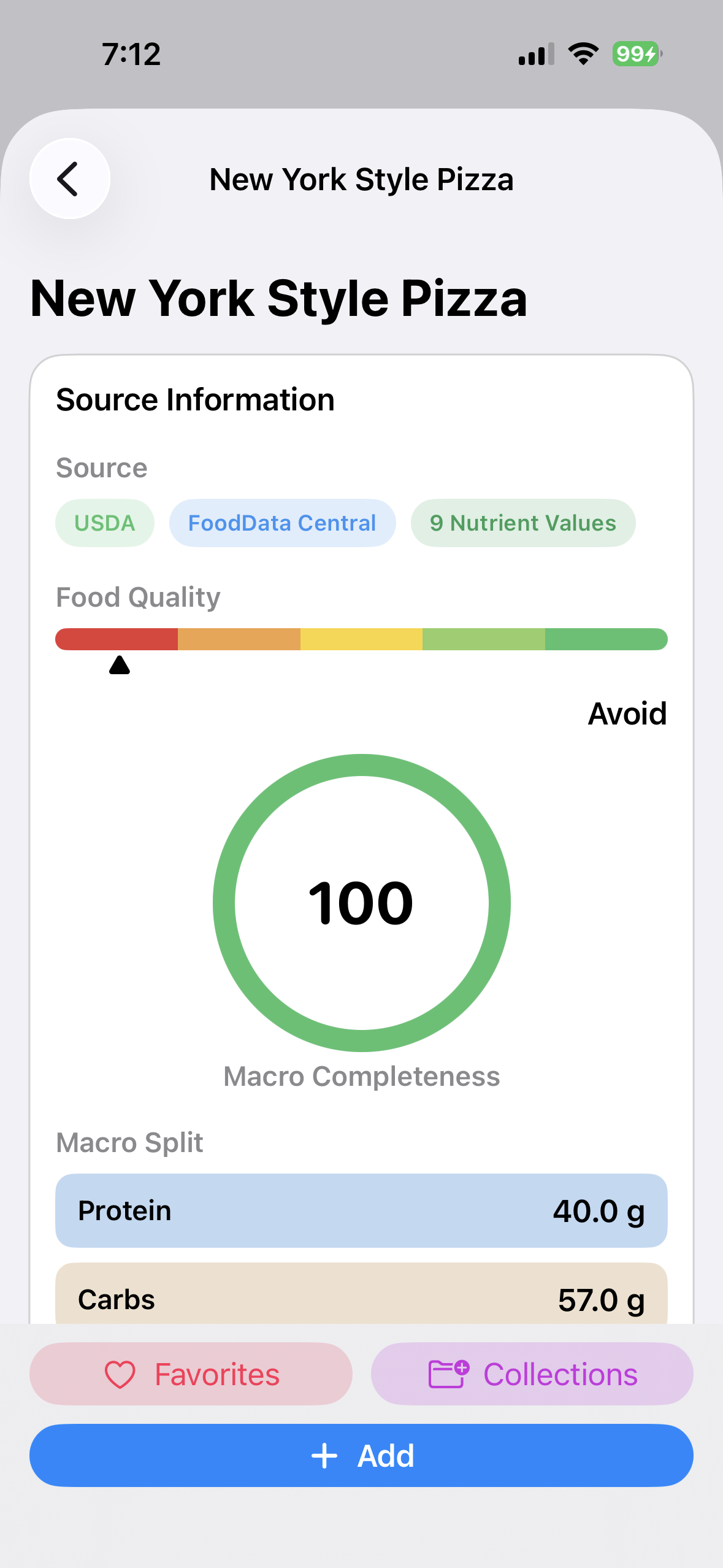 4. Keep the reviewed food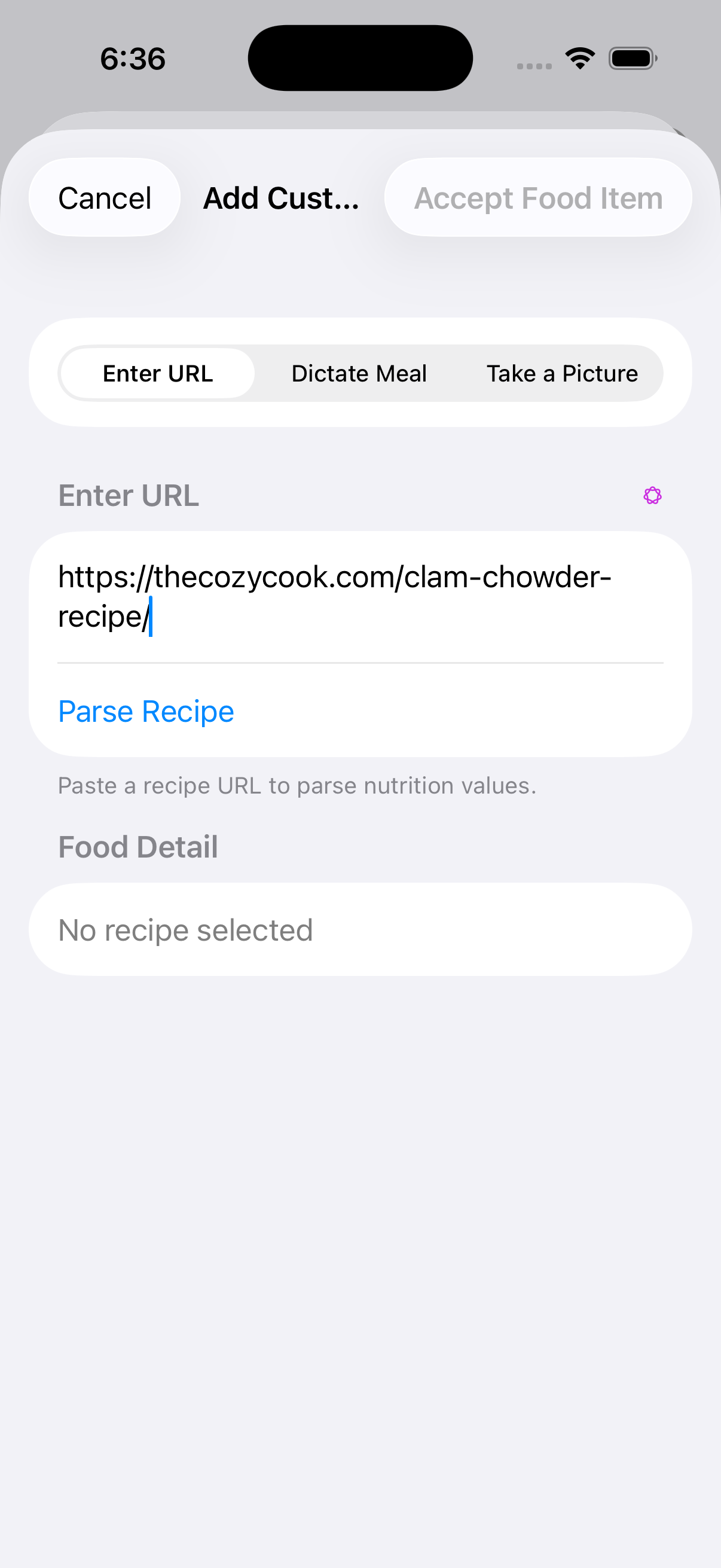
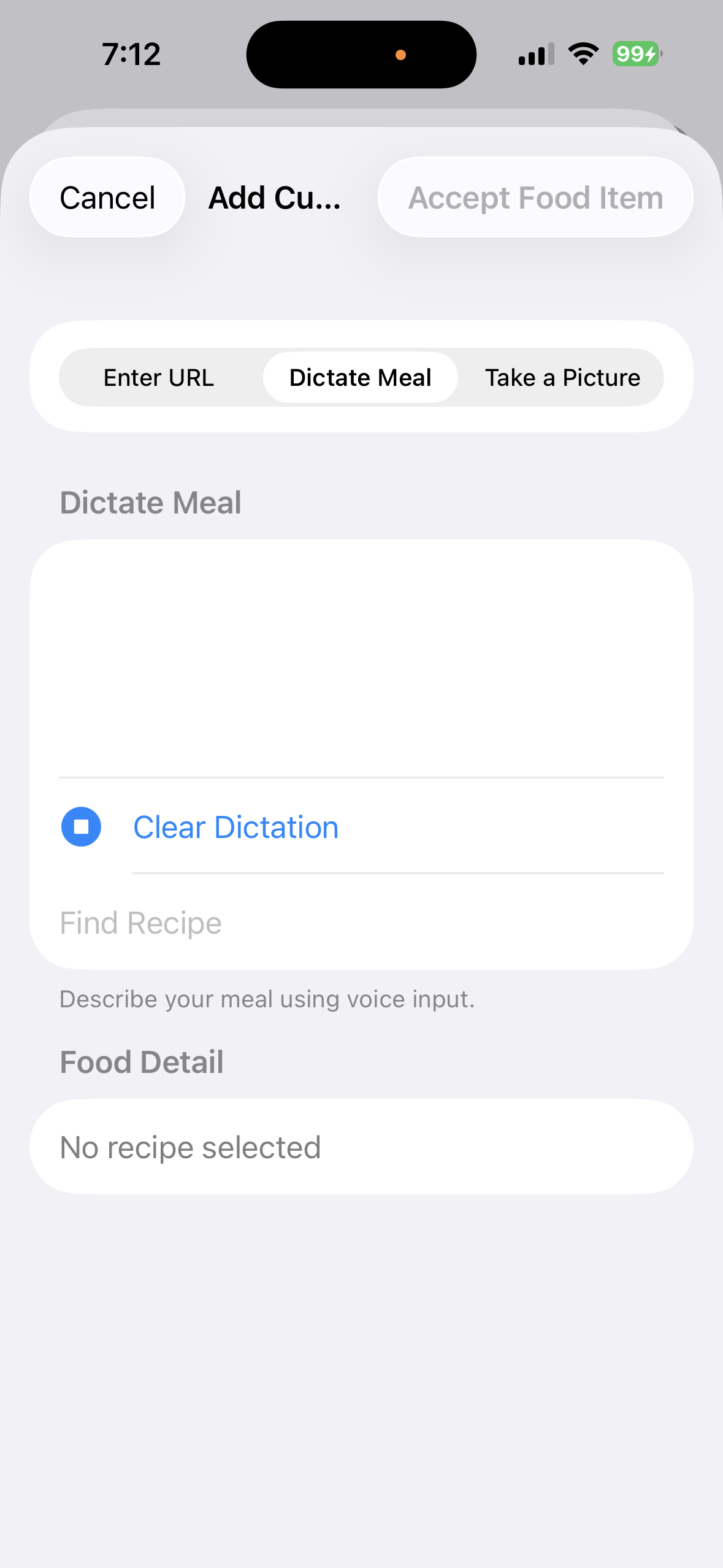 Check the transcript before searching
 Compare the recipe with the dish